

AirCodum ✓
Control VS Code and code, right from your phone, with AI!
Verdict
A quick read before you dig into the full page.
- Best if
- Control VS Code and code, right from your phone, with AI!
- Skip if
- Limited voice commands
- Pick this when
- Smartphone-based remote control
Considering Rift-code instead? Compare side by side
Overview


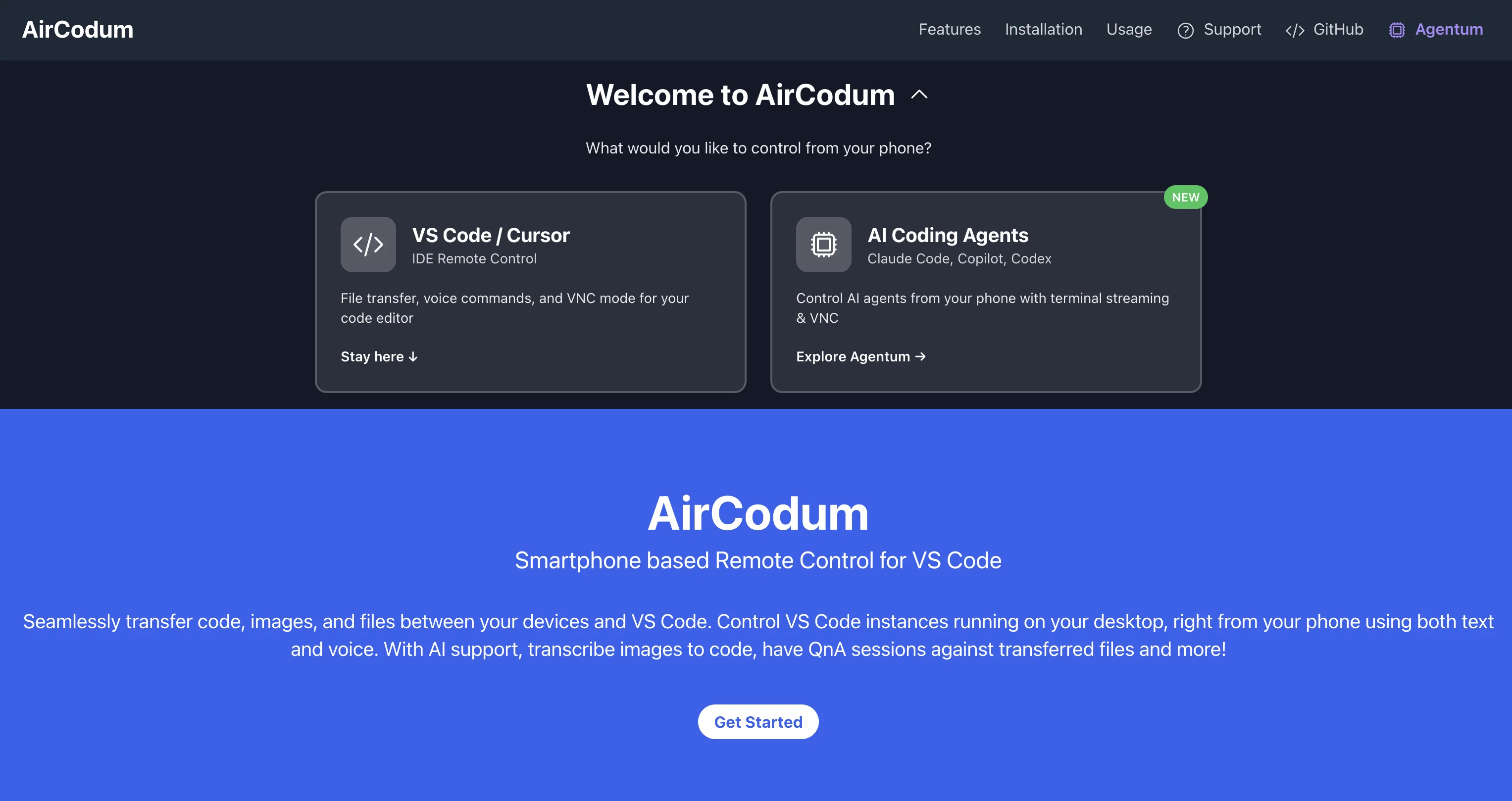
AirCodum is a tool designed to offer smartphone-based remote control for Visual Studio Code (VS Code). This tool allows users to control VS Code instances running on their desktop directly from their mobile devices.
It provides features like seamless transfer of code, files, and images between the user's phone and VS Code. Moreover, AirCodum provides voice commands for interaction with the VS Code environment.
It introduces a VNC mode, enabling users to remotely control VS Code, which proves useful in entrusting long-running tasks or making changes to codebases during unavoidable absences.
Users can monitor VS Code terminal output remotely, allowing visibility on tasks from anywhere. Another noteworthy feature of AirCodum is the capability to transform camera-captured whiteboard designs or handwritten notes into actual code with AI assistance.
It also enables instant code sharing from phones to VS Code, bypassing the need for emailing or using third-party services. AirCodum comes with an extension for VS Code and a mobile app which can be easily connected with a dedicated IP address and port number to communicate and transfer files or commands.
For optimal performance, it is suggested that both devices should be on the same Wi-Fi network, and for remote access, Tailscale could be utilized.
Best for
Short scenarios where AirCodum tends to shine.
-
Control VS Code and code, right from your phone, with AI!
Example outputs 1
Sample generations and before/after results for AirCodum.
Access & connections
Where you can use AirCodum, and what it plugs into.
Platforms
Integrations
Capabilities
What this tool accepts, produces, and is strongest at.
Input
- Image
- Text
- Audio
Output
- Code
- API
- Text
Highlights
- Local
- No Signup
Supported features
- Runs Locally
- No Signup
- CLI
Pros & cons
Pros
- Smartphone-based remote control
- Seamless code transfer
- File and image transfer
- Voice command interaction
- VNC mode for remote control
- VC terminal output monitoring
- Camera-captured designs transform
- Handwritten notes to code
Show 42 more
- Instant code sharing
- AirCodum VS Code extension
- Dedicated IP and port communication
- Optimized for same Wi-Fi network
- Tailscale for remote access
- Mobile-to-desktop transfer
- VS Code instance control
- Mobile app for remote control
- Interactive QnA sessions
- Tasks visibility from anywhere
- File transfer bypassing email
- Tasks visibility from anywhere
- AirCodum mobile app
- Real-time collaboration with mobile
- AFK mode for remote control
- Control during unavoidable absences
- Whiteboard design to code
- Instant screenshot sharing
- Image to code conversion
- No third-party services required for sharing
- Extension and mobile app updates
- Custom keyboard with VC commands
- Remote Access using Tailscale
- Commands for quick actions
- VNC Mode for real-time control
- VS Code command auto-complete
- Supported VS Code commands
- Vast list of voice commands
- Handwritten notes recognition
- Instant code sharing
- VS Code Extension
- Wi-Fi based optimal performance
- Mobile-to-Desktop code sharing
- Network Connectivity with Tailscale
- Handwritten notes to code capability
- Whiteboard Code Conversion
- Voice Commands in VS Code
- VNC Mode for remote control
- Remote Terminal Monitoring
- Allows working from Anywhere
- Enhances Coding Efficiency
- Tailscale integration for remote access
Cons
- Requires Tailscale for remote access
- Depends on stable Wi-Fi
- Limited to VS Code
- Limited voice commands
- Possible latency in file transfer
- Potential IP address and port configurations
- No direct multi-platform compatibility
Compare alternatives
Similar tools in the catalog.


People also view
Tools that often show up alongside AirCodum in collections and comparisons.

WP Now ✓
FreeOne click, every headline: Real-time global news at your fingertips.

Alumnium ✓
FreeAI-powered test automation from human instructions

TTSMaker ✓
FreemiumConvert text to natural speech in 100+ languages.

StatPecker ✓
FreemiumSmart insights for business, stunning visuals for creators.

Microsoft Copilot ✓
UnknownYour AI companion to inform, entertain, and inspire.

MeeBoss ✓
FreeChat directly with hiring managers. Get hired faster.

Ideogram ✓
FreemiumAI-powered creativity booster

DeepL ✓
FreemiumThe world's most accurate translator
Releases 1
Imported reviews 1
Really handy app, lets me control Virtual Studio Code from my phone, send over code or files in seconds, and even use voice commands.
FAQ 12
How can AirCodum help me control VS Code remotely?
What features does AirCodum offer for handling code, files, and images between my phone and VS Code?
How does the voice command feature in AirCodum work?
How does the VNC mode in AirCodum aid remote control of VS Code?
How does AirCodum allow me to monitor VS Code terminal output remotely?
How does AirCodum's AI-based feature convert whiteboard designs or handwritten notes into code?
What is the process for sharing code from a phone to VS Code using AirCodum?
How do I connect AirCodum's extension for VS Code with the mobile app?
What are the network requirements for optimal performance of AirCodum?
How does Tailscale assist in remote access when using AirCodum?
How do I install and run the AirCodum extension on VS Code and its app on my mobile device?
What are the supported VS Code commands that I can use with AirCodum?
Related tools
Recommended

Mind Map Wizard ✓
FreemiumGenerate mind maps with AI: free, no sign-up, no ads

Thea ✓
FreemiumAI study tools to master material, not just memorize it.

TheLibrarian.io ✓
Free TrialYour WhatsApp AI assistant for instant productivity.

PACT | Free Compliance Audit ✓
Free100% Free AI-powered website compliance audits in minutes.

CodeRabbit ✓
Free TrialEnhanced code review for improved workflow and quality.

DeepSeek ✓
FreeUnravel the mystery of AGI with curiosity