

AIPhotoEnhancer.Pro ✓
AI-powered photo enhancement in one click.
Free + from $9.99
Verdict
A quick read before you dig into the full page.
- Best if
- AI-powered photo enhancement in one click
- Skip if
- No watermark removal feature
- Pick this when
- Sharpening images
Considering Remini instead? Compare side by side
Overview
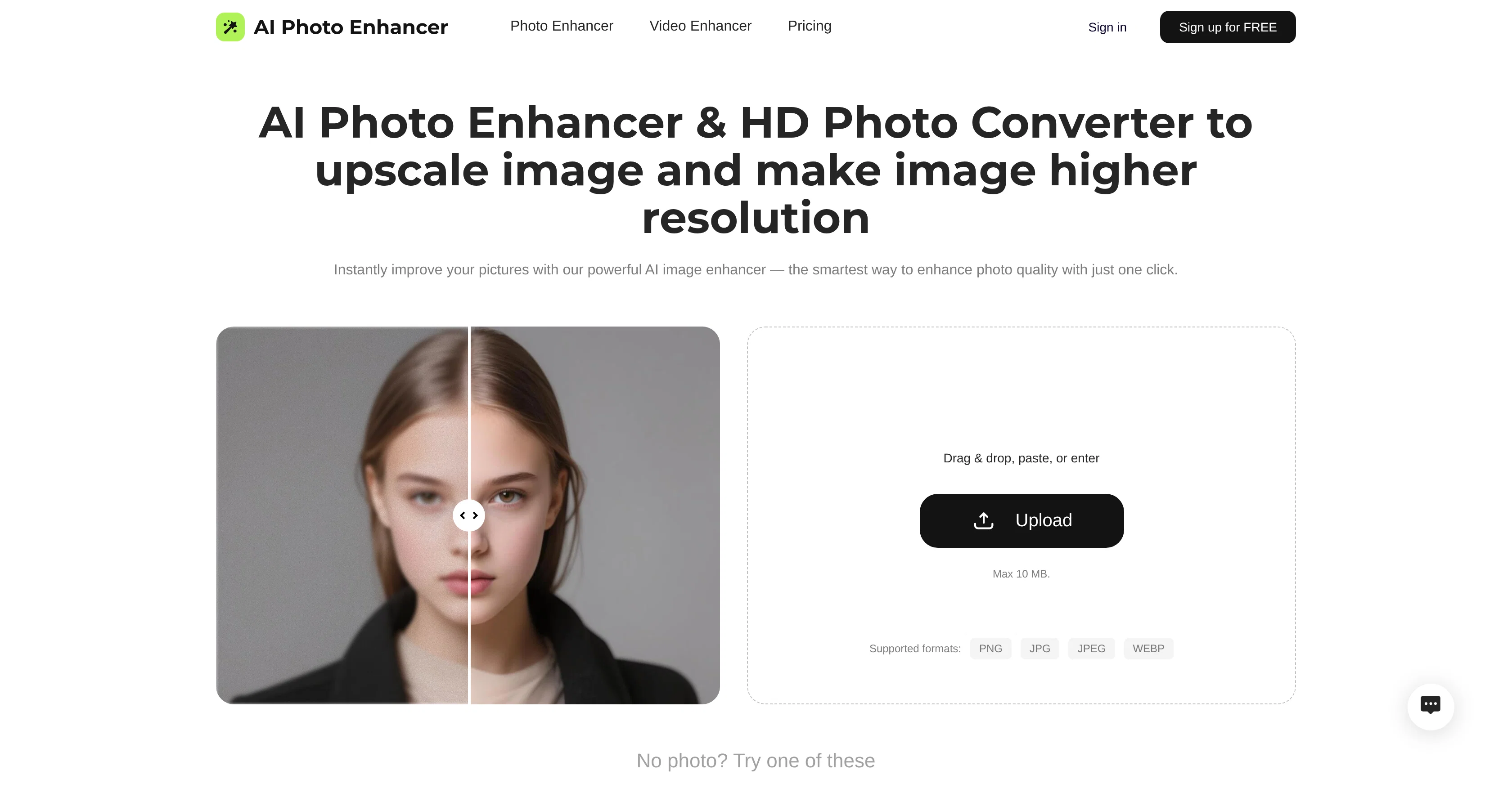
The Free AI Photo Enhancer and 4K AI Image Upscaler tool is engineered to significantly upgrade and improve image quality. Its applications include sharpening images, reducing digital noise, enhancing photo resolution to 4K, correcting colors, restoring pixel details, and reducing photo blur.
These various features work together to turn low-quality and blurry shots into clear and detailed images. In addition to enhancing individual images, the tool has real-world applications in restoring old photos, enhancing landscape and low-light photos, improving portrait details, and restoring meme images quality.
It also functions to increase low-resolution photos to a more vibrant and detailed quality without losing natural texture or clarity. The tool is user friendly, equipped with simple steps to enhance photos instantly by uploading images, activating the AI photo enhancement and downloading the improved photo.
As its name suggests, this advanced tool is based on AI technology and is suitable for professional photographers, designers, businesses, and individuals looking to restore or improve their photos.
Furthermore, this tool enables users to maintain the natural authenticity of their images while boosting its clarity and vibrancy, making it a powerful tool for a variety of use-cases including digitizing old family albums, enhancing product photos, and improving meme image quality.
Access & connections
Where you can use AIPhotoEnhancer.Pro, and what it plugs into.
Platforms
Integrations
Capabilities
What this tool accepts, produces, and is strongest at.
Input
- Tabular
- Image
Output
- Image
Supported features
- Denoise
- Image Edit
- Upscaling
Pros & cons
Pros
- Sharpening images
- Reducing digital noise
- Enhancing photo to 4K
- Correcting colors
- Restoring pixel details
- Reducing photo blur
- Restoring old photos capabilities
- Landscape photos enhancement
Show 31 more
- Low-light photos improvement
- Improves portrait details
- Restores meme images quality
- User-friendly interface
- Professional photography tool
- Design tool
- Preserves texture
- Digitizes family albums
- Boosts image vibrancy
- Maintains natural image authenticity
- Removes image grain
- Precision edge definition
- Natural texture preservation
- Damage photo recovery
- Restores edge clarity
- Old photo digitalization
- Vibrant landscape enhancement
- Low-light shots clarity
- Blurred memes revival
- One-click image enhancement
- Ideal for enhancing products
- Batch uploading support
- One-click download option
- Free usage
- Preserves humor in memes
- Functionality in dark images
- Supports JPG, JPEG, PNG
- Ideal for social media
- Autocorrects faded colors
- Preserves original colors
- Ideal for real estate
Cons
- No dedicated APP available
- Limited to 10MB uploads
- No batch processing feature
- No watermark removal feature
- Cannot handle complex edits
- Inability to work offline
- No original color preservation
- Not suitable for pixelated images
Show 2 more
- No transparency support for PNGs
- Dependent on accurate initial upload
Compare alternatives
Similar tools in the catalog — with a clear reason to open each one.

Remini ✓
FreemiumTransform old photos into HD masterpieces with AI.
Why look Typically cheaper
Full comparison
PhotoGrid AI Image Enhancer ✓
FreemiumEnhance image quality with AI, instantly and free.
Why look Typically cheaper
Full comparison
PicPicAI - AI Portrait Enhancer ✓
FreemiumEnhance portraits with AI for stunning details
Free + from $10.99
Full comparison
Artedge AI ✓
FreemiumEnhance photos to 4K quality instantly with AI.
Why look Typically cheaper
Full comparison

Releases 1
FAQ 12
What is the primary function of AIPhotoEnhancer.Pro?
How does AIPhotoEnhancer.Pro enhance photo resolution?
What features does AIPhotoEnhancer.Pro provide for reducing digital noise?
What features of AIPhotoEnhancer.Pro help with color correction?
How does AIPhotoEnhancer.Pro restore pixel details?
How does AIPhotoEnhancer.Pro reduce photo blur?
Can AIPhotoEnhancer.Pro be used for restoring old photos?
How does AIPhotoEnhancer.Pro enhance landscape and low-light photos?
Does AIPhotoEnhancer.Pro work for improving portrait details?
How can I use AIPhotoEnhancer.Pro to restore meme image quality?
Can AIPhotoEnhancer.Pro enhance low-resolution images?
How can AIPhotoEnhancer.Pro be used for digitizing old family albums?
Related tools
Recommended

TheLibrarian.io ✓
Free TrialYour WhatsApp AI assistant for instant productivity.

Automateed ✓
Free TrialCreate eBooks effortlessly with Automateed, the AI-powered writing tool.

Notis ✓
Free TrialThe first WhatsApp assistant that runs on your ChatGPT and Claude subscriptions

freebeat AI ✓
FreemiumTurn Music & Ideas into Viral Videos In One Click

remio: Your Personal ChatGPT ✓
FreemiumGet Tailored Answer with Your Personal ChatGPT

leania.ai ✓
Free TrialMRI scan for Businesses: Find What to Cut, Replace, Automate with AI