

AILogoCreator ✓
Create professional logos in minutes with AI
from $3.2/mo
Verdict
A quick read before you dig into the full page.
- Best if
- Create professional logos in minutes with AI
- Skip if
- Limited logo redesigning
- Pick this when
- Generates logos swiftly
Considering Logodiffusion instead? Compare side by side
Overview
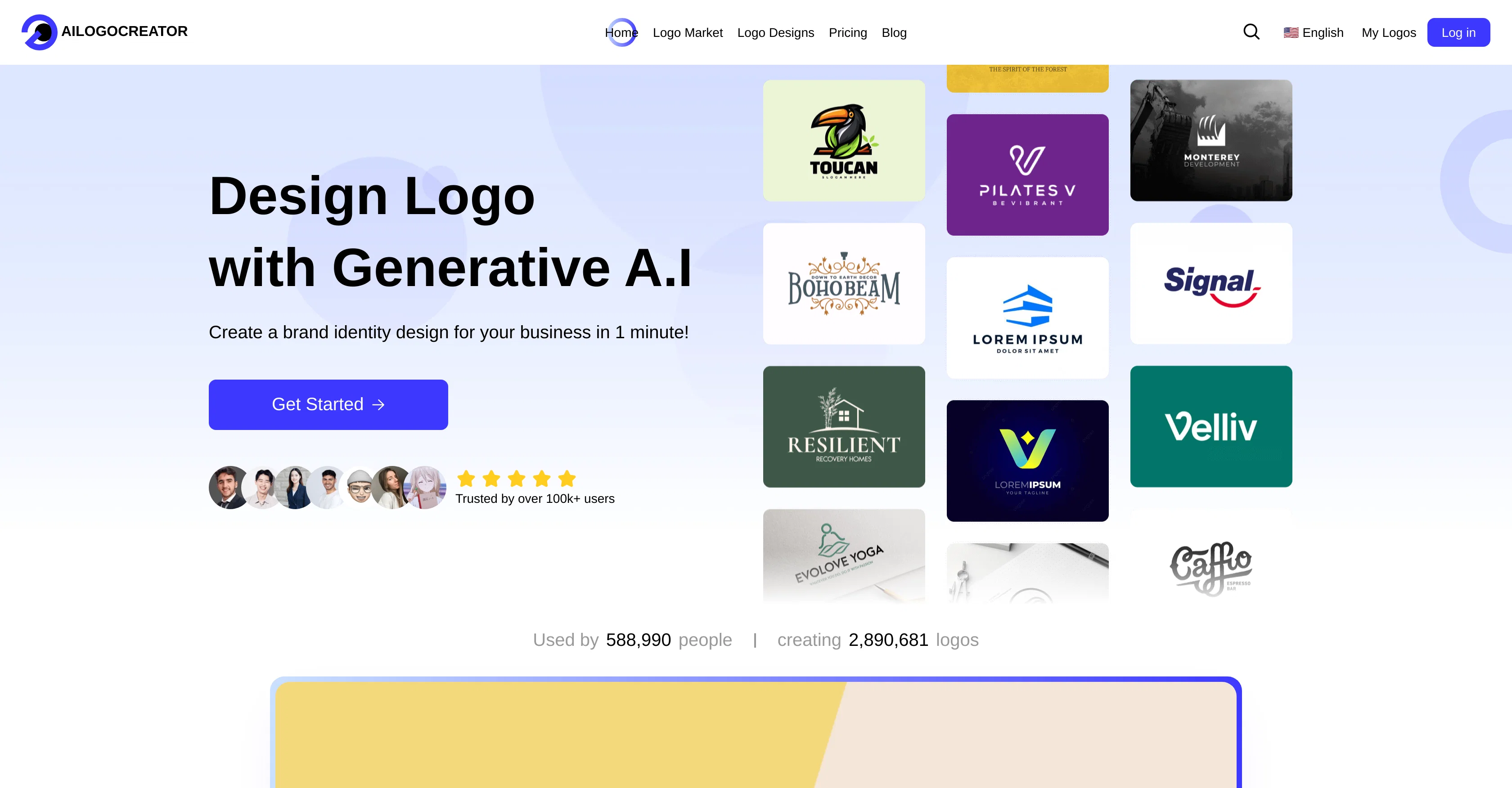
AILogoCreator is an intelligent tool designed to generate professional logos swiftly using artificial intelligence. It caters to the needs of various industries by providing custom logo design options matching the company brand profiles.
Users can easily create a logo by providing the logo name, slogan, selecting an industry, choosing a style and color, customizing logo elements, and finally previewing and fine-tuning the design.
In addition, the AI Logo Creator provides the unique feature of redesigning any existing logo based on a text prompt describing the redesign idea. This tool transforms AI-generated or pre-existing logos within seconds based on user description.
Furthermore, the tool provides various logo samples exhibiting different styles, such as modern, playful, vintage, elegant, and futuristic, adapting to a large spectrum of aesthetic tastes.
Users have an option to download logo files in multiple formats. The logos designed using this tool can be applied across different circumstances that include restaurant and food industry, tech companies, social media accounts, YouTube channels, app icons, personal studios, freelancer logo needs, ecommerce websites, and hotels & travel industry.
Access & connections
Where you can use AILogoCreator.
Platforms
Capabilities
What this tool accepts, produces, and is strongest at.
Input
- Tabular
- Text
Output
- Image
Supported features
- SVG
Pros & cons
Pros
- Generates logos swiftly
- Offers custom designs
- Allows logo fine-tuning
- Redesigns existing logos
- Provides various aesthetic styles
- Multiple file formats
- Supports broad industry range
- Enables logo customization
Show 38 more
- Transforms logos based on description
- Multiple application scenarios
- Logos for social media
- Logos for YouTube channels
- Creates app icons
- Logo creation by industry
- Creates modern logos
- Generates playful logos
- Creates vintage logos
- Produces elegant logos
- Generates futuristic logos
- Swift transformation of designs
- Produces industry-specific logos
- Creates various logo styles
- Produces restaurant & food logos
- Generates tech company logos
- Creates logos for freelancers
- Produces ecommerce website logos
- Generates hotel & travel logos
- Intelligent logo redesign
- Logo styles for personal studios
- Creates logo within a minute
- Transforms existing logos quickly
- Offers high-resolution PNG, JPG files
- Branding kit included
- Automatically resizes for social media
- Offers business card designs
- Provides comprehensive brand guide
- Unlimited downloads of logos
- Transparent PNG files
- Vector SVG/PDF files available
- Produces modern design samples
- Creates playful design samples
- Vintage design samples
- Produces elegant design samples
- Produces futuristic design samples
- Adapts to different aesthetic tastes
- Complete ownership of generated logos
Cons
- No mobile application
- No offline usability
- Lacks advanced customization
- No API for third-party
- Limited logo redesigning
- No collaborative function
- No user community support
- No composite logo designs
Compare alternatives
Similar tools in the catalog — with a clear reason to open each one.
Logodiffusion ✓
PaidDesign custom logos instantly with AI.
Why look Stronger for image work
Full comparison

Looka ✓
PaidAI-powered logo and brand identity design
Why look Stronger for image work
Full comparison
Namecheap Free Logo Maker ✓
FreeCreate custom logos for free in minutes
Why look Fully free option
Full comparison
BrandCrowd | AI Logo Generator ✓
FreemiumAI generates perfect logos in seconds.
Why look Freemium alternative
Full comparison
Design.com | AI Logo Generator ✓
FreemiumGenerate beautiful logos with advanced AI in seconds.
Why look Freemium alternative
Full comparisonReleases 1
Imported reviews 6
Tried several tools with the same input, and this one gave me the most satisfactory results. It would be even better if it could be a bit cheaper.
An idea can give me a good logo
The generated logo met my expectations. It used a variety of mainstream large models and was generated quickly.
My boss was very pleased with the AI-generated logo—it really helped me address a practical issue.
Love this AI logo platform! Super easy to use—no design skills needed. The logos it spits out are clean, sharp, and totally on point for my brand. Saved me tons of time fussing with tools. Straight-up great. Recommend!
You won't get a mock-up without paying money. No initial preview to see, If it's even worth buying.
FAQ 12
What does AILogoCreator do?
How does AILogoCreator use AI in its process?
Is AILogoCreator specific to any industry?
How can I customize a logo using AILogoCreator?
What is the logo redesign feature in AILogoCreator?
What types of logo designs can AILogoCreator generate?
In what formats can a logo be downloaded using AILogoCreator?
Can AILogoCreator's logos be used for YouTube Channels?
Can AILogoCreator's logos be used as app icons?
Can I use AILogoCreator if I'm a freelancer?
Does AILogoCreator offer different styles for logos?
How fast can AILogoCreator generate a logo?
Related tools
Recommended

ChatGPT ✓
FreemiumAsk anything, create anything, and move from idea to action.

Automateed ✓
Free TrialCreate eBooks effortlessly with Automateed, the AI-powered writing tool.

Notis ✓
Free TrialThe first WhatsApp assistant that runs on your ChatGPT and Claude subscriptions

leania.ai ✓
Free TrialMRI scan for Businesses: Find What to Cut, Replace, Automate with AI

PicLumen ✓
FreemiumPic the future: Free AI images in one click.