

AIDE AI ✓
AI assistant that listens and transcribes meetings.
Free + from $9.99/mo
Verdict
A quick read before you dig into the full page.
- Best if
- AI assistant that listens and transcribes meetings
- Skip if
- On-screen content analysis limited
- Pick this when
- Streamlines workflow on MAC
Considering Notis instead? Compare side by side
Overview
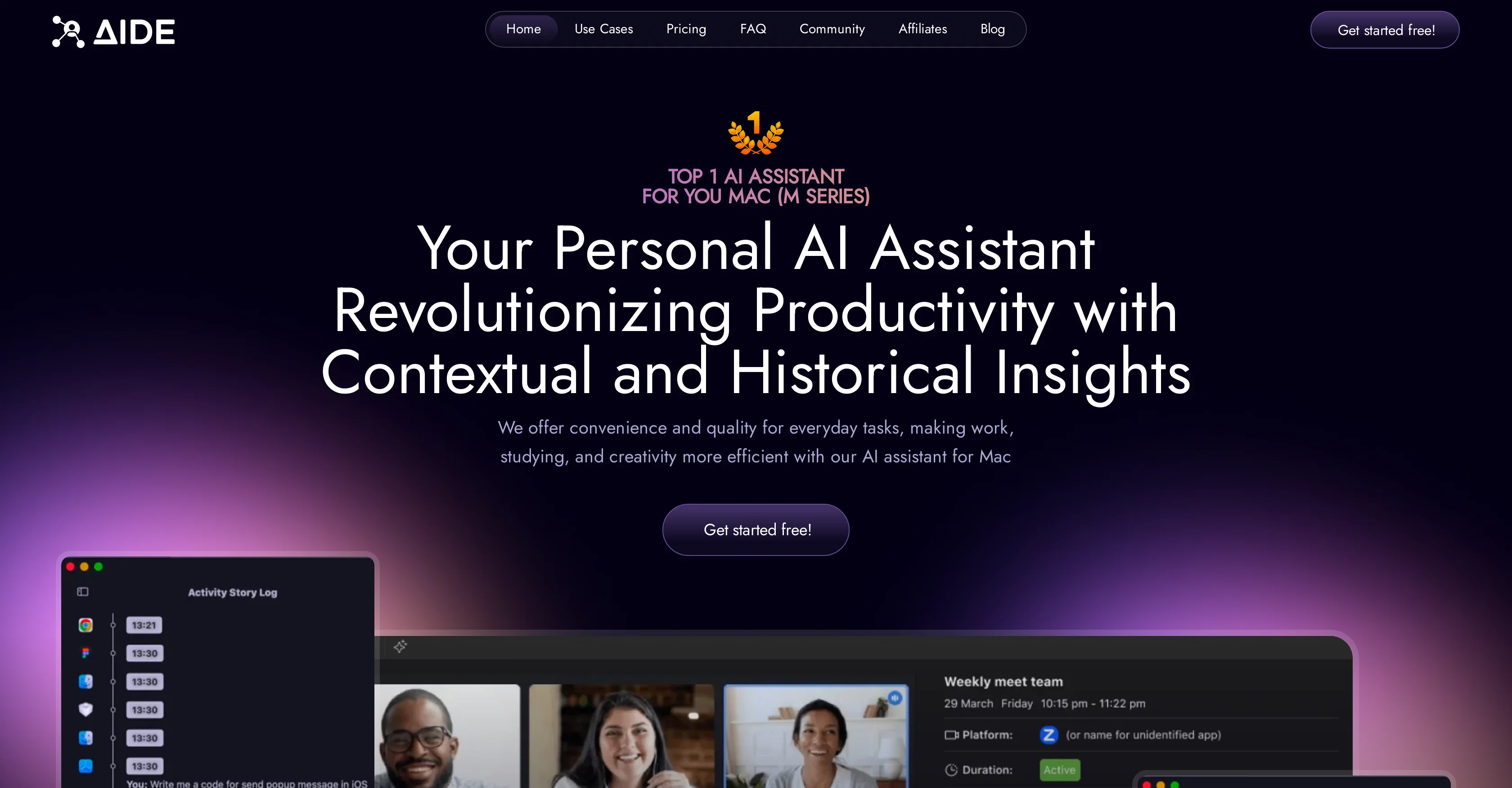
AIDE is an AI assistant designed to streamline your workflow on MAC systems. This tool simplifies tasks and enhances productivity through efficient note-taking and transcription services for any language.
With AIDE, you can organize meetings and transcribe discussions, thereby enabling you to fully engage in conversations while the AI takes care of note-taking.
The AI can understand and summarize in any language, lifting language barriers and leading to effective communication with instant transcription. It also provides a valuable service in the analysis of interview data, providing insightsrich summaries and highlights from the discussions.AIDE is also keen on understanding the information displayed on your screen, providing guidance and answers directly relating to the content on your screen.
To establish a unified digital ecosystem, the AI integrates with your preferred apps and services, bridging the productivity tools you commonly use. Another interesting feature is its predictive assistance capability- by analyzing patterns and preferences, it proactively determines solutions, streamlines tasks and identifies potential issues before they emerge.
AIDE is designed to be a seamless companion, it maintains constant accessibility ensuring increased workflow efficiency. The effectiveness of this tool is also testified through user-review in improving productivity and its intuitive understanding of user needs.
Access & connections
Where you can use AIDE AI.
Platforms
Capabilities
What this tool accepts, produces, and is strongest at.
Input
- Audio
Output
- Text
Pros & cons
Pros
- Streamlines workflow on MAC
- Efficient note-taking service
- Transcription service for any language
- Organizes meetings
- Transcribes discussions
- Increases engagement in conversations
- Understands and summarizes any language
- Lifts language barriers
Show 43 more
- Provides instant transcription
- Analyzes interview data
- Insight-rich summaries from discussions
- Understands displayed information on screen
- Provides guidance based on screen content
- Integrates with preferred apps and services
- Bridges commonly used productivity tools
- Predictive assistance capability
- Analyzes patterns and preferences
- Proactive task solution identification
- Seamless companion for workflow
- Constant accessibility
- User-reviewed for productivity improvement
- Intuitive user need understanding
- Facilitates efficient meetings
- Quick transcription services
- Contextual understanding of user's screen
- Provides cohesive digital ecosystem
- Averts potential issues before they arise
- Boosts overall productivity
- Offers discreet assistant services
- Effortless digital tool integration
- Provides expert-level summary of interviews
- Quick responses based on information on screen
- Makes productivity enhancement seamless
- Continuous access with option-space keystroke
- User-friendly interface
- Improves user productivity per user reviews
- Seamless integration into user workflow
- Adapts to user's needs before task assignment
- Available for Mac systems
- Historical insight provision
- Applicable to work, studying, and creativity
- Recognizes and bridges language barriers
- Understands screen display for assistance
- Designed for accessibility
- Insight-rich discussion highlights
- Responsive to physical screen
- Effective communication in any language
- Predictive problem-solving capabilities
- Seamless digital ecosystem
- Significantly improves productivity
- Transforms workflow experience
Cons
- Only for MAC systems
- Potential privacy concerns
- Predictive capabilities might be intrusive
- Language understanding might be incomplete
- No offline functionality
- On-screen content analysis limited
- Dependence on third-party integrations
- May not support all apps
Show 2 more
- Transcription accuracy not guaranteed
- Insights-rich summaries subjective
Compare alternatives
Similar tools in the catalog — with a clear reason to open each one.

Notis ✓
Free TrialThe first WhatsApp assistant that runs on your ChatGPT and Claude subscriptions
Free + from $13/mo
Full comparison
Alice - AI Automation App ✓
Free TrialStop chatting. Start doing.
Why look Typically cheaper
Full comparison
Assindo ✓
Free TrialManaged AI agent like OpenClaw but with real phone calls included
Why look Typically cheaper
Full comparison

Botlor ✓
Free TrialYour AI butler that books, shops, creates, advises.
Why look Higher community rating
Full comparisonReleases 1
Related tools
Recommended

Recall ✓
FreemiumSummarize Anything, Forget Nothing!

Docky ✓
FreemiumYour all-purpose AI assistant in a sidebar

Agentgpt ✓
FreemiumDeploy autonomous AI Agents effortlessly in your browser.

Hyperis ✓
FreemiumOrganized task prioritization.

AI Lawyer ✓
Free TrialInstant legal advice and document creation at your fingertips

Transcript LOL ✓
FreemiumUnlimited transcripts, summaries, 99.8% accuracy, speaker recognition, superfast