
AI Slide Studio
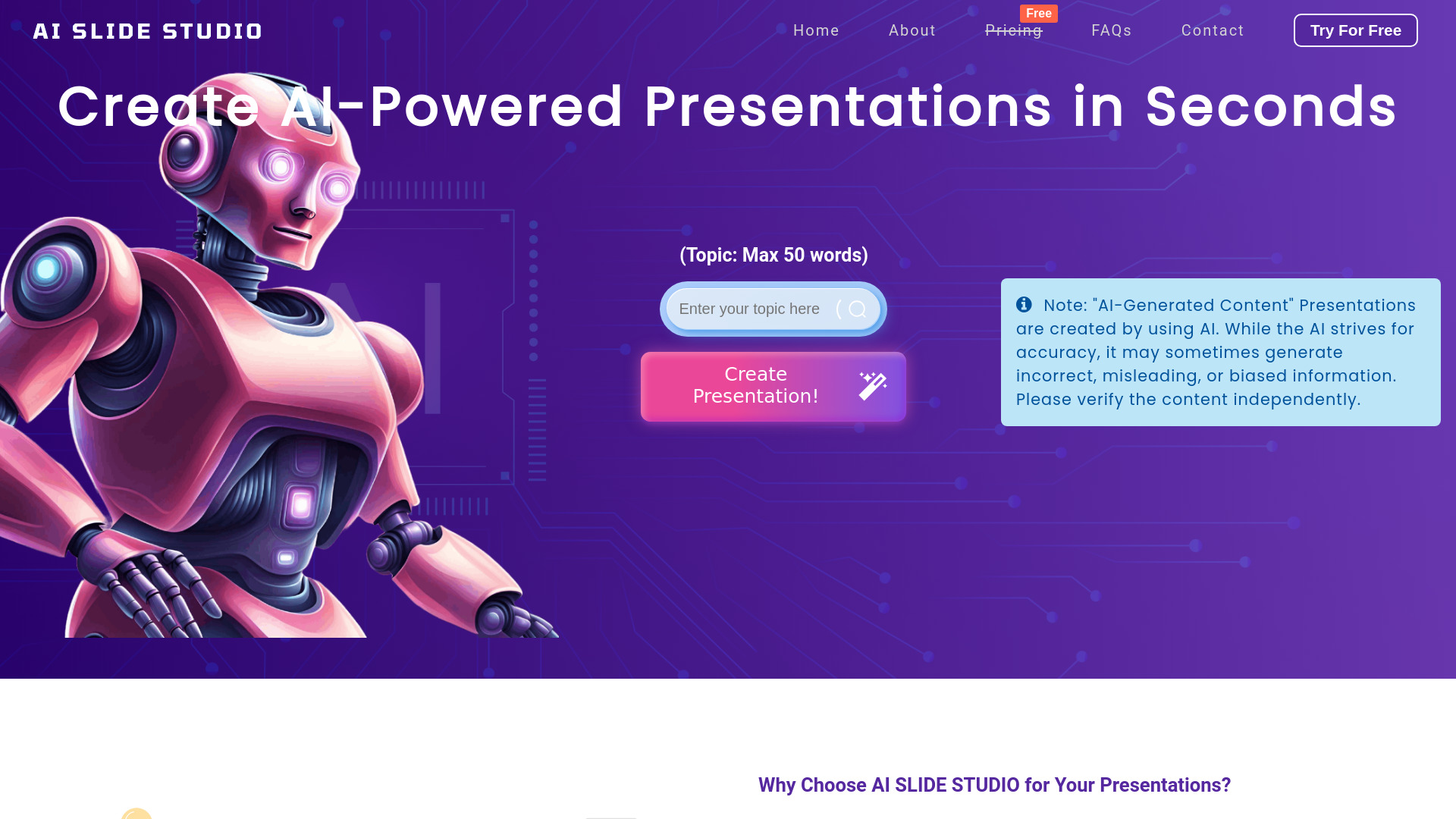
AI-powered presentation maker for creating professional slides quickly and easily.
Source rating 5.0
(59)
1.8k views
1.8k/mo traffic
0 saves
Freemium
Free + from $1.99/download
Verdict
A quick read before you dig into the full page.
- Best if
- AI-powered presentation maker for creating professional slides quickly and easily
- Skip if
- You need enterprise SLAs or a fully managed team plan right away
- Pick this when
- Freemium · Free + from $1.99/download
Overview
AI Slide Studio is an AI-powered presentation maker that helps users create professional PowerPoint and Google Slides presentations in seconds. It uses AI to generate slides with suitable text and images based on a user-provided topic. The platform offers customizable fonts, colors, designs, and AI-generated images, saving time and energy in presentation creation.
Access & connections
Where you can use AI Slide Studio.
Platforms
Capabilities
What this tool accepts, produces, and is strongest at.
Highlights
- AI-powered slide generation
- Customizable fonts, colors, and designs
- AI-generated images
- PowerPoint and Google Slides integration
- Automated speaker notes
FAQ 8
What is AI Slide Studio?
AI Slide Studio is an AI-powered presentation maker that helps users create professional PowerPoint and Google Slides presentations in seconds. It uses AI to generate slides with suitable text and images based on a user-provided topic. The platform offers customizable fonts, colors, designs, and AI-generated images, saving time and energy in presentation creation.
How to use AI Slide Studio?
To use AI Slide Studio, simply input your presentation topic. The AI will generate a set of slides in seconds, which you can then fully edit and customize with different fonts, colors, designs, and AI-generated images. Finally, download the presentation in PPTX format.
What is AI Slide Studio?
Creating a presentation with AI Slide Studio is simple and fast. Just enter your topic, and within seconds our AI PPT Maker will generate slideshows. You can then fully edit and customize these slides to suit your needs. Once you’re satisfied with your presentation, click the download button to get your file.
How do I create a presentation with this AI Slideshow Generator?
To create a presentation, simply input your topic into AI Slide Studio. This AI slide maker will generate a set of 10 slides in seconds. You can then fully edit and customize these slides, including the ability to add AI-generated images, to suit your needs. Once you're satisfied, click the download button to get your presentation. With our AI slideshow generator, creating professional ppt presentations has never been easier.
Can I edit slideshows after they are downloaded?
Yes, slideshows are generated in PowerPoint pptx format, allowing you to edit and customize them as needed. You can modify text, images, and slide layouts with this AI Presentation Maker.
Can I edit presentations and add AI-generated images on this Slides Creator directly before downloading?
Yes, with this PowerPoint maker, you can customize your slides online on the platform. You can change fonts, colors, designs, add AI-generated images, and even custom backgrounds. For detailed customization, you can download presentations in PowerPoint format and further edit them using any PPT editor.
Is this Ai Slide Maker free to use?
AI Slide Studio offers a free slides creator plan that lets you create unlimited PowerPoint presentations with access to our editor. For downloading your PPT presentations, we offer a range of subscription plans. Visit our pricing page for more details.
Which formats does this AI PPT Maker support?
AI Slide Studio generates presentations in PowerPoint (PPTX) format. You can download and integrate your slides with Google Slides or Microsoft PowerPoint.
Related tools
Recommended

AI Slide Studio
Free + from $1.99/download