

AI on Device ✓
Enjoy AI-powered local assistance on your Apple devices.
Verdict
A quick read before you dig into the full page.
- Best if
- Enjoy AI-powered local assistance on your Apple devices
- Skip if
- Limited customization options
- Pick this when
- Operates locally
Considering Privatemode AI instead? Compare side by side
Overview
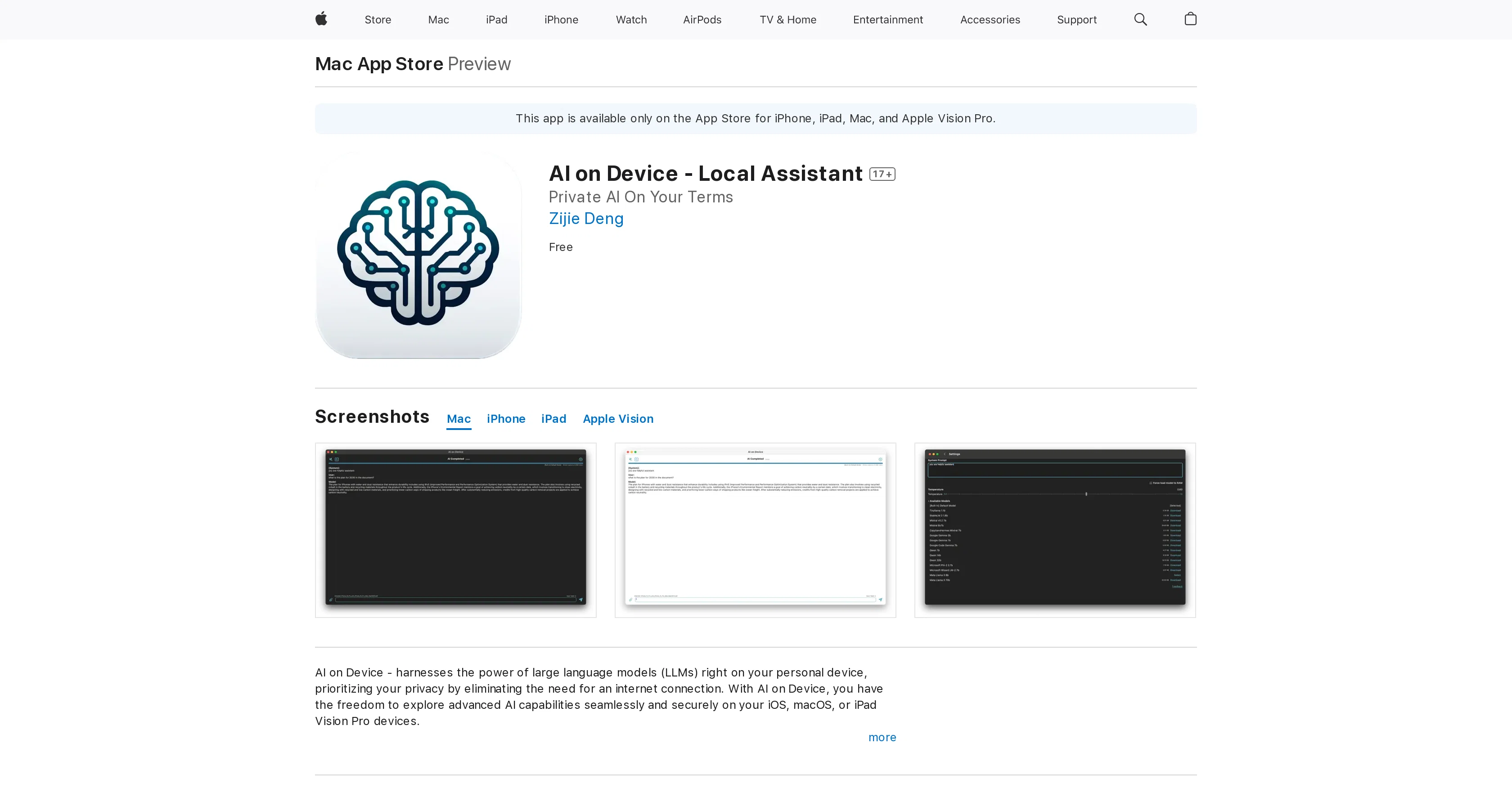
AI on Device - Local Assistant is an app that offers advanced AI capabilities with an emphasis on privacy and ease of use. Leveraging the power of large language models, the app operates locally on your personal device removing the need for an internet connection, making it ideal for remote locations or secure environments without internet access.
The app is compatible with iOS, macOS, iPad Vision Pro devices, and is free to use. Users can customize system prompts and model temperature settings for a tailored experience.
The app can engage with PDFs directly for quick information extraction and detailed analysis. The user interface is interactive, includes a new feedback form, and stop generation button for enhanced control.Apart from performance and capacity enhancements for smoother interactions, the app can also be used as a tool to write essays, answer a vast array of questions, analyze content from documents, language tutoring, and for creative writing.
Since no data is collected from the users, the app prioritizes users' privacy.The versatility of the AI on Device - Local Assistant app makes it useful for developers, researchers, or the generally curious mind as it provides a flexible and innovative platform to interact with state-of-the-art language models locally.
Access & connections
Where you can use AI on Device, and what it plugs into.
Platforms
Integrations
Capabilities
What this tool accepts, produces, and is strongest at.
Input
- Tabular
Output
- Text
Pros & cons
Pros
- Operates locally
- Offline functionality
- iOS compatible
- macOS compatible
- iPad Vision Pro compatible
- Privacy-focused
- Large language models
- PDF Analysis
Show 38 more
- User customization
- Interactive UI
- Feedback form included
- Stop generation button
- Performance improvements
- Capacity enhancements
- As a writing tool
- Complex question answering
- Language tutoring feature
- Creative writing support
- No user data collected
- Ideal for developers
- Ideal for researchers
- Perfect for curious minds
- Flexible platform
- Innovative platform
- Supports Google Gemma
- Supports Microsoft Wizard
- Supports Meta Llama 3
- System prompts customization
- Model temperature settings
- Detailed document analysis
- Free to use
- No ads
- Useful in remote locations
- Ideal for secure environments
- Essay writing aid
- Professional query answering
- Content extraction
- Data insights
- Interactive language exercises
- Supports .txt files
- Supports .md files
- Supports .text files
- UI updates
- IPhone 15 Plus support
- Supports devices with A12 Bionic chip
- VisionOS support
Cons
- Limited to Apple devices
- No Android support
- No online functionality
- No automatic updates
- Limited language tutoring
- Lacks multilingual support
- No information about disaster recovery
- Limited customization options
Compare alternatives
Similar tools in the catalog — with a clear reason to open each one.

Privatemode AI ✓
Free TrialUse AI without security and privacy worries.
Why look More privacy-focused
Full comparison
IcecreamAI - Privacy First AI ✓
Free TrialPrivacy-first AI without internet needed
Why look Typically cheaper
Full comparison
SearchQ ✓
FreemiumOne chat, every AI model, verified and private.
Why look More privacy-focused
Full comparison
talat ✓
Free TrialThe private meeting notes app with on-device AI.
Why look More privacy-focused
Full comparison
Your Own AI ✓
FreemiumPrivate AI companions, built to guide, learn, and grow with you.
Why look More privacy-focused
Full comparison
Releases 1
FAQ 12
What is AI on Device - Local Assistant?
What capabilities does AI on Device - Local Assistant offer?
How does AI on Device - Local Assistant prioritize privacy?
Can AI on Device - Local Assistant operate without an internet connection?
Which devices are compatible with AI on Device - Local Assistant?
Is AI on Device - Local Assistant free to use?
Can users customize the setting on AI on Device - Local Assistant?
How does AI on Device - Local Assistant interact with PDFs?
What kind of control does AI on Device - Local Assistant's interface offer?
What are the various uses of AI on Device - Local Assistant?
Does AI on Device - Local Assistant collect user data?
Can AI on Device - Local Assistant be used for creative writing?
Related tools
Recommended

Kin - Personal AI Advisors ✓
FreePrivacy-first & designed your for mind, and life at work

IllumiChat ✓
FreemiumFrom Ticket Backlog to Instant Answers Powered by AI

Undetectable AI Pro ✓
FreemiumMake AI content undetectable and human-like.

VenturusAI ✓
FreemiumBusiness idea analysis and reporting.

Mindsmith ✓
FreemiumPlatform for building and sharing eLearning content

Transcript LOL ✓
FreemiumUnlimited transcripts, summaries, 99.8% accuracy, speaker recognition, superfast