

Generatebg ✓
Generate high-res backgrounds with one click
from $16.62
Verdict
A quick read before you dig into the full page.
- Best if
- Generate high-res backgrounds with one click
- Skip if
- Limited file format outputs
- Pick this when
- High-resolution backgrounds
Considering ClipDrop Replace Background instead? Compare side by side
Overview
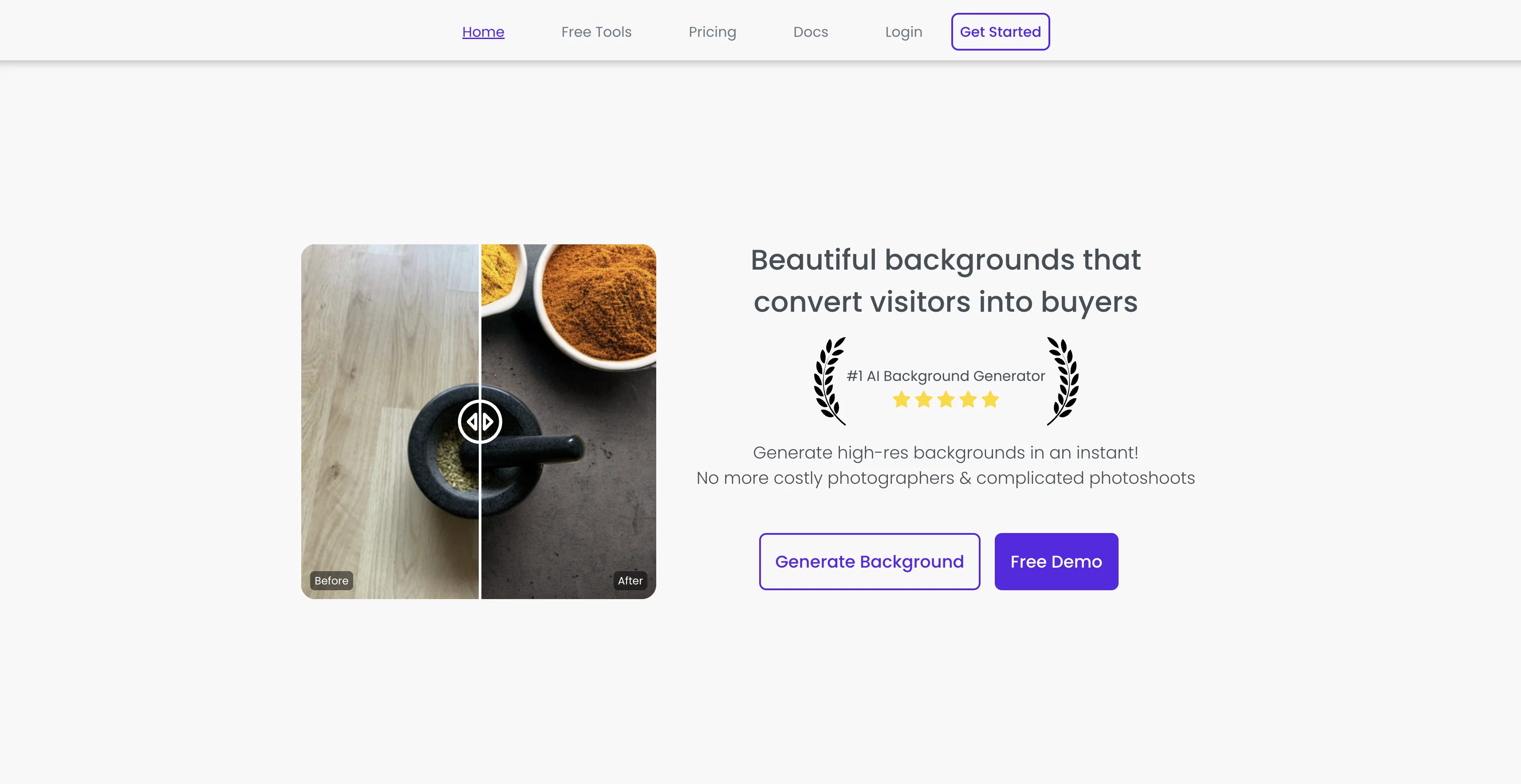
generatebg is an application designed to create high-resolution backgrounds with a simple, straightforward click. It offers convenience to users by removing the need for professional photographers and offering a tool that enables the production of beautiful and customizable backdrops.
It is effective for varied use-cases, and it guarantees the pristine quality of output backgrounds. The tool is user-friendly with a simple workflow, aiming to stimulate creativity and positive user experience.
It allows production of backgrounds without any lock-ins or the need for proprietary file formats offering universal compatibility outputs can be saved as JPGs or PNGs.
The tool provides a unique feature where the output is exactly what you get to see during the creation process, minimizing surprises and ensuring user satisfaction.
Promising security and user privacy, the website powered by generatebg operates with essential technical cookies. This ensures the site's functionality, protects user's data, and provides an optimum browsing experience.
Users can review the sites Cookie, Privacy Policies, and General Terms and Conditions for more information.
Access & connections
Where you can use Generatebg.
Platforms
Capabilities
What this tool accepts, produces, and is strongest at.
Input
- Image
Output
- Image
Pros & cons
Pros
- High-resolution backgrounds
- One-click operation
- No need for photographers
- Customizable backdrops
- Effective for varied use-cases
- Quality guarantee
- User-friendly
- Creativity stimulating
Show 19 more
- No proprietary file format lock-ins
- JPG and PNG compatibility
- Live preview feature
- Secure browsing
- Monitor-friendly output
- Privacy protection
- Affordable solution
- Optimal user experience
- Cookies ensure functionality
- Ideal for web design
- User data protection
- Transparent policies
- Bye to costly photographers
- Instant backdrop creation
- Detailed cookie policy
- Convenient UI
- Consistent output
- Promotes user engagement
- Access to terms and conditions
Cons
- Limited file format outputs
- Dependent on JavaScript
- Requires internet connection
- No downloadable app
- Reliance on cookies
- No raw output
- Lacks advanced customization
- No batch processing feature
Show 2 more
- Potential privacy concerns
- No offline use
Compare alternatives
Similar tools in the catalog — with a clear reason to open each one.

ClipDrop Replace Background ✓
FreemiumTeleport anything, anywhere with AI
Why look Freemium alternative
Full comparison
AI Background Generator by PhotoRoom ✓
FreemiumGenerate infinite unique AI backgrounds from text descriptions.
Why look Freemium alternative
Full comparison
Car Background AI - Easy-to-use AI Car Photo Editor ✓
Free TrialAI car photo background removal and replacement, built for dealerships
Why look Typically cheaper
Full comparison
Meeting Backgrounds ✓
FreemiumElevate your virtual presence with premium backgrounds.
Why look Freemium alternative
Full comparison
Logo Background Remover ✓
FreemiumMake logos transparent in seconds.
Why look Freemium alternative
Full comparison
Video Background Changer ✓
FreemiumRemove or replace video backgrounds with AI, no green screen required.
Why look Freemium alternative
Full comparisonReleases 1
FAQ 12
What is generatebg exactly?
How does generatebg create high-resolution backgrounds?
Do I need professional photography skills to use generatebg?
Can I customize the backdrops on generatebg?
What file formats does generatebg support?
Is generatebg a user-friendly tool?
Do I have to use proprietary file formats with generatebg?
How can I save my backgrounds in generatebg?
Can I see my final output during the creation process on generatebg?
What measures does generatebg take to ensure user data security?
What kind of cookies do generatebg website use?
Where can I find Generatebg's privacy policy?
Related tools
Recommended

Transcript LOL ✓
FreemiumUnlimited transcripts, summaries, 99.8% accuracy, speaker recognition, superfast

VideoPoet ✓
UnknownConvert language models into video generators

Search Alkemy ✓
FreemiumClient-Ready Keyword Research in Minutes

DeepMake ✓
FreemiumCreate stunning VFX with AI in just a few clicks.

LearningStudioAI ✓
Free TrialAI-powered authoring tool for effortless online course creation.

TutorAI ✓
FreemiumInstant knowledge on any topic