

Ads 2026 Rank: #2433
Ad Studio by The Brief ✓
Design, animate, and scale ads with AI.
Trial; then from $29/mo
Verdict
A quick read before you dig into the full page.
- Best if
- Design, animate, and scale ads with AI
- Skip if
- No offline capabilities
- Pick this when
- Design, animate, and scale ads
Considering AdsGo AI instead? Compare side by side
Overview
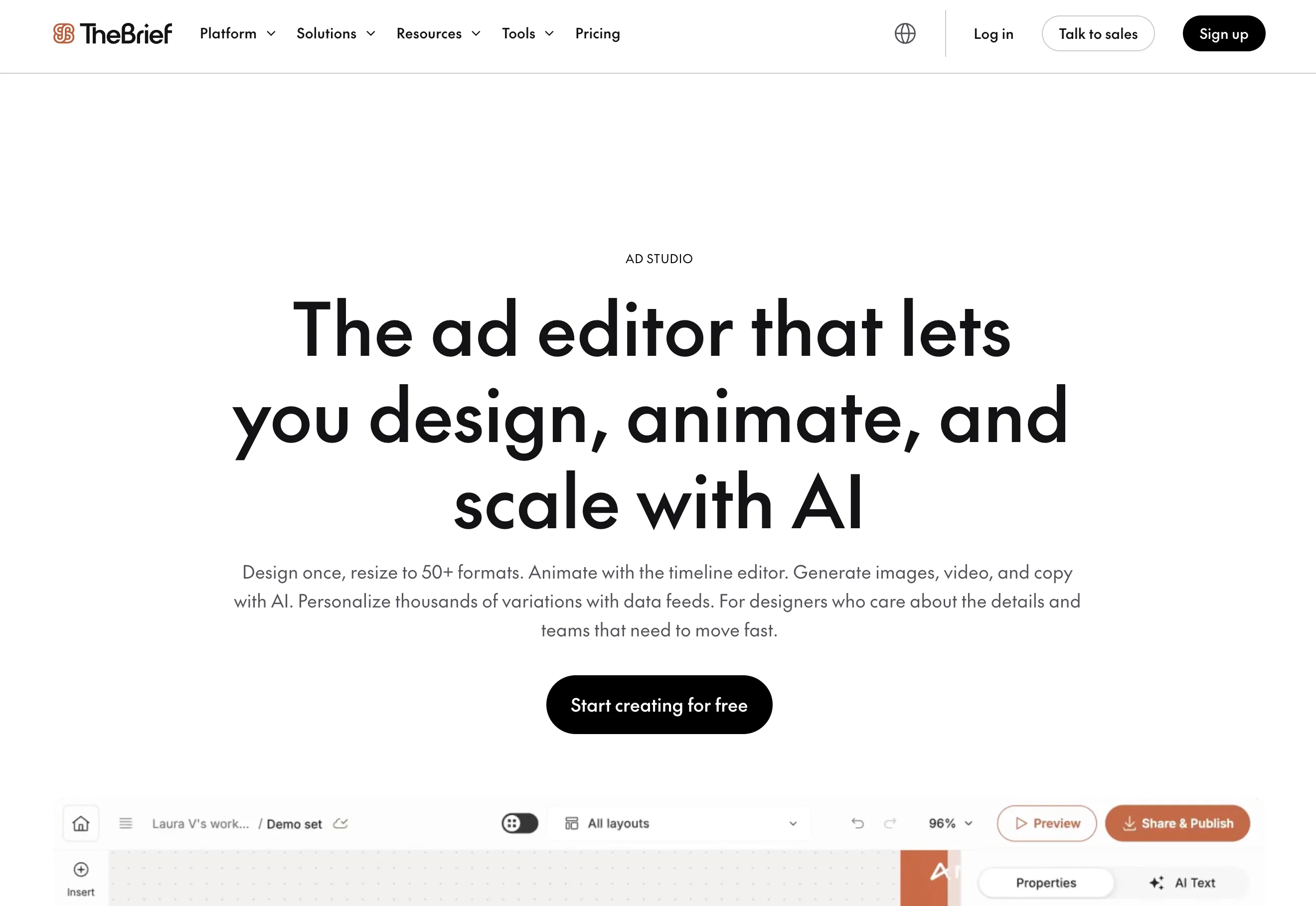
Ad Studio by The Brief, formerly known as Creatopy, is a versatile AI-powered tool designed to streamline the process of designing, animating, and scaling ads.
It possesses an advanced editor that allows users to design ad campaigns once and resize them to fit over 50 different formats, ultimately saving time and ensuring consistency across diverse ad platforms.
The integral AI features can autonomously generate images, videos, and copy, adding a layer of efficiency to the ad creation process. Entities, such as brands and agencies, can seamlessly personalize thousands of variations by incorporating data feeds.
The tool also supports brand consistency by offering a setup for a Brand Kit that applies across every design, keeping brand voice and assets consistent.
Furthermore, the tool integrates options for generating ad tags compatible with any ad server, serves HTML5 ads directly, and facilitates the running of A/B tests with dynamic feeds.
The built-in analytics enable tracking impressions and clicks. From small-scale entities to teams managing multiple brands, Ad Studio can cater to a range of needs.
It simplifies campaign launch, dynamic personalization, animated display ads and brand-safe agency production processes. An insightful feature is the AI Smart Resize, which adapts a single master design to platform-specific sizes, reducing the burden of designing on different platforms.
Additional features include visual timeline editor for animations, placeholder layers for personalized ads, client-specific Brand Kits, and role-based permissions for managing design teams.
Ad Studio acts as a comprehensive solution, from the initial design (first pixel) to the final performance report. It is ideal for designers seeking detail-oriented tools and teams requiring swift, efficient ad creation and management processes.
Access & connections
Where you can use Ad Studio by The Brief.
Platforms
Capabilities
What this tool accepts, produces, and is strongest at.
Input
- Tabular
Output
- Video
- Text
- Image
Pros & cons
Pros
- Design, animate, and scale ads
- Advanced ad campaigns editor
- Autonomous content generation
- Dynamic personalization of ads
- Brand Kit setup
- Ensure brand consistency
- Generates ad tags
- Serves HTML5 ads directly
Show 22 more
- A/B testing facilitation
- Built-in analytics
- Impression and click tracking
- Smart Resize feature
- Cross-platform design capability
- Visual timeline editor
- Role-based permissions approach
- Design efficiency
- Automated resizing of ads
- Brand-specific asset consistency
- Client-specific Brand Kits
- Placeholder layers for personalization
- Ads performance reporting
- Personalize thousands of variations
- Track impressions and clicks
- Ad-tags for any server
- First pixel to performance report
- Dynamic feeds A/B testing
- Batch resize entire campaigns
- Async comments on specific frames
- Ability to remove background from images
- Full creative process ownership
Cons
- No offline capabilities
- No free version available
- No indicated support for Linux
- Limits detail-oriented design
- Relies heavily on templates
- No cited integration with other design tools
- No practical applications for print ads
- No explicit rights management for designs
Compare alternatives
Similar tools in the catalog — with a clear reason to open each one.

AdsGo AI ✓
Free TrialAI That Plans, Launches & Optimizes Ads for You
Free + from $199/mo
Full comparison

Mintly 2.0 ✓
PaidAI Ad Generator for E-commerce: UGC Videos, Product Ads, & Models
Why look Typically cheaper
Full comparison
AdsCreator.com ✓
Free TrialTurn any website into scroll-stopping ads.
Why look Typically cheaper
Full comparison
Notch ✓
FreemiumThe full-stack ads engine built for performance teams
Why look Higher community rating
Full comparison
Releases 1
FAQ 12
What is Ad Studio by The Brief?
How does the AI-powered feature in Ad Studio work?
Can Ad Studio design and animate ads?
What platforms does Ad Studio support?
How does Ad Studio use AI to autogenerate images, videos, and copy?
How can I personalize variations using Ad Studio?
What is the function of the Brand Kit in Ad Studio?
How does Ad Studio ensure brand consistency across designs?
What type of ad tags can Ad Studio generate?
Does Ad Studio support A/B testing with dynamic feeds?
How can I use Ad Studio to track impressions and clicks?
Who can use Ad Studio?
Related tools
Recommended

Relume ✓
FreemiumBuild a marketing site you'd actually publish.

GetLogit ✓
FreemiumArtificial intelligence, available for everyone.

ChatGPT ✓
FreemiumAsk anything, create anything, and move from idea to action.

Notis ✓
Free TrialThe first WhatsApp assistant that runs on your ChatGPT and Claude subscriptions

freebeat AI ✓
FreemiumTurn Music & Ideas into Viral Videos In One Click

Jason AI ✓
PaidAI-powered assistant for B2B sales outreach