
Accessibility Desk ✓
Unleash digital accessibility with AI tools
Verdict
A quick read before you dig into the full page.
- Best if
- Unleash digital accessibility with AI tools
- Skip if
- Steep learning curve
- Pick this when
- Comprehensive accessibility toolkit
Considering AUDITSU instead? Compare side by side
Overview
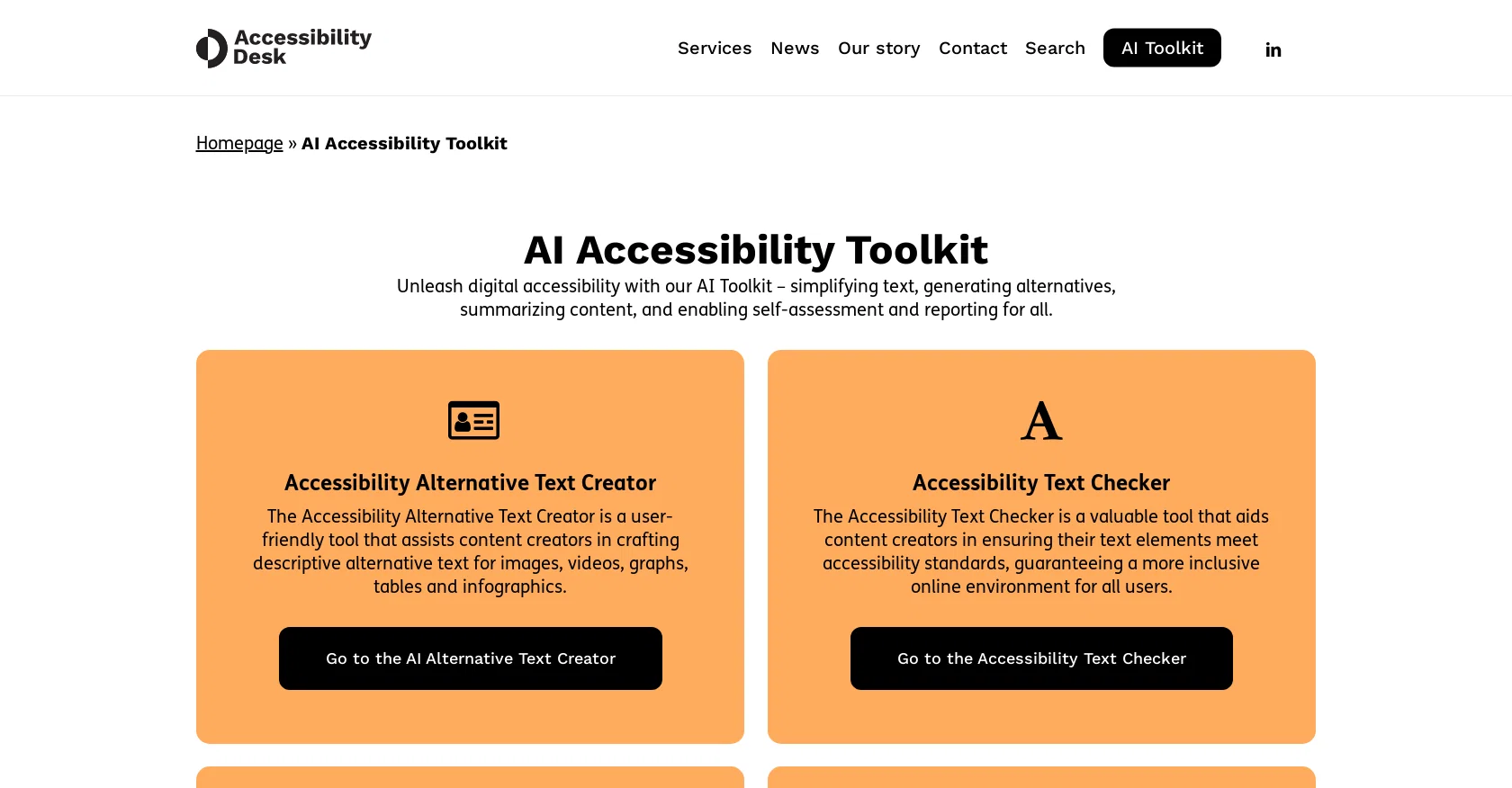
The AI Accessibility Toolkit is a comprehensive set of tools designed to enhance digital accessibility. The toolkit simplifies text, generates alternative text, summarizes content, and enables self-assessment and reporting.
The Accessibility Alternative Text Creator is a user-friendly tool that helps content creators craft descriptive alternative text for images, videos, graphs, tables, and infographics.
The Accessibility Text Checker aids content creators in ensuring their text elements meet accessibility standards, ensuring a more inclusive online environment for all users.
The Accessibility Statement Generator assists website owners in creating detailed accessibility statements, demonstrating their commitment to inclusivity and ensuring a welcoming digital environment for all users.
The WCAG 2.1 AA Code Validator automates the process of checking website code against accessibility standards, helping developers ensure their digital platforms are accessible and inclusive to all users.
The AI WCAG 2.1 AA Self-Assessment and Reporting tool provides valuable insights into the accessibility of digital content, allowing organizations to create a more inclusive online experience.
Successful completion of the self-assessment leads to a certification that showcases a commitment to accessibility and inclusivity. The Accessibility QuickScan is a user-friendly self-assessment tool that helps gauge a website's accessibility level through a quick and effective evaluation.
The Read Easy for Chrome plugin simplifies and enhances the readability of text on any website, supporting individuals with low literacy skills. The Read Easy for Editors Word and Outlook add-ins optimize readability and inclusivity, providing real-time feedback and suggestions for improved communication with diverse audiences.
The WCAG 2.1 AA Explainer allows users to choose specific WCAG 2.1 AA criteria, providing clear testing instructions and explanations to foster web accessibility for all users.
Overall, the AI Accessibility Toolkit aims to create a more inclusive digital world by providing tools for creating accessible content, evaluating accessibility, and enhancing readability.
Access & connections
Where you can use Accessibility Desk, and what it plugs into.
Platforms
Capabilities
What this tool accepts, produces, and is strongest at.
Input
- Text
- Code
- Tabular
Output
- Text
- Code
- Tabular
Pros & cons
Pros
- Comprehensive accessibility toolkit
- Generates alternative text
- Simplifies complex text
- Provides self-assessment capabilities
- Automated reporting system
- User-friendly interface
- Facilitates accessible content creation
- Checks text against accessibility standards
Show 10 more
- Creates accessibility statements
- Automated code validation against WCAG 2.1 AA
- Accessibility QuickScan for quick evaluation
- Read Easy plugin to simplify web content
- Optimization tools for Microsoft Word and Outlook
- WCAG 2.1 AA Explainer with clear testing instructions
- Self-assessment leads to certification
- Aids in commitment to inclusivity
- Real-time feedback and suggestions
- Improves online communication with diverse audiences
Cons
- No multi-language support
- Requires internet connection
- Limited to specific platforms
- Dependent on third-party plugins
- Doesn't support all web browsers
- Limited free version
- No mobile application
- No community support
Show 2 more
- Steep learning curve
- Lack of customization options
Compare alternatives
Similar tools in the catalog — with a clear reason to open each one.

AUDITSU ✓
Free TrialAccessibility compliance for EU mobile apps
Free + from $266/mo
Full comparison
colorfor.ai ✓
FreeFrom vibe to verified design tokens — colors your AI can trust.
Why look Offers a public API
Full comparison
ShakespeareAI ✓
Free TrialGenerate professional books using artificial intelligence.
Why look Better for writing
Full comparison
Remy - Newsletter summarizer ✓
FreemiumTurn newsletter chaos into one clear digest.
Free + from $5/mo
Full comparison
Conscriba ✓
FreemiumTransform websites for AI agent accessibility.
Free + from $9.99/mo
Full comparisonReleases 1
FAQ 12
What is the AI Accessibility Toolkit?
How does the Accessibility Desk's AI Toolkit enhance digital accessibility?
What is the function of the Accessibility Alternative Text Creator?
What does the Accessibility Text Checker do?
How does the Accessibility Statement Generator aid website owners?
What is the purpose of the WCAG 2.1 AA Code Validator?
What insights does the AI WCAG 2.1 AA Self-Assessment and Reporting tool provide?
What is the certification received upon successful completion of the self-assessment with Accessibility Desk?
How does the Accessibility QuickScan evaluate a website's accessibility?
What is the Read Easy for Chrome plugin?
How does Read Easy for Editors optimize readability and inclusivity?
Can you explain the WCAG 2.1 AA Explainer?
Related tools
Recommended

TutorAI ✓
FreemiumInstant knowledge on any topic

Stratup.ai ✓
FreemiumInnovative idea generation for businesses.

VenturusAI ✓
FreemiumBusiness idea analysis and reporting.

LearningStudioAI ✓
Free TrialAI-powered authoring tool for effortless online course creation.

Eightify
UnknownAI-powered YouTube video summarizer extracting key ideas for quick content assessment.

Scholarcy ✓
FreemiumConvert long articles into summary flashcards.