AI-assistant

Zuni

Zuni is a Chrome extension for AI-powered assistance with Gmail and other tabs.

Source rating 5.0 (100) 254 views 254/mo traffic 0 saves Freemium
More categories (7)

Free + from $20 / month

Verdict

A quick read before you dig into the full page.

Best if
Zuni is a Chrome extension for AI-powered assistance with Gmail and other tabs
Skip if
You need enterprise SLAs or a fully managed team plan right away
Pick this when
Freemium · Free + from $20 / month

Overview

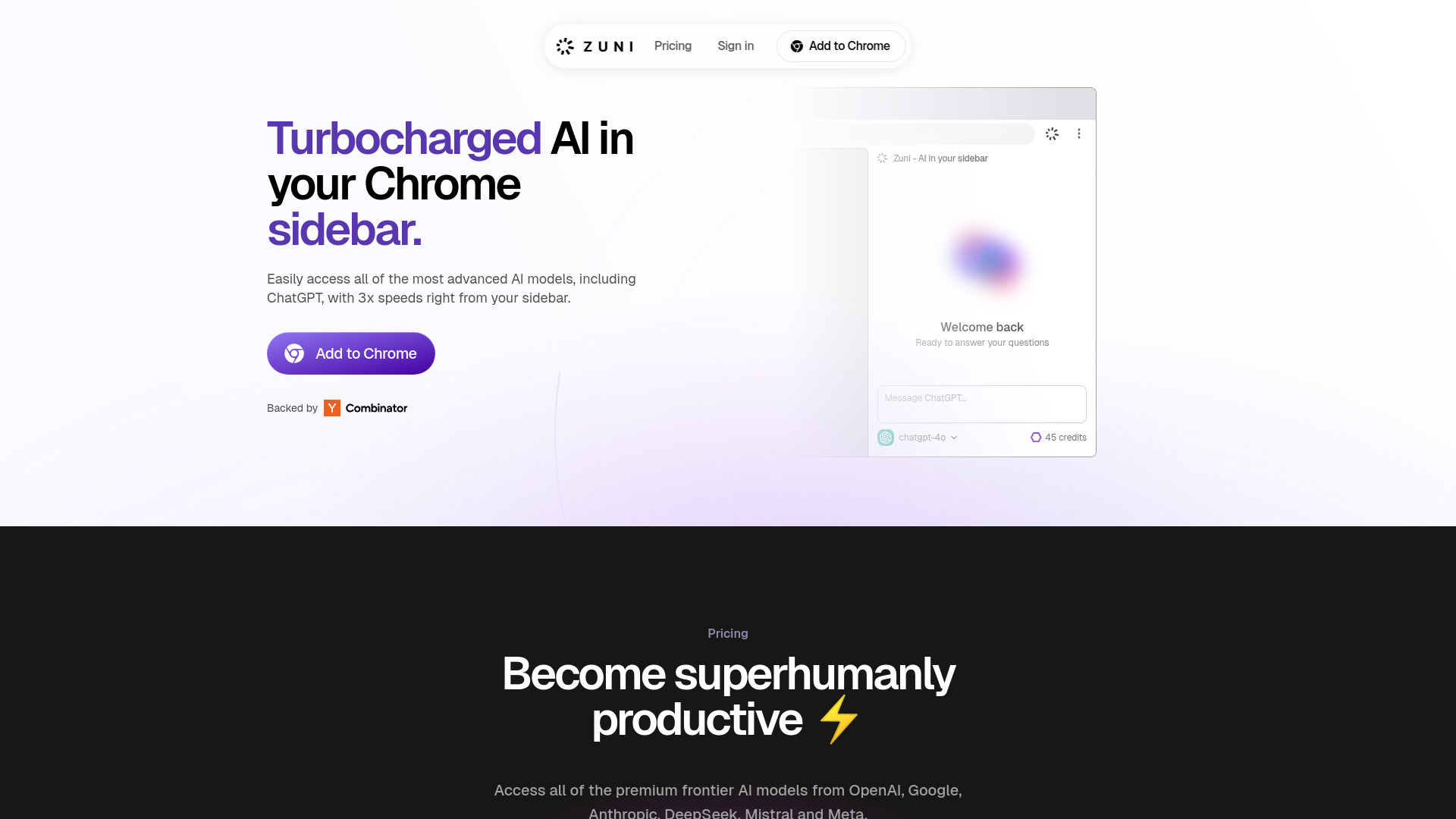
Zuni is a Chrome sidebar extension providing extra-fast access to advanced AI models like ChatGPT 4o, Claude 3.7 Sonnet, Gemini Flash 2.0, and DeepSeek R1. Chats are stored locally, never touch our servers and encrypted in transit. Zuni offers AI assistance for Gmail, allowing users to chat with any tab or email and providing Gmail drafting support. It integrates directly with Gmail, offering full contextual awareness of the inbox and AI-powered email assistance for summaries, advice, and drafting responses. Zuni aims to enhance productivity by suggesting richer and better drafting options for emails.

Zuni screenshot

Access & connections

Where you can use Zuni, and what it plugs into.

Platforms

Integrations

Capabilities

What this tool accepts, produces, and is strongest at.

Highlights

  • AI-powered Gmail assistant
  • Tab-aware AI
  • Access to multiple AI models (ChatGPT 4o, Claude, Gemini, DeepSeek)
  • Local chat storage with encryption

FAQ 7

What is Zuni?
Zuni is a Chrome sidebar extension providing extra-fast access to advanced AI models like ChatGPT 4o, Claude 3.7 Sonnet, Gemini Flash 2.0, and DeepSeek R1. Chats are stored locally, never touch our servers and encrypted in transit. Zuni offers AI assistance for Gmail, allowing users to chat with any tab or email and providing Gmail drafting support. It integrates directly with Gmail, offering full contextual awareness of the inbox and AI-powered email assistance for summaries, advice, and drafting responses. Zuni aims to enhance productivity by suggesting richer and better drafting options for emails.
How to use Zuni?
Install the Zuni Chrome extension. Connect it to your Gmail account. Use the sidebar to access AI models and chat with tabs or emails. Utilize the AI-powered email assistant for summaries, advice, and drafting.
Is there a free trial available?
Yes, we offer a free tier that you can use to try out our basic features. You can upgrade to a paid plan anytime to access additional features and higher usage limits.
Do you offer a money-back guarantee?
Yes! We offer a full money-back guarantee on your first month if you are not completely satisfied. No questions asked.
How does billing work?
We offer monthly billing plans with no annual commitment required.
When does my usage quota reset?
Your quota resets exactly one month after your subscription date. For example, if you subscribed on June 1st, your quota would reset on July 1st. This is not tied to calendar months.
What happens if I exceed my quota?
When you reach your quota limit, you will receive a notification. You can either upgrade to a higher tier plan or wait until your next quota reset to continue using the service.
Zuni Free + from $20 / month
