
Zist
A code snippet manager that integrates with GitHub Gists for streamlined workflows.
Source rating 5.0
(67)
0 views
0 saves
Unknown
Verdict
A quick read before you dig into the full page.
- Best if
- A code snippet manager that integrates with GitHub Gists for streamlined workflows
- Pick this when
- A code snippet manager that integrates with GitHub Gists for streamlined workflows
Overview
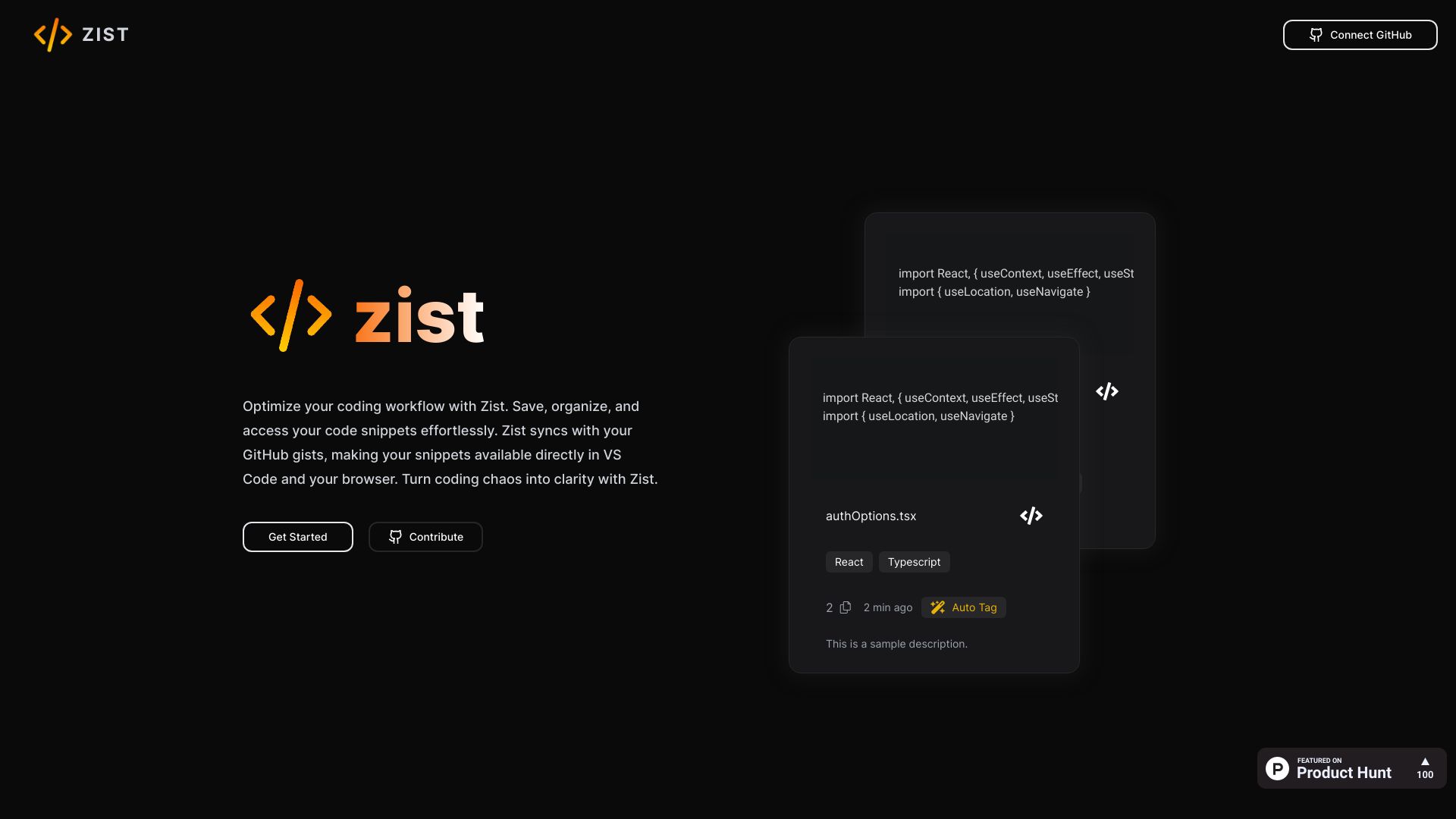
Zist is a platform designed to help developers easily organize, access, and manage their code snippets and GitHub Gists. It offers AI-based auto-tagging, advanced search capabilities, and a user-friendly editor to streamline the coding workflow. Zist integrates with GitHub Gists and provides extensions for VS Code and browsers, enabling code reuse and collaboration.
Access & connections
Where you can use Zist, and what it plugs into.
Platforms
VS Code
Capabilities
What this tool accepts, produces, and is strongest at.
Highlights
- Code snippet management
- GitHub Gist synchronization
- AI-based auto-tagging
- Advanced search
- VS Code and browser extensions
FAQ 4
What is Zist?
Zist is a platform designed to help developers easily organize, access, and manage their code snippets and GitHub Gists. It offers AI-based auto-tagging, advanced search capabilities, and a user-friendly editor to streamline the coding workflow. Zist integrates with GitHub Gists and provides extensions for VS Code and browsers, enabling code reuse and collaboration.
How to use Zist?
Connect Zist to your GitHub account to sync your gists. Use the platform to save, organize, and access your code snippets. Utilize the VS Code and browser extensions for direct access within your development environment.
What is Zist?
Zist is a code snippet manager that helps you organize and access your code snippets and GitHub Gists in one platform.
How does Zist integrate with GitHub?
Zist syncs with your GitHub gists, making your snippets available directly in VS Code and your browser.
Related tools
Recommended


Zist