
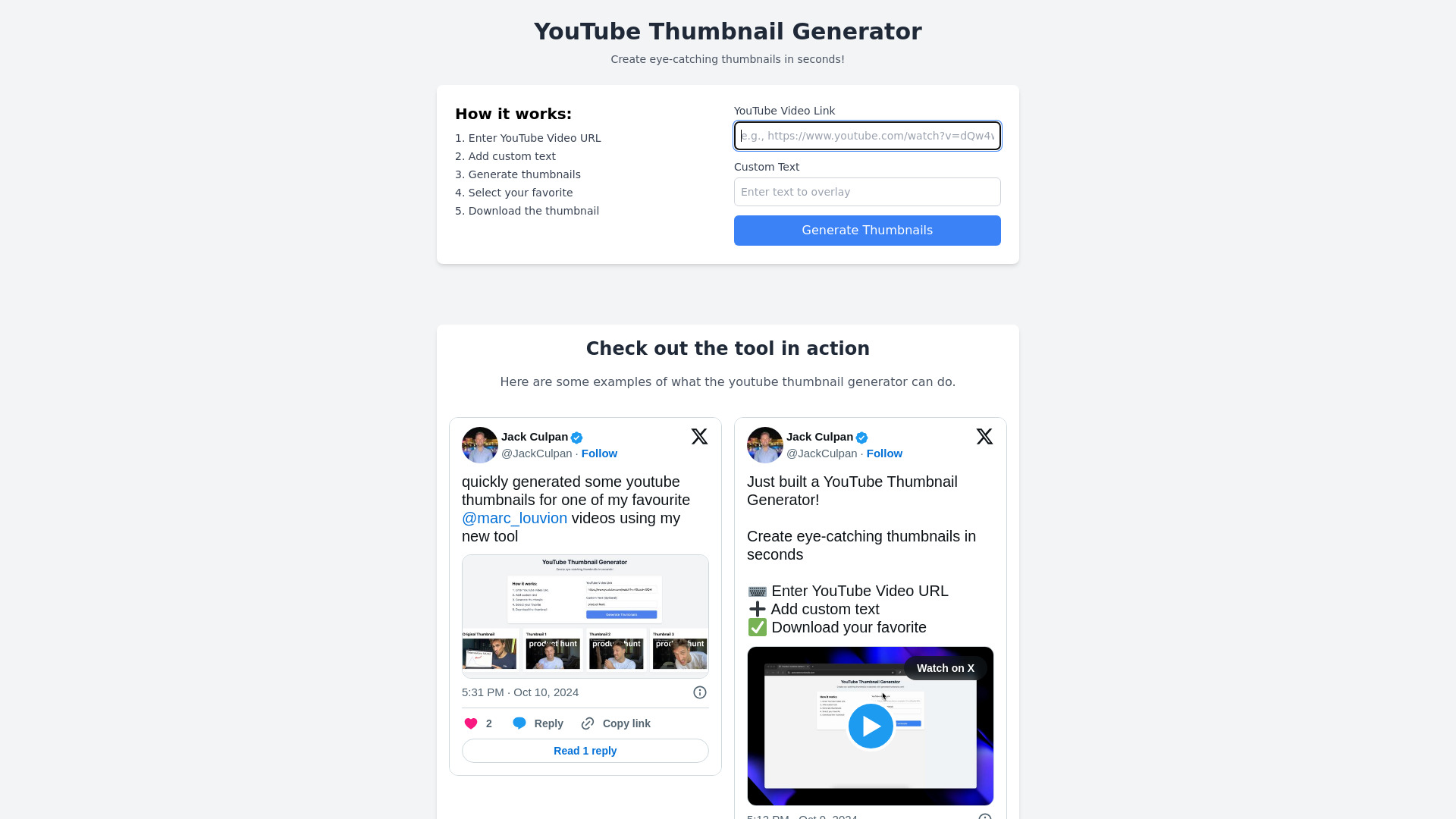
YouTube Thumbnail Generator
AI tool for creating images, videos, and YouTube thumbnails.
Source rating 5.0
(82)
0 views
0 saves
Unknown
Verdict
A quick read before you dig into the full page.
- Best if
- AI tool for creating images, videos, and YouTube thumbnails
- Pick this when
- AI tool for creating images, videos, and YouTube thumbnails
Overview
AI Photoshoot is an AI Image & Video Creator & Generator that allows users to create eye-catching YouTube thumbnails and unique, personalized AI images and videos. It caters to both professionals and hobbyists, offering tools to generate creative and professional-looking content.
Access & connections
Where you can use YouTube Thumbnail Generator.
Platforms
Capabilities
What this tool accepts, produces, and is strongest at.
Highlights
- AI image generation
- AI video generation
- YouTube thumbnail creation
- Text-to-image conversion
- AI model selection
- Image enhancement
FAQ 8
What is AI Photoshoot?
AI Photoshoot is an AI Image & Video Creator & Generator that allows users to create eye-catching YouTube thumbnails and unique, personalized AI images and videos. It caters to both professionals and hobbyists, offering tools to generate creative and professional-looking content.
How to use AI Photoshoot?
To use AI Photoshoot, first, choose an image or input a text prompt. Second, select an AI model that matches your creative vision. Finally, generate your unique AI-enhanced image or video.
Which AI model is optimal for generating top-quality images and videos?
Lykon's DreamShaper 8 is the top recommendation for producing high-definition images and videos from text prompts, offering unmatched creative freedom and accuracy.
How can I improve the resolution of generated images?
Utilizing the 'Enhance' feature in DreamShaper 8 allows for the improvement of image resolution, making them clearer and more detailed.
Is it possible to generate images based on textual descriptions?
Yes, DreamShaper 8 excels at converting textual descriptions into vivid, high-quality images and videos, bringing your creative visions to life.
Can I customize the style of the generated images?
Absolutely, DreamShaper 8 offers various style options, enabling users to tailor the aesthetics of their images to suit their preferences.
What file formats are supported for the output images?
DreamShaper 8 supports a range of file formats, including JPG, PNG, and TIFF, providing flexibility in how you use and share your creations.
Are there any limitations on the content I can generate?
While DreamShaper 8 encourages creative freedom, it adheres to ethical guidelines to ensure the generated content is appropriate and does not infringe on copyrights.
Related tools
Recommended



YouTube Thumbnail Generator