
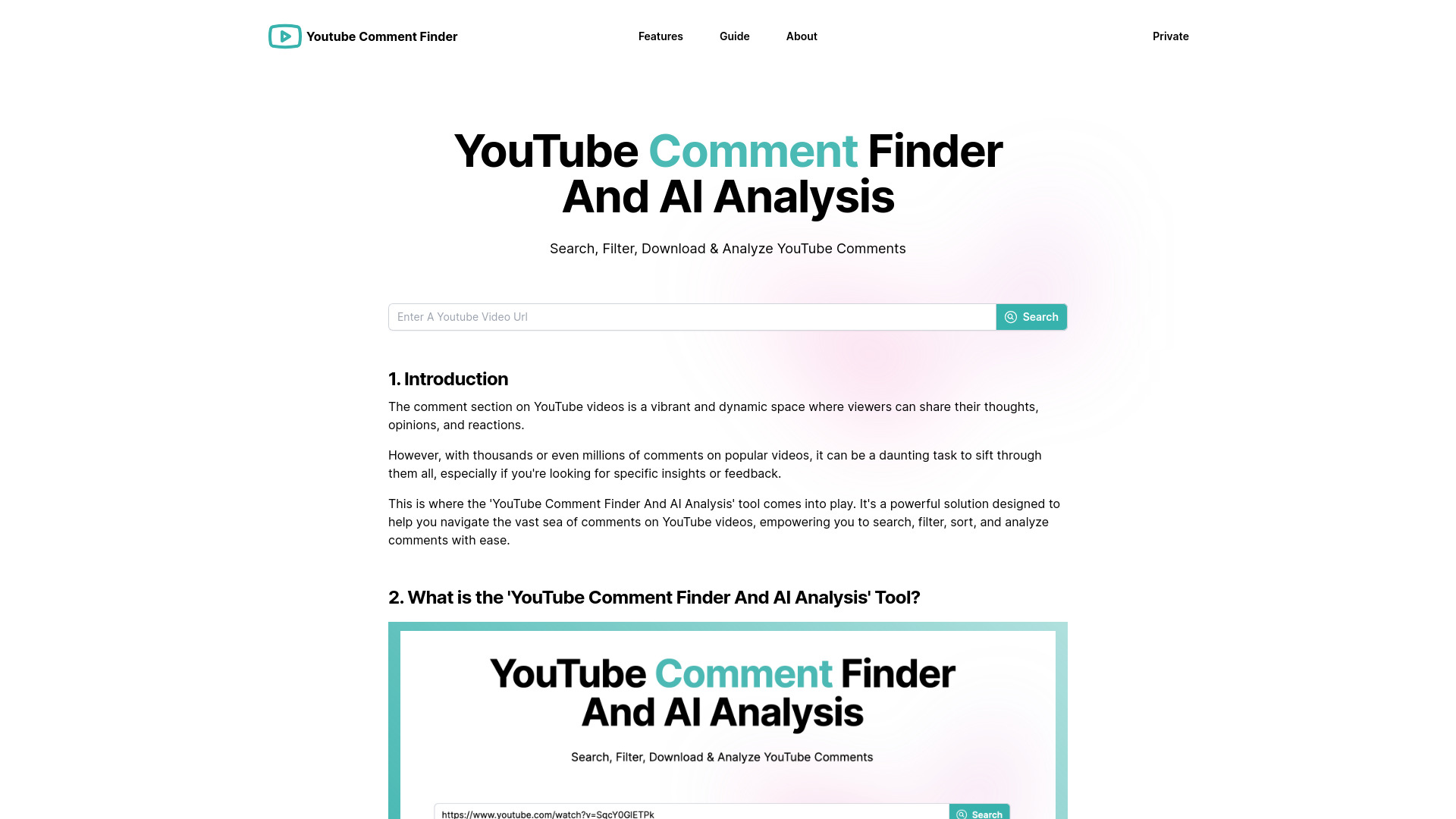
YouTube Comment Finder And AI Analysis
A tool to search, filter, analyze, and manage YouTube comments efficiently.
Source rating 5.0
(68)
0 views
0 saves
Unknown
Verdict
A quick read before you dig into the full page.
- Best if
- A tool to search, filter, analyze, and manage YouTube comments efficiently
- Pick this when
- A tool to search, filter, analyze, and manage YouTube comments efficiently
Overview
YouTube Comment Finder is a powerful tool that helps you search, filter, sort, download and AI analyze comments on YouTube videos with ease. Find relevant comments, identify popular ones, export data, and more. It offers features like keyword search, comment filtering by date, likes, or replies, comment sorting, comment exporting to Excel or JSON, random comment picking, and AI-powered comment analysis.
Access & connections
Where you can use YouTube Comment Finder And AI Analysis, and what it plugs into.
Platforms
Integrations
Capabilities
What this tool accepts, produces, and is strongest at.
Highlights
- Keyword Search for Comments
- Comment Filtering (Date, Likes, Replies)
- Comment Sorting
- Comment Exporting (Excel, JSON)
- Random Comment Picker
- AI-Powered Comment Analysis
FAQ 6
What is YouTube Comment Finder?
YouTube Comment Finder is a powerful tool that helps you search, filter, sort, download and AI analyze comments on YouTube videos with ease. Find relevant comments, identify popular ones, export data, and more. It offers features like keyword search, comment filtering by date, likes, or replies, comment sorting, comment exporting to Excel or JSON, random comment picking, and AI-powered comment analysis.
How to use YouTube Comment Finder?
Visit the website, enter the YouTube video URL, and use the search, filter, and sort options to find specific comments. You can also export comments or use the AI analysis feature for insights.
How to find your comments on YouTube using the 'YouTube Comment Finder And AI Analysis'?
Enter the URL of the video you want to search in the tool. Once the comments are loaded, use the keyword search function to search for your username or any other identifying information you typically include in your comments. Alternatively, you can use the tool's "View Your Comment History" feature, which will display all the comments you've made across different YouTube channels.
How to see the most liked comments on a video using the 'YouTube Comment Finder And AI Analysis'?
Enter the URL of the video in the tool. Once the comments are loaded, sort them by the "Likes" option. The comments with the highest number of likes will appear at the top of the list.
How to check your comment history on YouTube using the 'YouTube Comment Finder And AI Analysis'?
Simply use the "View Your Comment History" feature, and the tool will display all the comments you've made across different YouTube channels.
How to search for comments on a specific video using the 'YouTube Comment Finder And AI Analysis'?
Enter the URL of the video in the tool. Once the comments are loaded, use the keyword search function to search for specific words or phrases related to the comments you're looking for. Optionally, you can combine the keyword search with sorting options to further refine your results.
Related tools
Recommended

YouTube Comment Finder And AI Analysis