
Yoink AI
AI that auto-grabs context wherever you are in your Mac, and writes for you
Free + from $20 / month
Verdict
A quick read before you dig into the full page.
- Best if
- AI that auto-grabs context wherever you are in your Mac, and writes for you
- Skip if
- You need enterprise SLAs or a fully managed team plan right away
- Pick this when
- Freemium · Free + from $20 / month
Overview
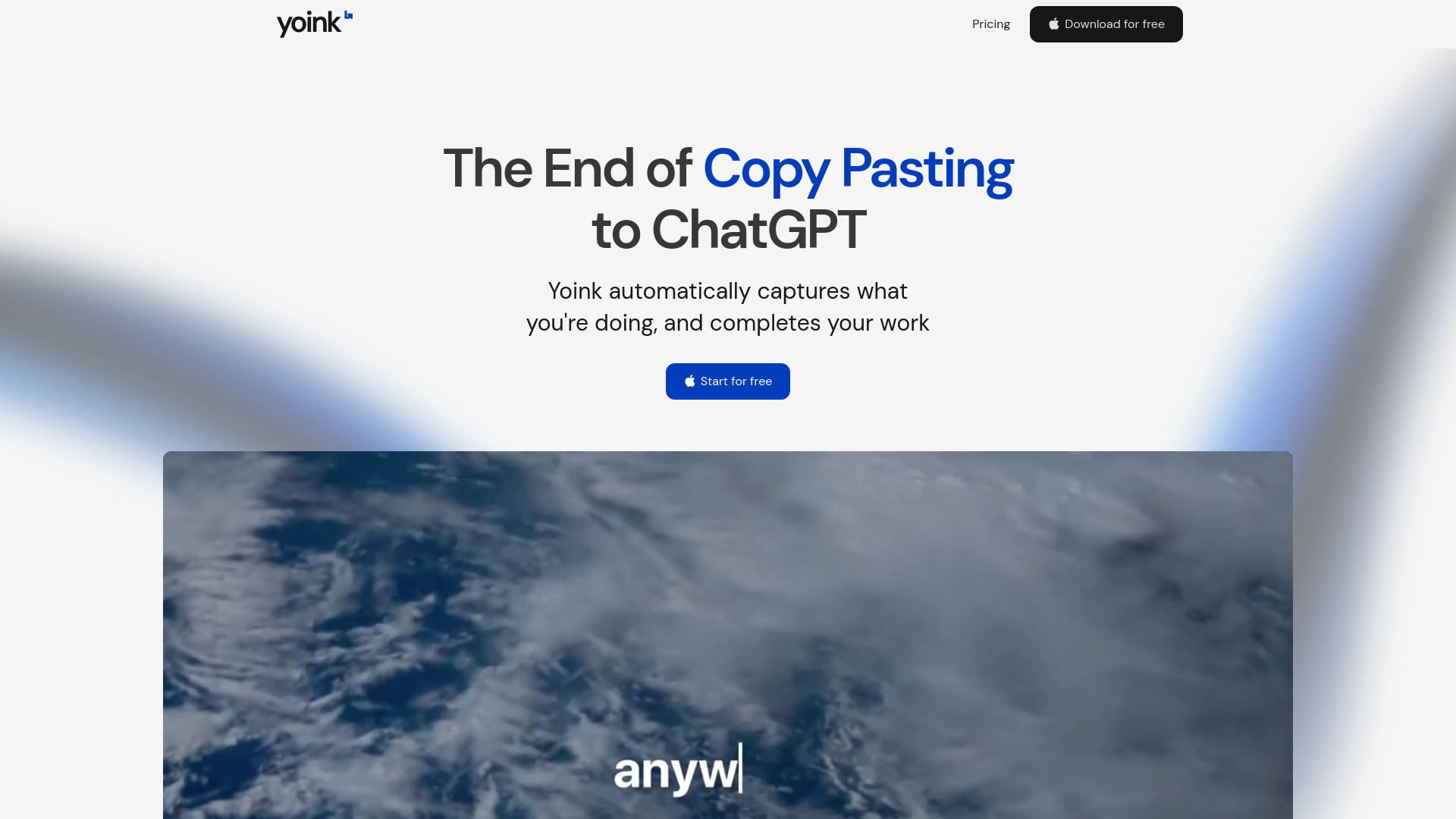
Yoink is the AI assistant that works everywhere on your Mac.
Write with AI seamlessly, in any application. With a single hotkey, Yoink:
1. Instantly captures your context, whether you’re drafting an email in Gmail, editing a doc, or brainstorming in Notion
2. Generates tailored text right at your cursor, so no more switching tabs, copy-pasting, or breaking your flow
3. Yoink writes for you with the same tone as the existing doc, seamlessly and invisibly, so you can focus on your ideas, not your tools.
Key Features include:
1. Universal and Context Aware: Unlike chatbots that interrupt your process, Yoink integrates directly into your workflow, editing or completing your text inline and adapting to your unique style with personalized voices
2. Single Global Shortcut: Wherever you write, just press ⌘⇧Y to activate Yoink instantly—no matter the app, your AI assistant is always one keystroke away, ready to generate or edit text right at your cursor
3. Personalized Voices: Yoink also allows you to create custom writing styles called "Voices" to steer the output. Simply provide a few examples and instructions, and Yoink will generate a personalized voice you can re-use anywhere
Access & connections
Where you can use Yoink AI, and what it plugs into.
Platforms
Capabilities
What this tool accepts, produces, and is strongest at.
Highlights
- Universal Activation: Instantly launch Yoink in any text field on your Mac
- Context-Aware Writing: Yoink captures your current context (text and screen) automatically
- Inline Editing: Edits appear directly where you left off
- Personalized Voices: Create custom voice profiles for your writing by providing examples
- Stay in Flow: Keep focused on your ideas and Yoink will handle the words. Never break your creative momentum.
FAQ 4
What is Yoink AI?
Write with AI seamlessly, in any application. With a single hotkey, Yoink:
1. Instantly captures your context, whether you’re drafting an email in Gmail, editing a doc, or brainstorming in Notion
2. Generates tailored text right at your cursor, so no more switching tabs, copy-pasting, or breaking your flow
3. Yoink writes for you with the same tone as the existing doc, seamlessly and invisibly, so you can focus on your ideas, not your tools.
Key Features include:
1. Universal and Context Aware: Unlike chatbots that interrupt your process, Yoink integrates directly into your workflow, editing or completing your text inline and adapting to your unique style with personalized voices
2. Single Global Shortcut: Wherever you write, just press ⌘⇧Y to activate Yoink instantly—no matter the app, your AI assistant is always one keystroke away, ready to generate or edit text right at your cursor
3. Personalized Voices: Yoink also allows you to create custom writing styles called "Voices" to steer the output. Simply provide a few examples and instructions, and Yoink will generate a personalized voice you can re-use anywhere

