
WriCo
AI-powered writing assistant for organizing, generating ideas, and structuring stories.
Source rating 5.0
(92)
241 views
241/mo traffic
0 saves
Paid
from $2.99
Verdict
A quick read before you dig into the full page.
- Best if
- AI-powered writing assistant for organizing, generating ideas, and structuring stories
- Skip if
- You need a free plan with no credit card
- Pick this when
- Paid · from $2.99
Overview
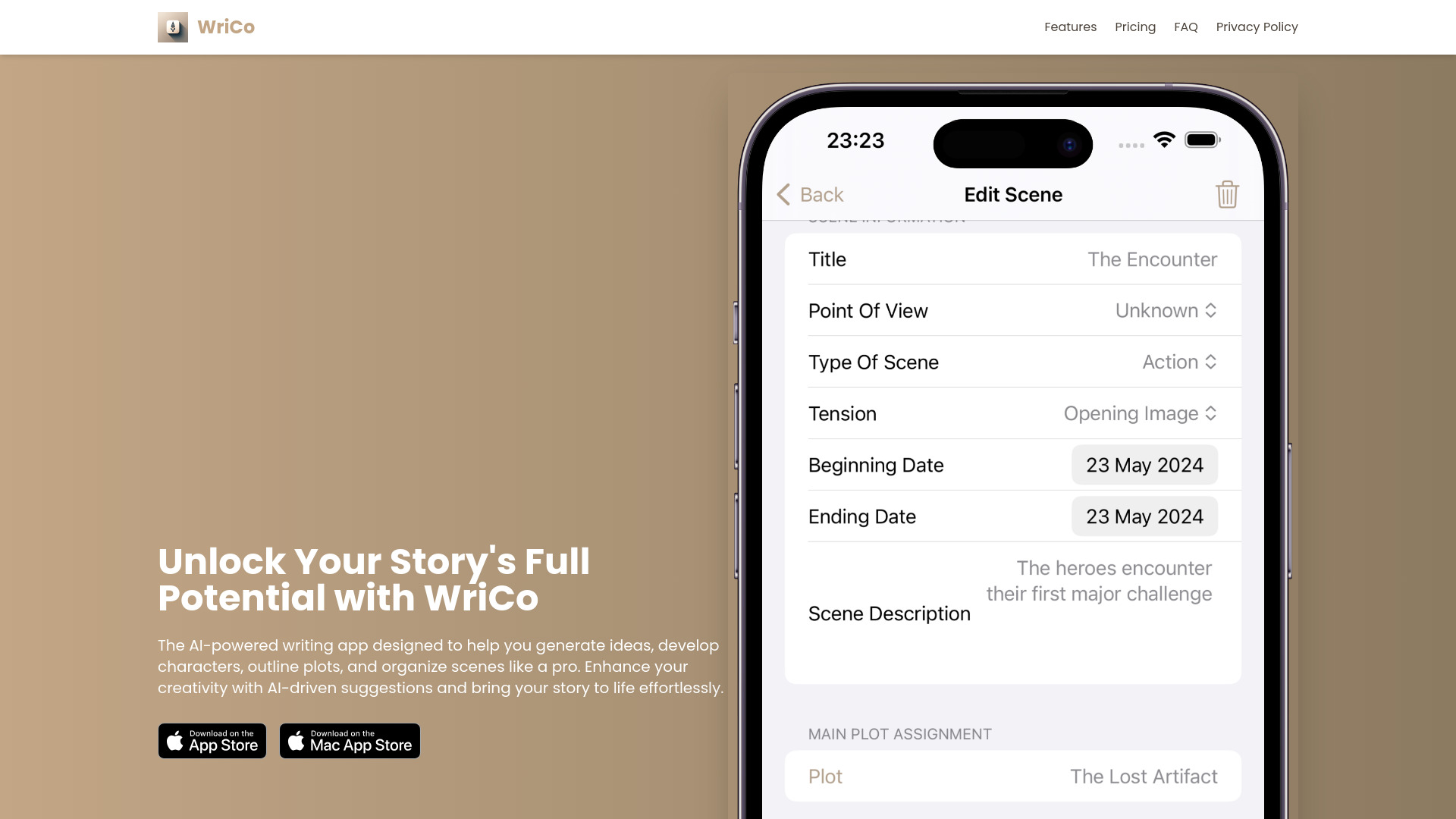
Writer Copilot (WriCo) is an AI-powered writing assistant designed to help writers organize notes and plots, generate story ideas, develop characters, and structure engaging scenes. It aims to boost creativity with AI-driven suggestions and keep writers focused on crafting their perfect story. WriCo offers features like intuitive outlining tools, detailed character templates, AI-powered story suggestions, and seamless syncing across Apple devices.
Access & connections
Where you can use WriCo.
Platforms
Capabilities
What this tool accepts, produces, and is strongest at.
Highlights
- AI-Powered Story Suggestions
- Character Development Templates
- Plot Outlining Tools
- Scene Structuring
- Seamless Sync & Access
FAQ 6
What is Writer Copilot?
Writer Copilot (WriCo) is an AI-powered writing assistant designed to help writers organize notes and plots, generate story ideas, develop characters, and structure engaging scenes. It aims to boost creativity with AI-driven suggestions and keep writers focused on crafting their perfect story. WriCo offers features like intuitive outlining tools, detailed character templates, AI-powered story suggestions, and seamless syncing across Apple devices.
How to use Writer Copilot?
Use WriCo to organize plots with outlining tools, develop characters using templates, structure scenes, generate story ideas with AI, and sync your work across Apple devices.
What devices are compatible with WriCo?
WriCo is designed for Apple devices and is compatible with iPhone, iPad, and Mac.
Is there a free version of WriCo?
Yes! The core app is free to use, allowing you to organize notes, plots, characters, and more. However, advanced text AI features are available through a subscription, and image generation operates on a credit system.
How does WriCo sync my work across my devices?
WriCo uses iCloud to seamlessly and securely sync your projects across your Apple devices when connected to the internet. Your work is always backed up and accessible.
What support options are available?
You can reach us at [email protected] for any questions or support needs.
Related tools
Recommended


WriCo
from $2.99