
Professional emails 2026 Rank: #2275
Wren ✓
A designed team email, in 60 seconds.
Verdict
A quick read before you dig into the full page.
- Best if
- A designed team email, in 60 seconds
- Skip if
- Limited to team internal communications
- Pick this when
- Email design in seconds
Considering Second Glance instead? Compare side by side
Overview

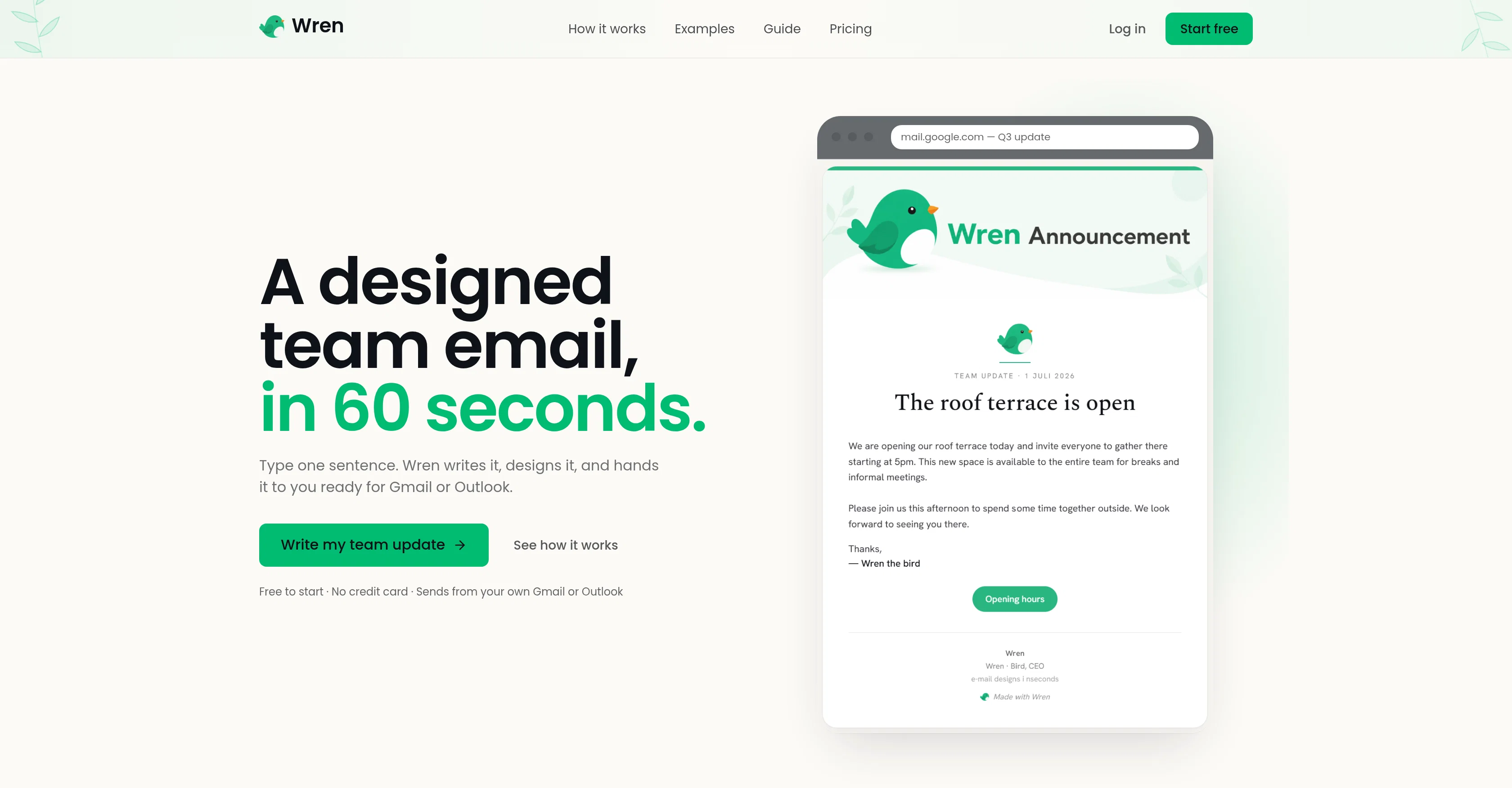
Wren is a tool designed to streamline and improve the process of sending team updates via email. It works by taking a simple sentence or two and transforming them into a well-structured, professionally designed email.
This can then be sent directly through your personal Gmail or Outlook account, maintaining a human touch throughout the communication process. The tool is ideal for a range of internal communication purposes including new hire announcements, office notices and policy updates.
The primary functionality of Wren includes writing and designing the email content. To achieve this, users enter a rough description of their email, which Wren then applies real serif typography, brand coloring, and a clear layout to.
The end result is a polished email, ready to be sent with one click. Moreover, the tool ensures that all styling elements, such as fonts, colors and button, remain consistent when the email lands in the recipient's inbox.
Users also have the leverage to subscribe for premium subscription features like removing the 'Made with Wren' footer or getting an unlimited number of emails drafted per month.
Wren is positioned as an easy, efficient tool for drafting and sending team emails, making it feasible for individuals to deliver clear and eye-catching team updates in seconds.
Access & connections
Where you can use Wren, and what it plugs into.
Platforms
Capabilities
What this tool accepts, produces, and is strongest at.
Input
- Text
Output
- Text
Highlights
- SOTA
Supported features
- Writing
- Text Generation
- Styling
- Team Collaboration
- Brand Strategy
- Integrations
Models
Text
Image
Audio
Video
Coding
Pros & cons
Pros
- Email design in seconds
- Personal Gmail or Outlook sending
- Human touch communication
- Use for various internal communications
- Real serif typography use
- Brand coloring application
- Automated clean layout design
- One click email send
Show 24 more
- Consistent email styling
- Premuim subscriptions available
- Removal of 'Made with Wren' footer
- Unlimited emails drafting possibility
- New hire announcements support
- Policy communication tool
- Office notices delivery
- Layout design capabilities
- Email design and text drafting
- Free to start
- Footer removal for premium
- Unlimited email for Pro subscribers
- Flexible pricing models
- No sales call required
- Emails send from personal accounts
- Wren won't chase you
- Simplified team email process
- Saved brand kit for Pro
- Saved templates and sign-offs for Pro
- Easy cancellation
- No contracts
- Pricing for various usage frequencies
- Option for one-time payment
- Credits for premium package never expire
Cons
- No integration with other email providers
- Prescribed brand coloring limits
- Limited free feature usage
- Paid subscription required for footer removal
- Premium pricing for unlimited drafts
- No template adjustability
- Limited to team internal communications
- Necessitates brief email input
Compare alternatives
Similar tools in the catalog — with a clear reason to open each one.

Second Glance ✓
FreemiumReview emails before sending to avoid workplace misinterpretation.
Why look Better for writing
Full comparison
Web Hosting | Hostinger ✓
PaidDescribe it. Horizons builds it.
Why look Typically cheaper
Full comparison