Verdict

A quick read before you dig into the full page.

Best if
You are content Creators and need: Crafting precise, lifelike stories from scripts for filmmakers and content creators
Skip if
You need a free plan with no credit card
Pick this when
Paid · From US$ 89 / year

Overview

ToMoviee AI is an all-in-one AI creative studio designed for creators, marketers, filmmakers, designers, and teams. It enables users to generate video, images, music, and sound with artificial intelligence, promising fast, realistic, and fully controllable results. The platform aims to redefine AI creation by offering more realistic outcomes, accelerated workflows, and precise control across various media types. It emphasizes authenticity through lifelike motion, lighting, and audio replication, precision control over elements like camera movements and scene composition, and speed with 8x faster AI rendering and instant voice cloning. ToMoviee AI provides a comprehensive suite of AI content generation capabilities, including text-to-video, image-to-video, video continuation, text-to-image, partial repainting, image-to-image, text-to-music, text-to-sound effects, video scoring, and text-to-speech. It is built to streamline creative workflows from rapid ideation to scalable production, offering tailored AI solutions for diverse professional needs.

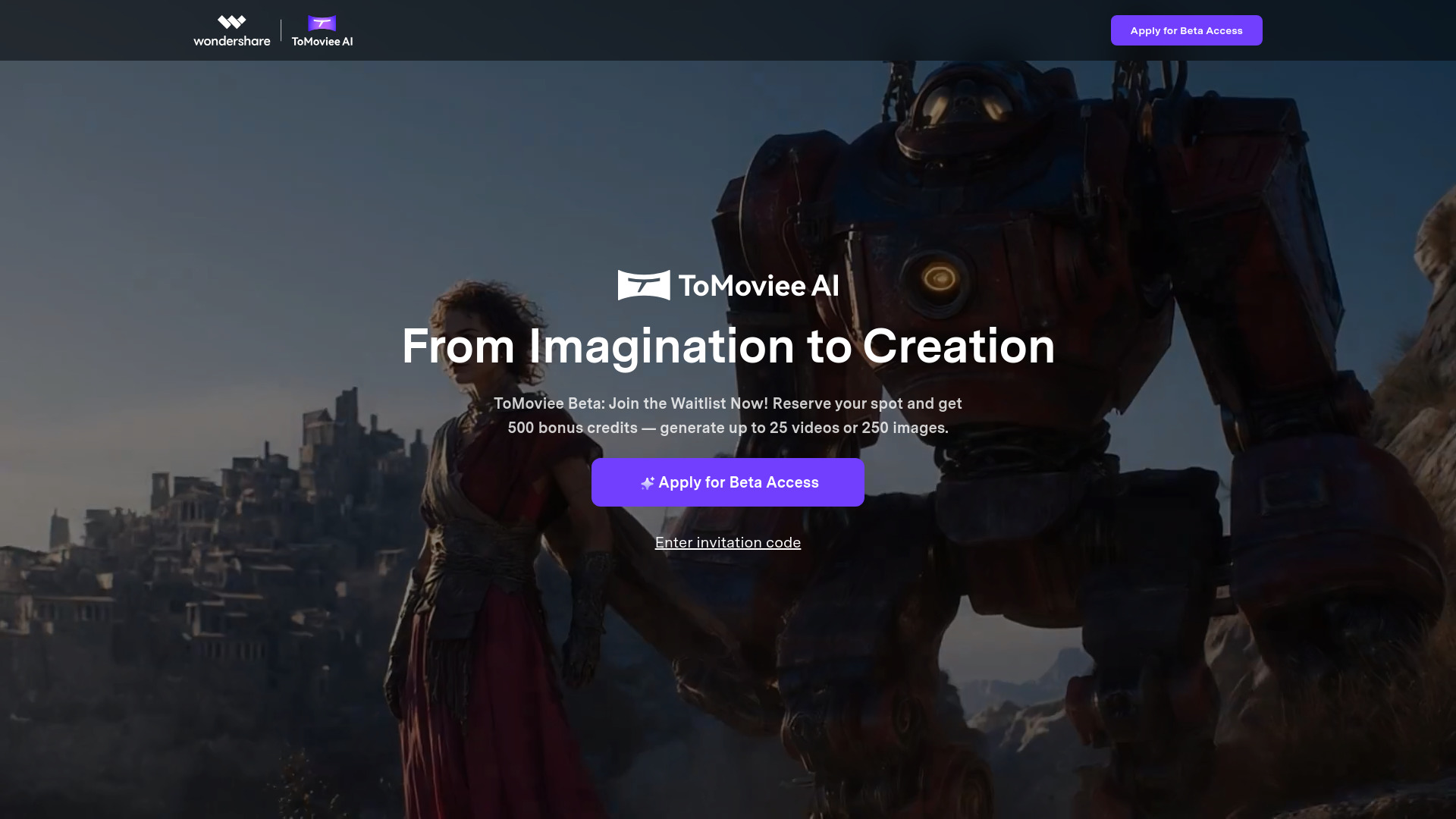
WonderShare ToMoviee AI screenshot

Best for

Short scenarios where WonderShare ToMoviee AI tends to shine.

  • Crafting precise, lifelike stories from scripts for filmmakers and content creators.

    Best for Content Creators

  • Transforming still images into vivid, moving stories for marketers and designers.

    Best for Marketers

  • Seamlessly extending video narratives with smart, lifelike AI.

    Best for Filmmakers

  • Generating highly realistic and creative images from imagination.

    Best for Designers

  • Composing original, royalty-free music in any style.

    Best for Teams

  • Generating HD sound effects from text prompts.

    Best for Brand & Marketing Teams

  • Creating realistic voices with emotion and nuance.

    Best for Video Editors

  • Boosting content output and consistency for brand and marketing teams.

    Best for Content Creators

Example outputs 1

Sample generations and before/after results for WonderShare ToMoviee AI.

Access & connections

Where you can use WonderShare ToMoviee AI.

Platforms

Web

Capabilities

What this tool accepts, produces, and is strongest at.

Highlights

  • AI Video Generation (Text to Video, Image to Video, Video Extend)
  • AI Image Generation (Text to Image, Partial Repaint, Reference to Image)
  • AI Audio Generation (Auto BGM, Text to Music, Text to Sound Effects, Text to Voice)
  • Realistic AI output with lifelike motion, lighting, and audio
  • Fine-tuned creative control over generated content
  • Fast rendering and generation speeds

People also view

Tools that often show up alongside WonderShare ToMoviee AI in collections and comparisons.

FAQ 11

What is WonderShare ToMoviee AI?
ToMoviee AI is an all-in-one AI creative studio designed for creators, marketers, filmmakers, designers, and teams. It enables users to generate video, images, music, and sound with artificial intelligence, promising fast, realistic, and fully controllable results. The platform aims to redefine AI creation by offering more realistic outcomes, accelerated workflows, and precise control across various media types. It emphasizes authenticity through lifelike motion, lighting, and audio replication, precision control over elements like camera movements and scene composition, and speed with 8x faster AI rendering and instant voice cloning. ToMoviee AI provides a comprehensive suite of AI content generation capabilities, including text-to-video, image-to-video, video continuation, text-to-image, partial repainting, image-to-image, text-to-music, text-to-sound effects, video scoring, and text-to-speech. It is built to streamline creative workflows from rapid ideation to scalable production, offering tailored AI solutions for diverse professional needs.
How to use WonderShare ToMoviee AI?
Users can generate content by providing text prompts for video, images, music, sound effects, and voice. They can also transform still images into videos or extend existing video content. The platform offers fine-tuned control over creative elements such as camera movements, scene composition, and sound propagation. The workflow is designed to be seamless, covering generation, editing, management, and publishing.
Is AI-generated content copyright-free?
Copyright laws for AI-generated content vary by jurisdiction. Ownership may depend on factors like your prompts, uploaded assets, or local regulations. While ToMoviee transfers all potential rights arising from their service to you, they strongly advise consulting legal counsel before commercial use. Key conditions include ensuring inputs don’t infringe third-party rights and being responsible for legal compliance when using outputs.
How is my data used?
ToMoviee prioritizes privacy and data security, collecting, processing, and storing personal information only as required by law, and never selling, trading, or renting data to third parties for marketing purposes. AI features are activated only when explicitly chosen and operate based solely on provided content, not accessing other private data unless directly input.
What creation capabilities does ToMoviee offer?
ToMoviee AI provides full-stack AI content generation for images, videos, audio, and speech. Modules include text-to-video, image-to-video, video continuation, text-to-image, partial repainting, image-to-image, text-to-music, text-to-sound effects, video scoring, and text-to-speech.
What should I avoid when using AI features?
When using ToMoviee’s AI capabilities, users must ensure inputs comply with all relevant laws, ethical standards, and community norms. Avoid submitting content that infringes upon the rights of others or violates the platform’s terms.
What are credits?
Creators can spend credits to access paid AI features on the platform.
How do I earn credits?
Credits can be earned by creating a ToMoviee Studio account (new users receive gift credits), purchasing subscription plans or top-up packages, or participating in events like referring friends or competitions.
How can I view my credit consumption details?
Log in to the Studio and click on the “Credits” icon in the upper-right corner to view credit consumption details for the past two months.
How do I request a refund?
Auto-renewing membership subscription plans can be canceled at any time. However, any credits that have been purchased cannot be transferred, withdrawn, refunded, or redeemed for membership services or cash.
What is the relationship between credits and membership?
Users spend credits to access paid AI features. Different membership plans gift varying amounts of credits. Credits cannot be transferred or redeemed for membership or cash.
WonderShare ToMoviee AI From US$ 89 / year

