

WhatLetter ✓
Snap, translate and discuss documents in any language.
Free + from $1.99/mo
Verdict
A quick read before you dig into the full page.
- Best if
- Snap, translate and discuss documents in any language
- Skip if
- Limited free usage
- Pick this when
- Supports 30+ languages
Considering VisaPod instead? Compare side by side
Overview
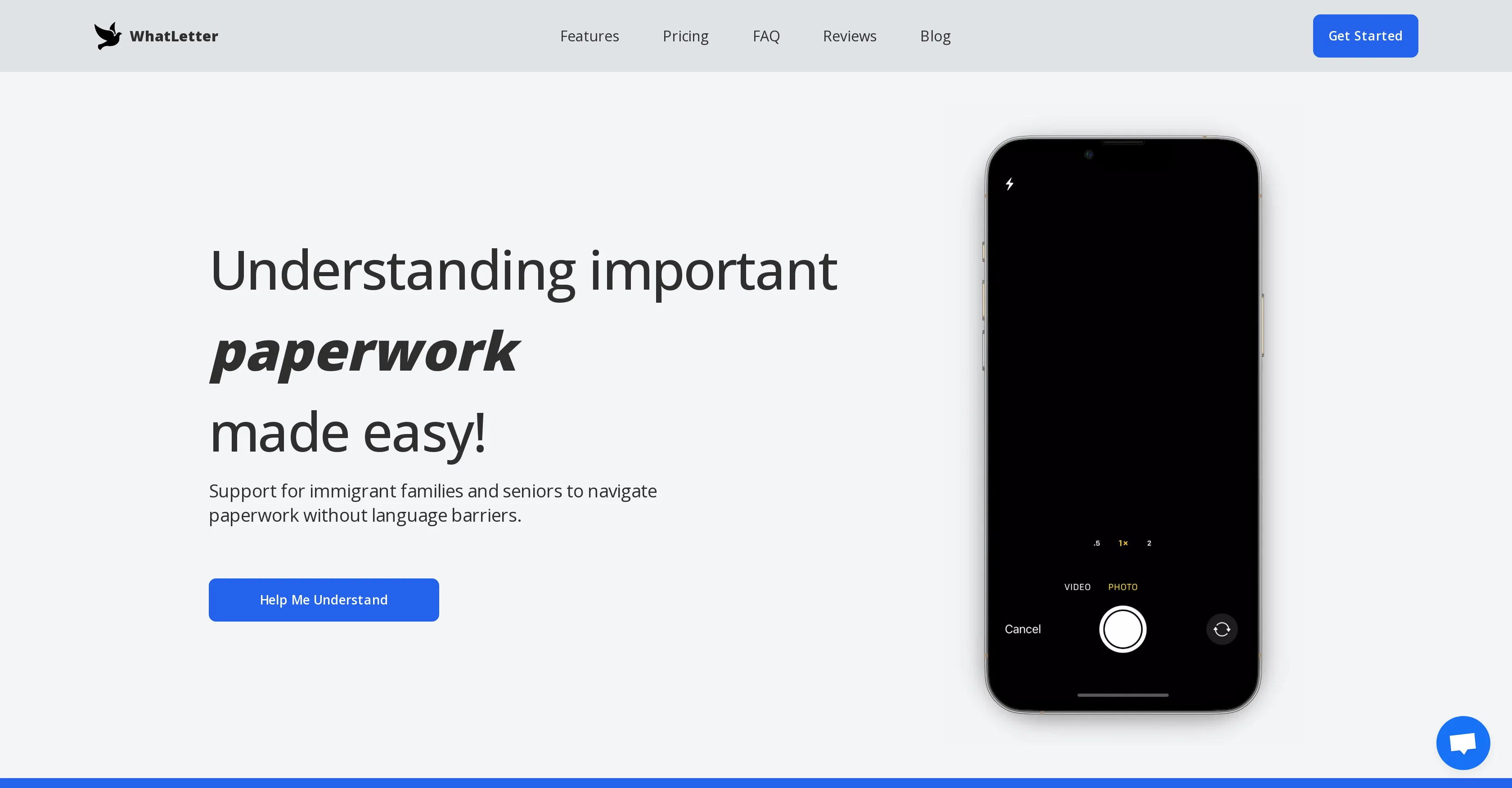
WhatLetter is an AI-powered application designed to facilitate the process of translating and understanding documents across various languages. The tool offers a user-friendly approach to navigate paperwork, particularly beneficial for immigrant families and seniors.
It supports 30+ languages, allowing for a truly global reach. Users can simply take a snapshot of a document, and the tool provides instant insights and contextually translating the content.
The tool also facilitates natural conversations and engagements in the user's chosen language, providing tailored explanations and responses. WhatLetter prioritises privacy, assuring no images or chat histories are saved on its servers or accessed by third parties.
It is universally accessible via web-based platforms on both desktop and mobile browsers. Regular updates, including integrations with communication platforms like WhatsApp and Telegram, are part of its ongoing development.
Apart from document translation, WhatLetter can be used for personal usage on medical records, bills, legal forms, travel guides, business contracts, technical documents, and more.
WhatLetter also aims to encourage independent usability by enabling users to understand their documents without assistance. The tool is aimed at delivering a seamless, confident, and time-saving document translation and comprehension experience.
Access & connections
Where you can use WhatLetter, and what it plugs into.
Platforms
Capabilities
What this tool accepts, produces, and is strongest at.
Input
- Image
Output
- Text
Pros & cons
Pros
- Supports 30+ languages
- Instant insights on documents
- Contextual translation
- Natural conversation facilitation
- User privacy prioritized
- Accessible on web platforms
- Regular updates
- Integration with messaging apps
Show 28 more
- Supports various document types
- Enables independent usability
- Designed with immigrant families and seniors in mind
- Seamlessly retrieve meaningful information
- Elderly-friendly
- No saved images or chat histories
- Supports legal, medical, business, technical documents
- Travel guide translation
- Credit bill insights
- Personal and professional use
- Multi-platform compatibility
- Fast and confident document translation
- Immigration documents Q&A support
- No third-party access
- Contextual and tailored responses
- User-friendly interface
- Snap and translate feature
- Transparent processing
- Safe processing - local and encrypted
- Comprehensive language support
- International communication facilitation
- Contextual insights on documents
- WhatsApp and Telegram integration
- Constant development and improvements
- Assists in navigating paperwork
- Useful for document comprehension
- Works on desktop and mobile browsers
- Text recognition for translations
Cons
- No mobile app
- Limited free usage
- 30+ languages not comprehensive
- Users must capture photos
- No offline functionality
- Doesn't support every language
- Elderly may struggle with technology
- Heavy reliance on updates
Show 2 more
- Only text recognition, not voice
- No image saving on servers
Compare alternatives
Similar tools in the catalog.


Releases 1
FAQ 12
How does WhatLetter translate documents?
What languages does WhatLetter support?
How does WhatLetter assure my privacy?
Can I use WhatLetter on a mobile browser?
How does WhatLetter integrate with WhatsApp and Telegram?
Can WhatLetter assist with understanding medical and legal documents?
Is WhatLetter designed to be user-friendly for seniors?
Does WhatLetter save images or chat histories on its servers?
Can WhatLetter be used for personal documents?
Does WhatLetter help with document translation for immigrant families?
How does WhatLetter facilitate natural conversations in my chosen language?
What are the key features of WhatLetter?
Related tools
Recommended

Hyperis ✓
FreemiumOrganized task prioritization.

TheLibrarian.io ✓
Free TrialYour WhatsApp AI assistant for instant productivity.

Venturekit ✓
PaidGenerate comprehensive AI business plans instantly

NotebookLM ✓
FreemiumAI-powered note-taking and research assistant

Syft ✓
FreeAI-powered news tracking for any topic worldwide

The Drive AI ✓
FreemiumAI agents to organize files