

Digital waivers 2026 Rank: #2604
WaiverKit ✓
Digital waivers, without the clipboard.
Verdict
A quick read before you dig into the full page.
- Best if
- Digital waivers, without the clipboard
- Skip if
- CSV export only for more expensive plans
- Pick this when
- QR code signing
Overview
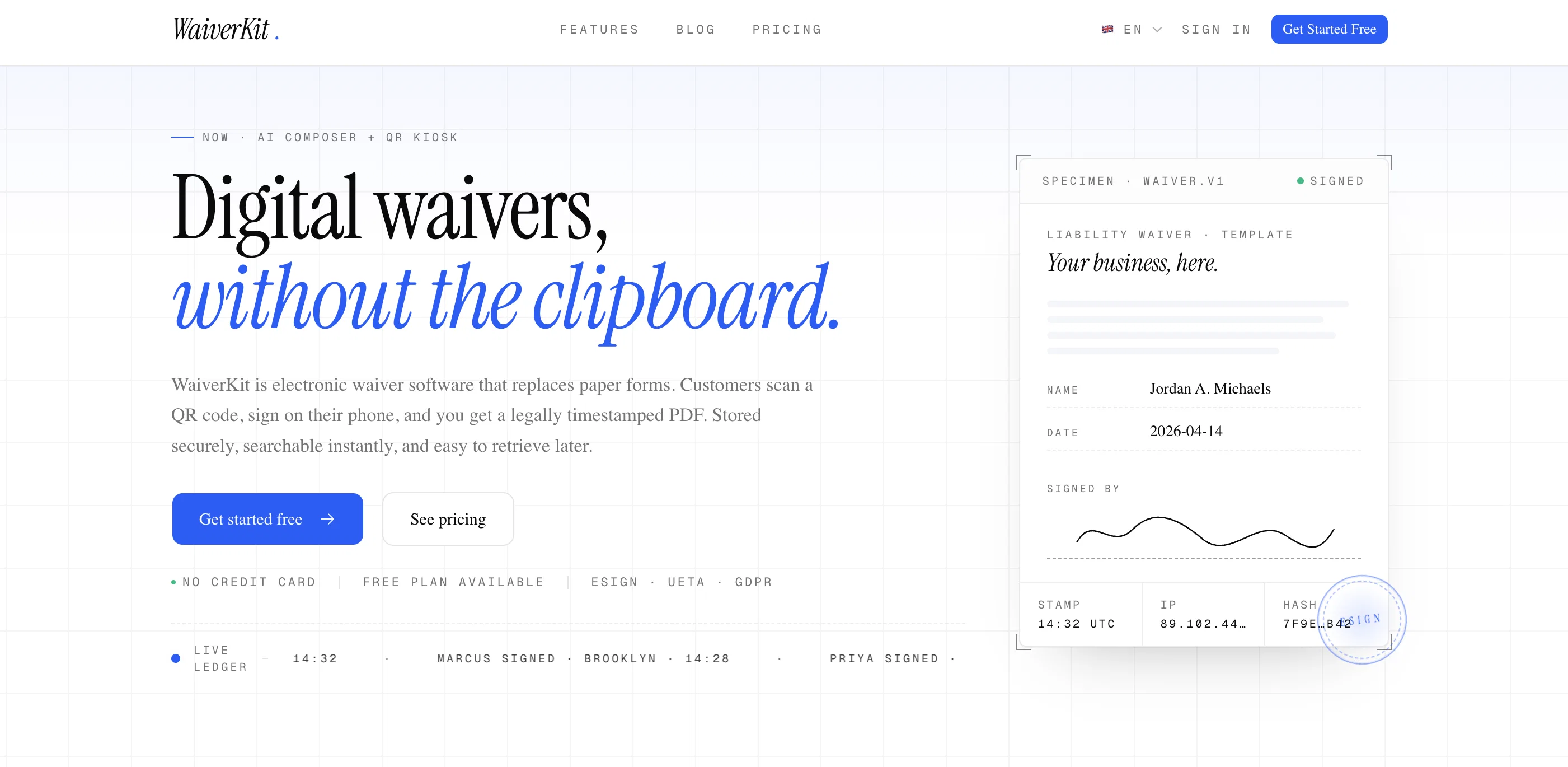
WaiverKit is an electronic waiver software that allows businesses to digitalize their waiver process, replacing traditional paper forms. The software lets customers sign legal liability waivers directly on their devices by scanning a QR code.
Each signed consent form is converted into a legally timestamped PDF, securely stored and easily retrievable when required. The software is compliant with ESIGN, UETA, and GDPR standards ensuring secure processing of data.
The platform offers a range of features to enhance ease of use and functionality. These include an AI composer, a drag-and-drop liability form builder for customising digital waivers, a signatory record with timestamps, IP, device fingerprint and SHA-256 hash capture for each signature, a searchable waiver index, automated receipts, QR Kiosk, and translation capabilities to convert English waivers into 11 different languages.
The service suits gyms, studios, events, rentals, and any business requiring signed waivers.
Access & connections
Where you can use WaiverKit.
Platforms
Capabilities
What this tool accepts, produces, and is strongest at.
Input
- Tabular
- Image
- Text
Output
- Tabular
- Text
Supported features
- Legal
- Automation
- Search
- Transcription
Pros & cons
Pros
- QR code signing
- Legally timestamped PDFs
- Compliant with ESIGN, UETA, GDPR
- Secure waiver storage
- Quick waiver searchability
- Easy waiver retrieval
- Liability form builder
- Custom digital waivers
Show 38 more
- QR code waiver poster
- Stored in the cloud
- Detailed signature information
- IP address & device fingerprint capture
- Waiver indexing
- Automatic signed waiver sending
- Supports eleven languages
- Applicable to various businesses
- SHA-256 hash capture
- Drag-and-drop form builder
- Signatory record
- Automated receipts
- Customizable customer interaction
- IP capture
- Device fingerprint capture
- Automated follow-up sequences
- Localization in one click
- Manual waiver building option
- Forensic signature information
- Unique QR for each template
- Expiry reminders
- Multi-language waivers
- Minor/guardian signing option
- Unlimited waivers and templates
- Multi-location deployment
- Team roles and permissions
- Priority support and SLA
- Dedicated onboarding
- Works for any industry
- Filter and export waivers
- No IT team required
- No shared tablets
- Digital transformation of legal documents
- Customer sign on own device
- CSV export
- Automated email confirmations
- PDF export
- Remove WaiverKit branding
Cons
- Limited to 11 languages
- Charges for additional waivers
- Limited forms in Free Plan
- Branding not removable in lower plans
- No multi-language waivers in lower plans
- Limitations on team roles and permissions
- No dedicated onboarding in lower plans
- No priority support in lower plans
Show 2 more
- Expiry reminders in premium plans only
- CSV export only for more expensive plans
Releases 1
FAQ 12
What is WaiverKit?
How does WaiverKit use AI to help draft waivers?
Which regulations is WaiverKit compliant with?
How secure is the data stored on WaiverKit?
How can I retrieve signed waivers from WaiverKit?
Can I customize my digital waiver forms on WaiverKit?
What is the process of getting a waiver signed with WaiverKit?
In what formats can a waiver be shared via WaiverKit?
Does WaiverKit provide any sort of timestamp or IP tracking for signed waivers?
How does the QR code feature work on WaiverKit?
Can WaiverKit automatically send signed copies to customers and staff?
What kind of businesses can benefit from using WaiverKit?
Related tools
Recommended

MagicSlides.app AI PPT Maker ✓
FreemiumCreate Stunning PPTs in Seconds with the AI PPT Maker

GetLogit ✓
FreemiumArtificial intelligence, available for everyone.

ChatGPT ✓
FreemiumAsk anything, create anything, and move from idea to action.

Automateed ✓
Free TrialCreate eBooks effortlessly with Automateed, the AI-powered writing tool.

Notis ✓
Free TrialThe first WhatsApp assistant that runs on your ChatGPT and Claude subscriptions

CodeRabbit ✓
Free TrialEnhanced code review for improved workflow and quality.