
Viva AI ✓
Unleash creativity with free AI-powered visual generation.
Trial; then from $20/mo
Verdict
A quick read before you dig into the full page.
- Best if
- You are individuals seeking AI companionship and need: Enhancing daily digital interactions with personalized AI
- Skip if
- Limited 3D model generation
- Pick this when
- Text-to-Image function
Considering VoooAI instead? Compare side by side
Overview
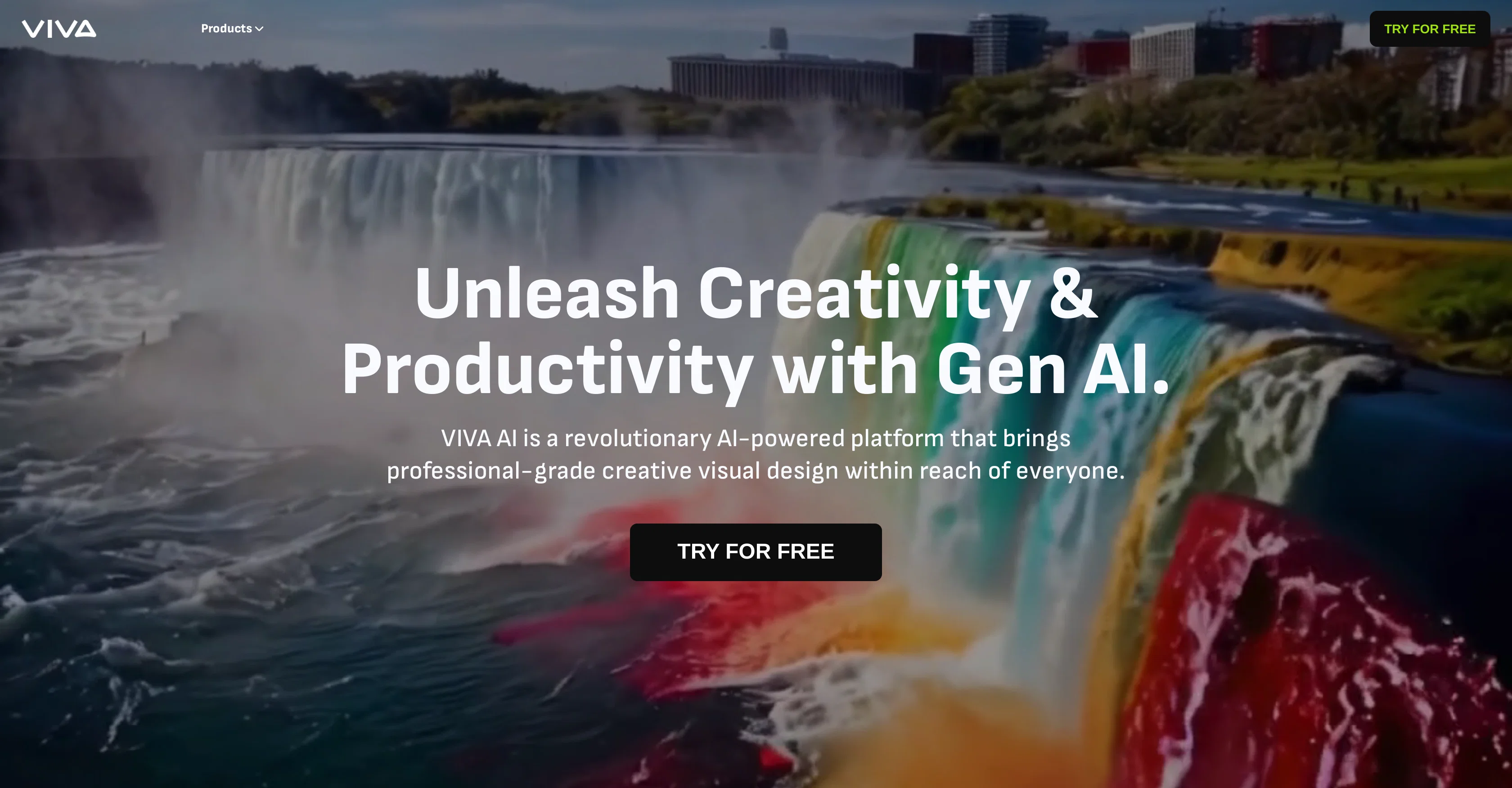
Viva AI is a creative visual design and content creation tool that leverages artificial intelligence. It offers various generation functions including Text-to-Image, Image-to-Image, Text-to-Video, Image-to-Video which are suited for a range of applications from storytelling and marketing to education.
The tool has advanced AI algorithms that generate visually engaging videos or images based on user text or input image. Another key feature is the ability to animate parts of an image with a simple brush stroke, adding a level of engagement to visuals.
Besides, it provides customizable motion and dimensions to match varying user visions. For image generation, it can create high-quality photos based on text prompts or transform input images creatively.
Viva AI also offers image enhancement tools allowing users to upgrade their images to high resolution, edit specific parts of an image, remove unwanted parts and expand image content for more immersion.
Additionally, the tool supports 3D model generation from text prompts. All these features combine to provide a comprehensive, easy-to-use platform for generating and editing high-quality visuals.
Best for
Short scenarios where Viva AI tends to shine.
-
Enhancing daily digital interactions with personalized AI.
Best for Individuals seeking AI companionship
-
Creating a friendship that grows with every chat.
Best for Users looking for personalized digital interactions
-
Tailoring AI responses based on past conversations and shared memories.
Best for People who want an AI that adapts to their unique style
Example outputs 1
Sample generations and before/after results for Viva AI.
Access & connections
Where you can use Viva AI.
Platforms
Capabilities
What this tool accepts, produces, and is strongest at.
Input
- Image
- Text
Output
- Video
- 3D
- Text
- Image
Pros & cons
Pros
- Text-to-Image function
- Image-to-Image function
- Text-to-Video function
- Image-to-Video function
- Image animation capability
- Customizable motion
- High-quality image generation
- Creative image transformation
Show 35 more
- Image enhancement tools
- Upgrades image resolution
- Parts-specific image editing
- Remove unwanted parts
- Expand image content
- 3D model generation
- Optimize prompts feature
- Vertical video creation
- Image to 4K conversion
- Seamless edits
- Professional-grade design
- Supports 2x, 4x image expansion
- Create 3D models
- Repainting feature
- Magic Eraser for cleanup
- Generate professional visuals
- Turn text into video
- Turn image into video
- Animated magical brush
- Pictures animation
- High-quality videos creation
- 4K videos enhancement
- Professional high-resolution images
- Virtual graphic designing
- Automatic prompt optimization
- User-friendly editing tools
- Serene, static visuals
- Free App. during beta
- Professional clear images
- No skills needed
- Upscale image quality
- Transforms text into videos
- Content creation efficiency
- Free for usage
- Real-time 3D model editing
Cons
- No offline functionality
- No collaborative features
- Requires manual input
- No mobile version
- No audio to video
- No API for developers
- Lacks real-time editing
- No integrated social sharing
Show 2 more
- Limited 3D model generation
- No built-in storyboard tools
Compare alternatives
Similar tools in the catalog — with a clear reason to open each one.

VoooAI ✓
FreemiumGenerate a Multimedia workflow with one sentence.Support OpenClaw
Why look Typically cheaper
Full comparison
Masonry ✓
FreemiumOne prompt, every AI model: compare image and video generation across all
Why look Typically cheaper
Full comparison
Artlist | The Ultimate Creative AI Ecosystem ✓
FreemiumStart Creating Without Limits
Why look Typically cheaper
Full comparison
Higgsfield AI ✓
Free TrialAI Video Generator & Image Generator
Why look Typically cheaper
Full comparison
Apple Creator Studio ✓
Free TrialAll yours for the making.
Why look Typically cheaper
Full comparisonPeople also view
Tools that often show up alongside Viva AI in collections and comparisons.
VoooAI ✓
FreemiumGenerate a Multimedia workflow with one sentence.Support OpenClaw

Tinker ✓
FreeFree AI creative tools for everyone.
Masonry ✓
FreemiumOne prompt, every AI model: compare image and video generation across all
Higgsfield AI ✓
Free TrialAI Video Generator & Image Generator
Artlist | The Ultimate Creative AI Ecosystem ✓
FreemiumStart Creating Without Limits
Apple Creator Studio ✓
Free TrialAll yours for the making.

self.cv ✓
FreemiumTurn your resume into a website recruiters remember.

Movie Maker Studio ✓
FreeTurn Ideas into finished Ad, TV show, or short movie in Minutes
Releases 1
FAQ 12
What is Viva AI?
What are the key features of Viva AI?
What functions does Viva AI offer in terms of content generation?
How does Viva AI's Text-to-Video feature work?
What unique abilities does Viva AI offer for image editing?
Can Viva AI animate parts of an image?
How can I use Viva AI to upgrade my images to high resolution?
Can Viva AI remove unwanted parts from my image?
What is the Magic Eraser feature in Viva AI?
Can Viva AI generate 3D models from text prompts?
Is it possible to produce high-quality images from text prompts using Viva AI?
Can I control the motion and dimensions of the visuals on Viva AI?
Related tools
Recommended

Free Text-To-Speech ✓
FreeText transformed into customizable spoken output.

Ideogram ✓
FreemiumAI-powered creativity booster

Move AI ✓
Free TrialCapture 3D animations easily with AI motion capture.

Vidful.ai ✓
FreemiumCreate stunning videos from text and images in minutes.

Automateed ✓
Free TrialCreate eBooks effortlessly with Automateed, the AI-powered writing tool.

HeyGen ✓
FreemiumCreate AI spokesperson videos from text