Verdict

A quick read before you dig into the full page.

Best if
Free AI online tool to remove video watermarks, preserving quality, no login needed
Pick this when
Free AI online tool to remove video watermarks, preserving quality, no login needed

Overview

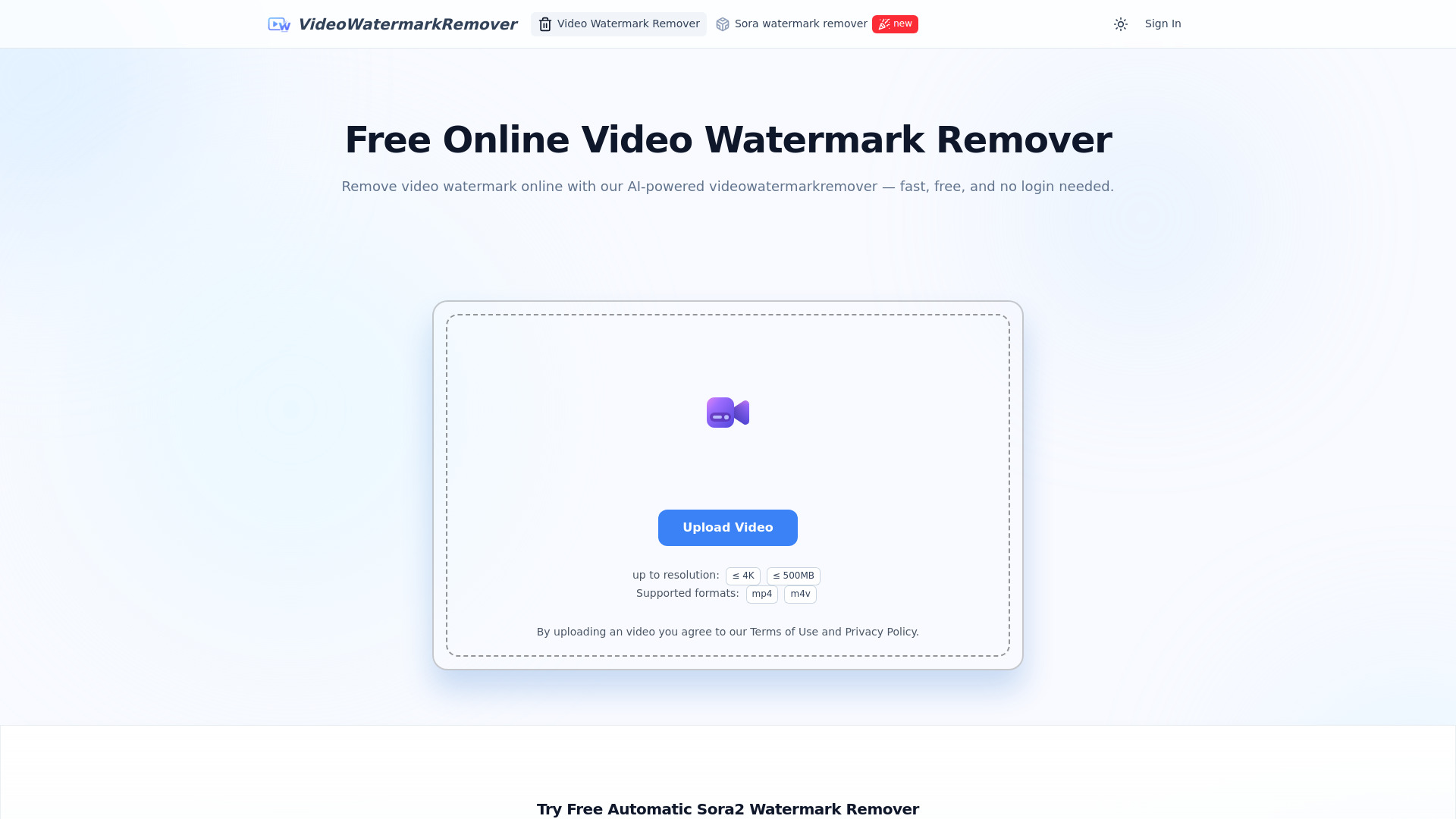
VideoWatermarkRemover is a free, AI-powered online tool designed to remove watermarks from videos quickly and easily. It supports various video formats like MP4, MOV, and AVI, and can detect and erase both static and moving watermarks, including the 'Sora' watermark, without compromising the original video quality. The service is accessible online, mobile-friendly, requires no login or installation, and ensures user privacy by encrypting and automatically deleting uploaded videos after processing. It's ideal for content creators, marketers, educators, and general users needing clean, professional-grade video output.

VideoWatermarkRemover AI screenshot

Access & connections

Where you can use VideoWatermarkRemover AI.

Platforms

Web

Capabilities

What this tool accepts, produces, and is strongest at.

Highlights

  • AI-powered video watermark removal
  • Preserves original video quality
  • Smart detection for static and moving watermarks
  • Batch watermark removal for multiple videos
  • Supports popular video formats (MP4, MOV, AVI)
  • No login or registration required
  • Secure & private processing
  • Mobile-friendly online tool
Show 1 more
  • Automatic Sora watermark detection and erasure

FAQ 10

What is VideoWatermarkRemover AI?
VideoWatermarkRemover is a free, AI-powered online tool designed to remove watermarks from videos quickly and easily. It supports various video formats like MP4, MOV, and AVI, and can detect and erase both static and moving watermarks, including the 'Sora' watermark, without compromising the original video quality. The service is accessible online, mobile-friendly, requires no login or installation, and ensures user privacy by encrypting and automatically deleting uploaded videos after processing. It's ideal for content creators, marketers, educators, and general users needing clean, professional-grade video output.
How to use VideoWatermarkRemover AI?
To use VideoWatermarkRemover, simply upload your video file (MP4, MOV, AVI, etc.) by clicking or dragging-and-dropping. Next, use the brush tool to highlight the specific watermark area or unwanted text/logo. The AI will then automatically process and remove the watermark within seconds. Finally, you can instantly preview and download your watermark-free video.
Is the video watermark remover completely free to use?
Yes, it’s 100% free with no hidden charges or registration required.
Do I need to register or log in to remove a video watermark?
No, you can remove watermark from video instantly—no login needed.
What video formats are supported?
MP4, MOV, AVI, and other major formats are fully supported.
Will removing watermarks affect quality?
Our AI watermark remover keeps your video’s original resolution and clarity.
Can I remove multiple video watermarks at once?
Yes, batch watermark removal is supported.
Can it remove dynamic watermarks?
Yes, both moving and static watermarks are automatically removed.
Is there a file size limit?
Standard video sizes are supported. For very large files, compression is recommended.
Is it mobile-friendly?
Yes, you can remove watermark from video on any mobile device easily.
VideoWatermarkRemover AI
