
VideoGPT
Capture video frames for ChatGPT-4V to enhance conversations with visuals.
Source rating 5.0
(58)
0 views
0 saves
Unknown
Verdict
A quick read before you dig into the full page.
- Best if
- Capture video frames for ChatGPT-4V to enhance conversations with visuals
- Pick this when
- Capture video frames for ChatGPT-4V to enhance conversations with visuals
Overview
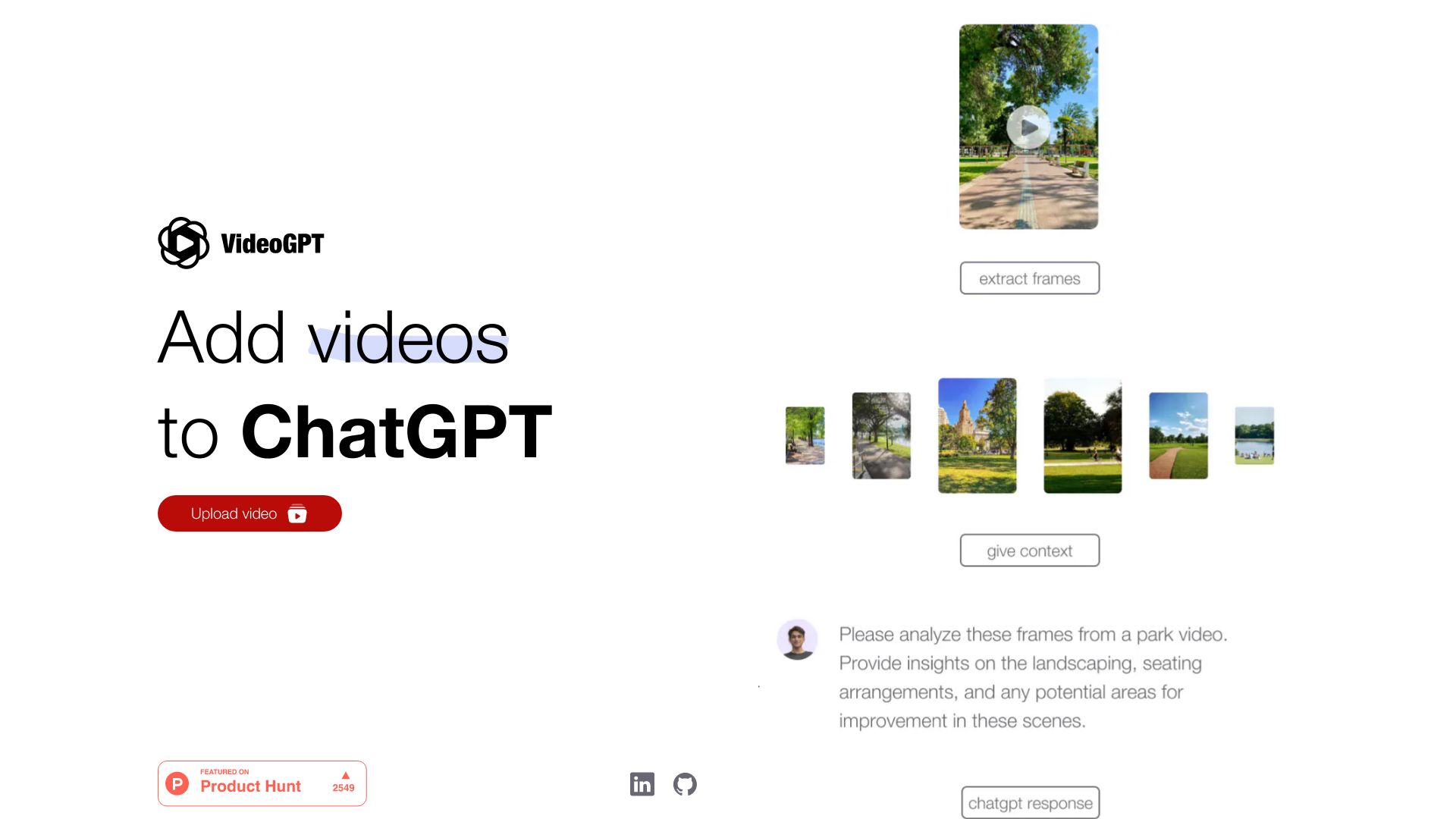
Video GPT allows users to effortlessly capture still frames from any video for ChatGPT-4V. It enhances conversations with vivid visuals, unlocking a new level of engagement. It is optimized for images, and lets your creativity soar!
Access & connections
Where you can use VideoGPT.
Platforms
Capabilities
What this tool accepts, produces, and is strongest at.
Highlights
- Capture still frames from videos for ChatGPT-4V
FAQ 3
What is Video GPT?
Video GPT allows users to effortlessly capture still frames from any video for ChatGPT-4V. It enhances conversations with vivid visuals, unlocking a new level of engagement. It is optimized for images, and lets your creativity soar!
How to use Video GPT?
Upload a video to Video GPT, then capture still frames from it. Use these frames in your ChatGPT-4V conversations to add visual context.
What does Video GPT do?
Video GPT allows you to capture still frames from any video for use in ChatGPT-4V, enhancing conversations with visuals.
Related tools
Recommended

Raccoon AI ✓
FreemiumThe AI Coworker for Apps, Research, Docs & Everything Else

Chatbot App
PaidMulti-Model AI Chat Platform that lets you switch between 30+ leading AI models instantly or run them side by…

iDox.ai Guardrail ✓
Free TrialStop sensitive data leaks to AI tools.

Nextbrowser ✓
FreemiumAI Browser Agent that automates professional tasks through chat.
VideoGPT