Speech to text

Video SDK

Developer tools for low-latency live audio/video + AI communication.

Source rating 5.0 (52) 209k views 209k/mo traffic 0 saves Freemium
More categories (16)

Free + from Contact Sales (Starts at 1M minutes)

Verdict

A quick read before you dig into the full page.

Best if
You are developers and need: Video KYC
Skip if
You need enterprise SLAs or a fully managed team plan right away
Pick this when
Freemium · Free + from Contact Sales (Starts at 1M minutes)

Overview

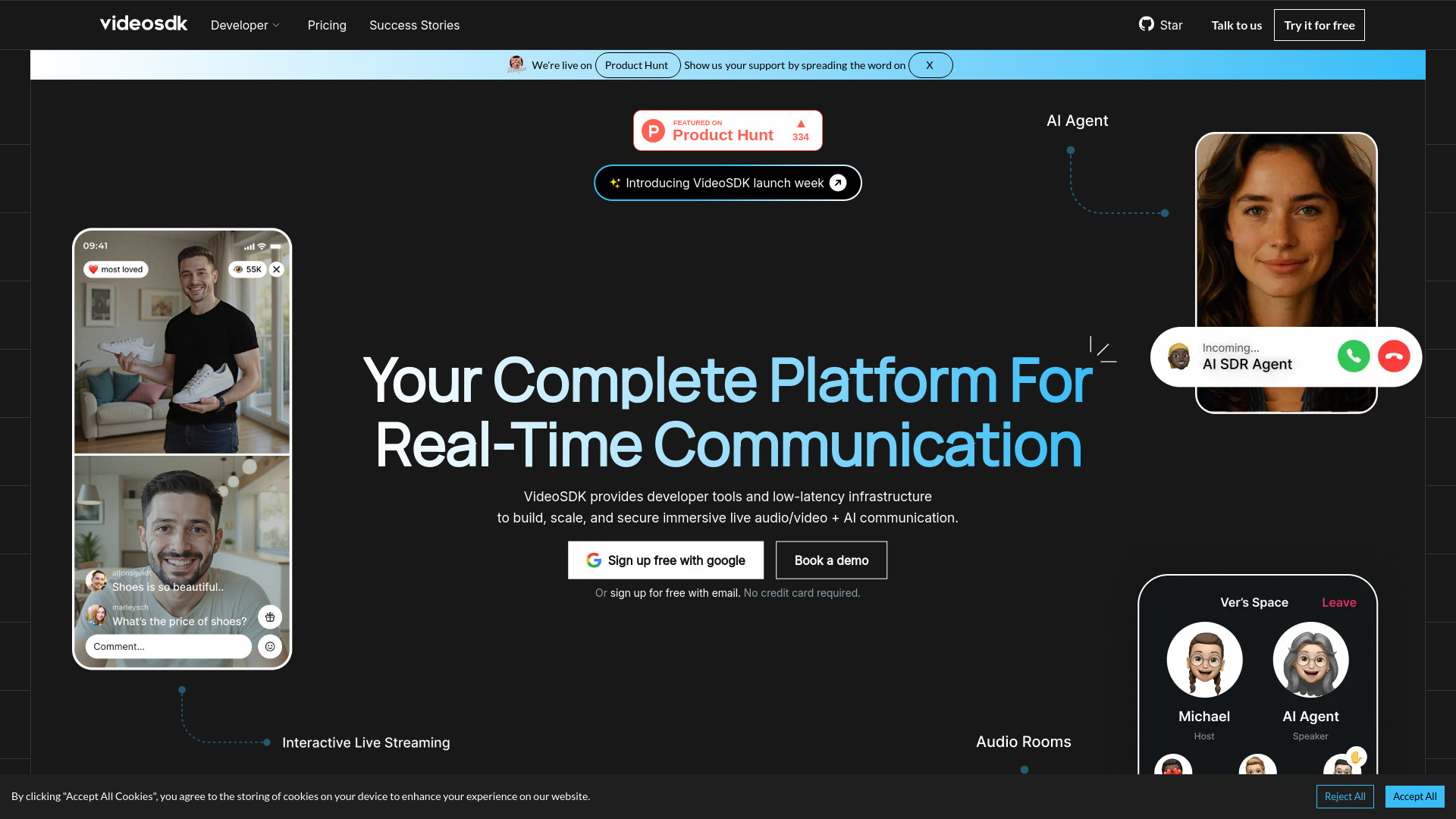
VideoSDK provides developer tools and low-latency infrastructure to build, scale, and secure immersive live audio/video + AI communication. It offers native SDKs for various platforms, enabling the deployment of AI agents, video/audio calls, and interactive live streams with just a few lines of code. The platform also provides session-level logs for global visibility and real-time issue tracing across thousands of parallel calls.

Video SDK screenshot

Best for

Short scenarios where Video SDK tends to shine.

  • Video KYC

    Best for Developers

  • Video Banking

    Best for Product Managers

  • Virtual Claim

    Best for CTOs

  • Video MER

    Best for Global Business Leaders

  • Telehealth

    Best for Tech Leaders

  • Astrology

    Best for Startups

  • Live Commerce

    Best for Enterprises

  • Auto Proctoring

    Best for Developers

How it works

To use VideoSDK, developers can sign up for free with Google or email (no credit card required) and grab their API keys to start building with 10,000 free minutes. The platform offers native SDKs for major frameworks (Web, Mobile, Server-Side) that integrate into existing workflows. Code examples are provided to deploy AI agents, video/audio calls, and interactive live streams. Users can also book a demo for tailored assistance.

Example outputs 1

Sample generations and before/after results for Video SDK.

Access & connections

Where you can use Video SDK.

Platforms

Web

Capabilities

What this tool accepts, produces, and is strongest at.

Highlights

  • Low-latency infrastructure for live audio/video + AI communication
  • Native SDKs for every major platform (Web, Mobile, Server-Side)
  • Ability to deploy AI agents, video/audio calls, and interactive live streams
  • Session-level logs and analytics for real-time monitoring and debugging
  • Ultra-low latency global mesh network (150ms worldwide latency)
  • Enterprise-grade security and compliance (HIPAA, SOC-2, CERT-In)
  • Predictable pay-as-you-go pricing with volume discounts
  • Real-time Transcription SDK and Character SDK
Show 1 more
  • Recording and storage services

People also view

Tools that often show up alongside Video SDK in collections and comparisons.

FAQ 10

What is VideoSDK?
VideoSDK provides developer tools and low-latency infrastructure to build, scale, and secure immersive live audio/video + AI communication. It offers native SDKs for various platforms, enabling the deployment of AI agents, video/audio calls, and interactive live streams with just a few lines of code. The platform also provides session-level logs for global visibility and real-time issue tracing across thousands of parallel calls.
How to use VideoSDK?
To use VideoSDK, developers can sign up for free with Google or email (no credit card required) and grab their API keys to start building with 10,000 free minutes. The platform offers native SDKs for major frameworks (Web, Mobile, Server-Side) that integrate into existing workflows. Code examples are provided to deploy AI agents, video/audio calls, and interactive live streams. Users can also book a demo for tailored assistance.
Can I start using VideoSDK for free?
Yes, VideoSDK offers a Free plan with 10,000 free minutes every month for conferencing and streaming, and 300 free minutes for Add-on services. No credit card is required to start.
What happens if I exhaust my free minutes?
If you exhaust your free minutes, you would then transition to a Pay-As-You-Go model, where you only pay for what you use beyond the free allocation.
What is a participant minute?
A participant minute is the unit of billing for audio and video calls, calculated per participant per minute. For example, a 10-minute call with 2 participants would be 20 participant minutes.
What is resolution-based pricing?
VideoSDK allows you to choose your desired resolution and pay accordingly, implying that the cost of video calls might vary based on the video resolution used, though specific rates for different resolutions are not detailed beyond the base per-minute rates.
Are there any usage limits on my account?
Yes, the Free plan has limits of 10,000 minutes for conferencing/streaming and 300 minutes for add-on services. Pay-as-you-go scales seamlessly, and Enterprise plans start at 1M minutes.
How do I upgrade to Pay-as-you-Go plan?
You can start building with the Pay-As-You-Go plan, which implies a seamless transition once free minutes are exhausted or higher usage is required.
How can I opt for discounted pricing?
Discounted pricing is available under the Enterprise plan, which starts at 1M minutes. You can contact sales to discuss volume discounts.
Can you explain billing items to me?
Billing items include Audio calls ($0.0006/participant-minute), Video calls ($0.003/participant-minute), Livestream (Speaker $0.003/speaker-minute, Viewer $0.0015/viewer-minute), Re-streaming ($0.0015/streaming-minute), Meeting recording ($0.015/recorded-minute), Participant recording ($0.006/participant-minute), Storage ($0.003/minute of video stored), Real-time Transcription ($0.02/transcription-minute), Post-Call Transcription ($0.0045/transcription-minute), and Prompt Based Summary ($0.004/recording-minute).
Video SDK Free + from Contact Sales (Starts at 1M minutes)
