Video generation

Veo3

Google's AI tool for generating videos with synchronized audio.

Source rating 5.0 (56) 71k views 71k/mo traffic 0 saves Paid
More categories (9)

From $29.9 / month

Verdict

A quick read before you dig into the full page.

Best if
You are content creators and need: Creating videos with perfectly synced audio, including sound effects, dialogue, and ambient noise
Skip if
You need a free plan with no credit card
Pick this when
Paid · From $29.9 / month

Overview

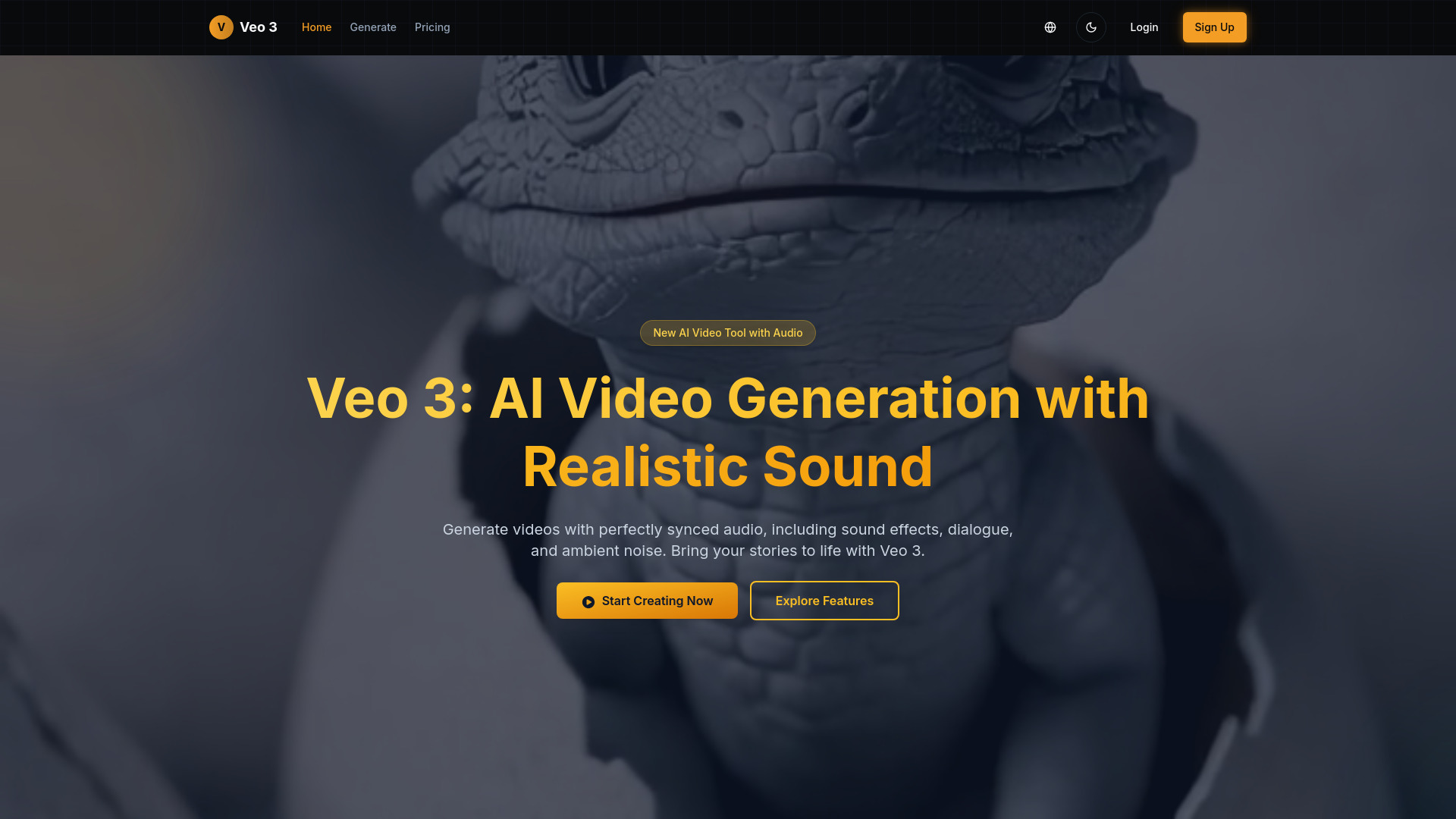
Veo 3 is Google's AI tool that generates videos with synchronized audio, including sound effects, dialogue, and ambient noise. It is the latest AI video generation tool designed to bring stories to life by creating videos with perfectly synced audio and realistic sound.

Veo3 screenshot

Best for

Short scenarios where Veo3 tends to shine.

  • Creating videos with perfectly synced audio, including sound effects, dialogue, and ambient noise.

    Best for Content creators

  • Generating animated clips with accurate lip-sync for professional results.

    Best for Professionals

  • Producing short-form content for platforms like TikTok that is 100% AI-generated.

    Best for Hobbyists

  • Prototyping scenes quickly for filmmakers with synced audio and realistic visuals.

    Best for Filmmakers

  • Creating cinematic videos without requiring complex software skills.

    Best for Teams

  • Generating stand-up comedy videos with included dialogue.

    Best for Businesses

Example outputs 1

Sample generations and before/after results for Veo3.

Access & connections

Where you can use Veo3.

Platforms

Web

Capabilities

What this tool accepts, produces, and is strongest at.

Highlights

  • Native Audio Generation (sound effects, ambient noises, dialogue)
  • Realistic Lip Sync (AI matches character speech with mouth movements)
  • Physics-Based Video Simulation (videos reflect real-world physics)
  • Multi-Input Prompts (text descriptions or image references)
  • Integration with Flow App (for cinematic clips)
  • Available on Vertex AI (for enterprise users)

People also view

Tools that often show up alongside Veo3 in collections and comparisons.

FAQ 12

What is Veo 3?
Veo 3 is Google's AI tool that generates videos with synchronized audio, including sound effects, dialogue, and ambient noise. It is the latest AI video generation tool designed to bring stories to life by creating videos with perfectly synced audio and realistic sound.
How to use Veo 3?
To create AI videos with Veo 3, follow these steps: 1. Sign Up or Log In to your account. 2. Enter Your Prompt by typing a text description or uploading images to describe the video you want. 3. Customize Audio by adding instructions for sound effects, dialogue, or ambient noise. 4. Generate and Review your video, then preview and download your AI-generated clip.
What is Veo 3?
Veo 3 is Google's AI tool that generates videos with synchronized audio, including sound effects and dialogue.
Can Veo 3 generate videos longer than 8 seconds?
Currently, Veo 3 focuses on creating high-quality 8-second videos, with longer formats planned for future updates.
Can I use Veo 3 for commercial projects?
Yes, Veo 3 supports commercial use through appropriate subscription plans and enterprise access.
What types of audio can Veo 3 generate?
It can create ambient sounds, character dialogue, and realistic sound effects native to the video.
Can I use Veo 3 videos on social media?
Yes, videos created with Veo 3 can be shared on social media platforms, making it easy to create engaging content.
Is Veo 3 easy to use for beginners?
Yes, Veo 3 offers a simple interface suitable for users without technical skills.
How does Veo 3 compare to other AI video tools?
Veo 3 stands out by combining video with perfectly synced audio, a feature few competitors offer.
What makes Veo 3 different from other AI video tools?
Veo 3 stands out by combining realistic video generation with native audio, including dialogue and sound effects, all in one tool.
Can I cancel my subscription anytime?
Yes, you can cancel your subscription at any time. Your access will continue until the end of your current billing period.
How are credits calculated within the app?
Please check the credit calculation details in the generation interface.
Veo3 From $29.9 / month

