
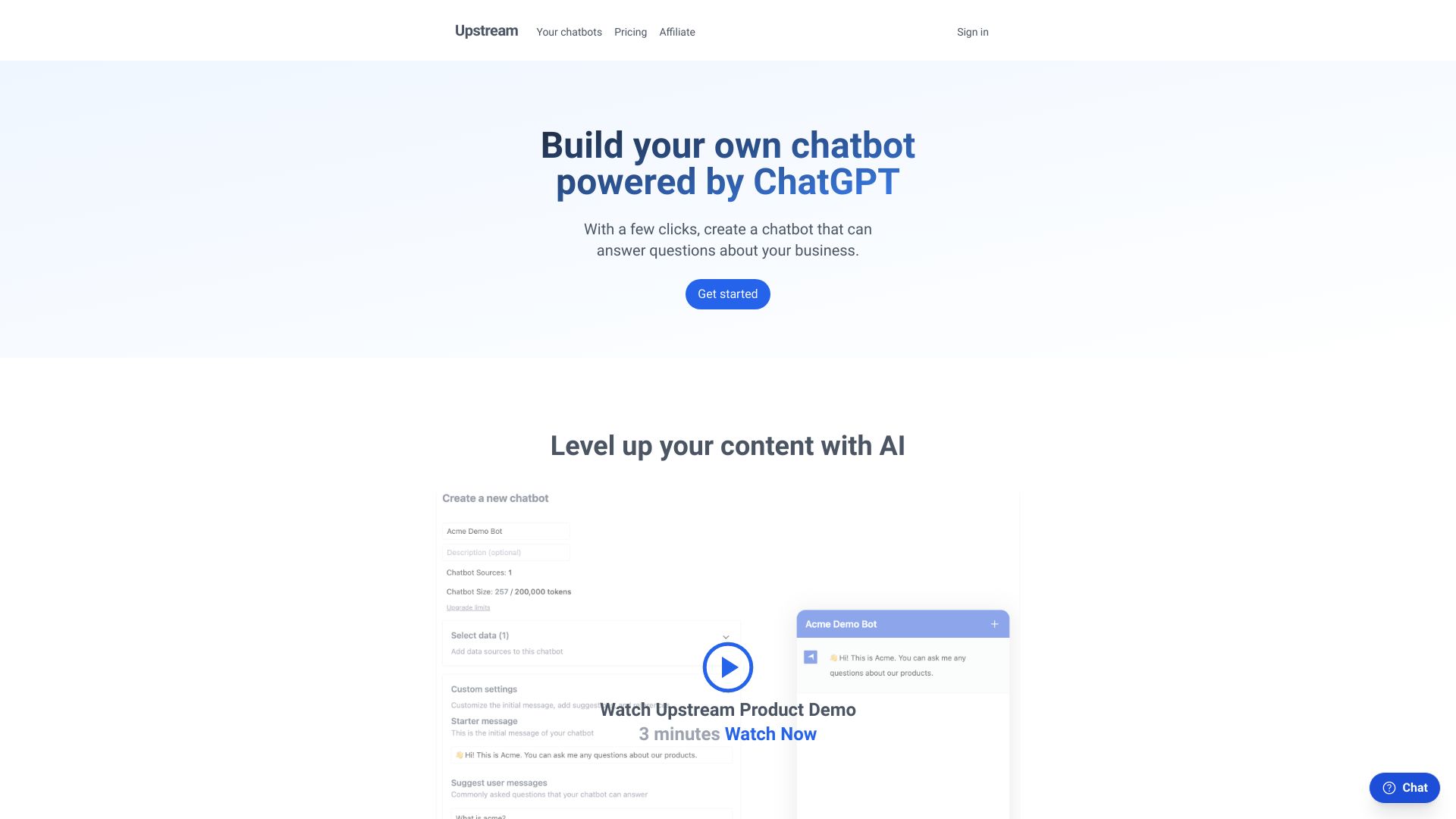
Upstream
Chrome extension to use GPT with Chrome tabs as context for focused information retrieval.
Source rating 5.0
(69)
70 views
70/mo traffic
0 saves
Paid
10USD/mo
Verdict
A quick read before you dig into the full page.
- Best if
- Chrome extension to use GPT with Chrome tabs as context for focused information retrieval
- Skip if
- You need a free plan with no credit card
- Pick this when
- Paid · 10USD/mo
Overview
Upstream is a Chrome extension that allows users to run GPT with their Chrome tabs as context. It helps users avoid scrolling through noisy web pages by enabling them to use Upstream instructions to get only the information they need.
Access & connections
Where you can use Upstream, and what it plugs into.
Platforms
Integrations
Capabilities
What this tool accepts, produces, and is strongest at.
Highlights
- Uses GPT with Chrome tab context
- Extracts specific information from web pages
- Avoids scrolling through noisy web content
FAQ 3
What is Upstream?
Upstream is a Chrome extension that allows users to run GPT with their Chrome tabs as context. It helps users avoid scrolling through noisy web pages by enabling them to use Upstream instructions to get only the information they need.
How to use Upstream?
Install the Upstream Chrome extension. Open a Chrome tab with the content you want to analyze. Use Upstream instructions to run GPT on the tab's content and extract the desired information.
What does Upstream do?
Upstream is a Chrome extension that lets users run GPT with their Chrome tabs as context, allowing them to extract specific information from web pages without scrolling through irrelevant content.
Related tools
Recommended




Upstream
10USD/mo