
Unishape.io
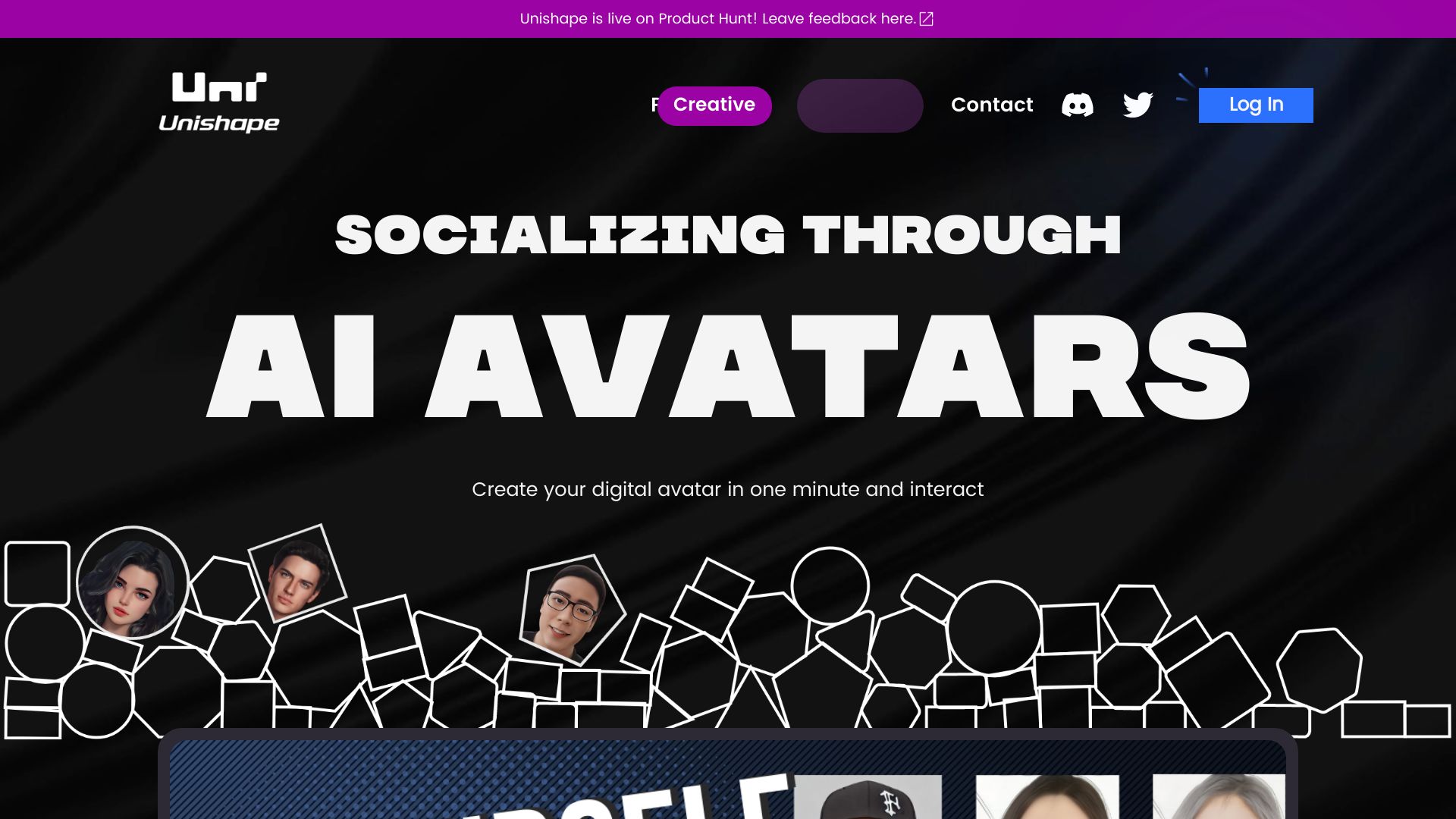
Create personalized, animated AI avatars from portraits using text, voice, or video inputs.
Source rating 5.0
(94)
0 views
0 saves
Unknown
Verdict
A quick read before you dig into the full page.
- Best if
- Create personalized, animated AI avatars from portraits using text, voice, or video inputs
- Pick this when
- Create personalized, animated AI avatars from portraits using text, voice, or video inputs
Overview
Users can upload a portrait, "mold" it into different styles by setting parameters then animate it by typing in or uploading texts, voices or videos. Now they'll have a personalized AI avatar that can "talk, animate and interact".
Access & connections
Where you can use Unishape.io.
Platforms
Capabilities
What this tool accepts, produces, and is strongest at.
Highlights
- Portrait-based AI avatar creation
- Style customization through parameter settings
- Animation via text, voice, or video input
- Interactive AI avatar functionality
FAQ 4
What is AI Avatar Animator?
Users can upload a portrait, "mold" it into different styles by setting parameters then animate it by typing in or uploading texts, voices or videos. Now they'll have a personalized AI avatar that can "talk, animate and interact".
How to use AI Avatar Animator?
Upload a portrait, customize its style with parameters, and animate it using text, voice, or video inputs to create a personalized AI avatar.
What kind of input is needed to animate the avatar?
You can animate the avatar by typing in or uploading texts, voices, or videos.
Can I customize the style of my AI avatar?
Yes, you can mold the portrait into different styles by setting parameters.
Related tools
Recommended

KiloClaw ✓
PaidHosted OpenClaw AI agent with zero DevOps required.

Articos ✓
PaidRun synthetic user interviews and validate messaging, landing pages, and product ideas

AI Hairstyle Changer - 1
UnknownVirtually try on 100+ AI hairstyles and hair colors from your photo — results in seconds, no sign-up needed.
Unishape.io