

Typeset ✓
Create stunning AI presentations in seconds.
from $17/mo
Verdict
A quick read before you dig into the full page.
- Best if
- Create stunning AI presentations in seconds
- Skip if
- Potentially high learning curve
- Pick this when
- Automated design capabilities
Considering FlowPost instead? Compare side by side
Overview
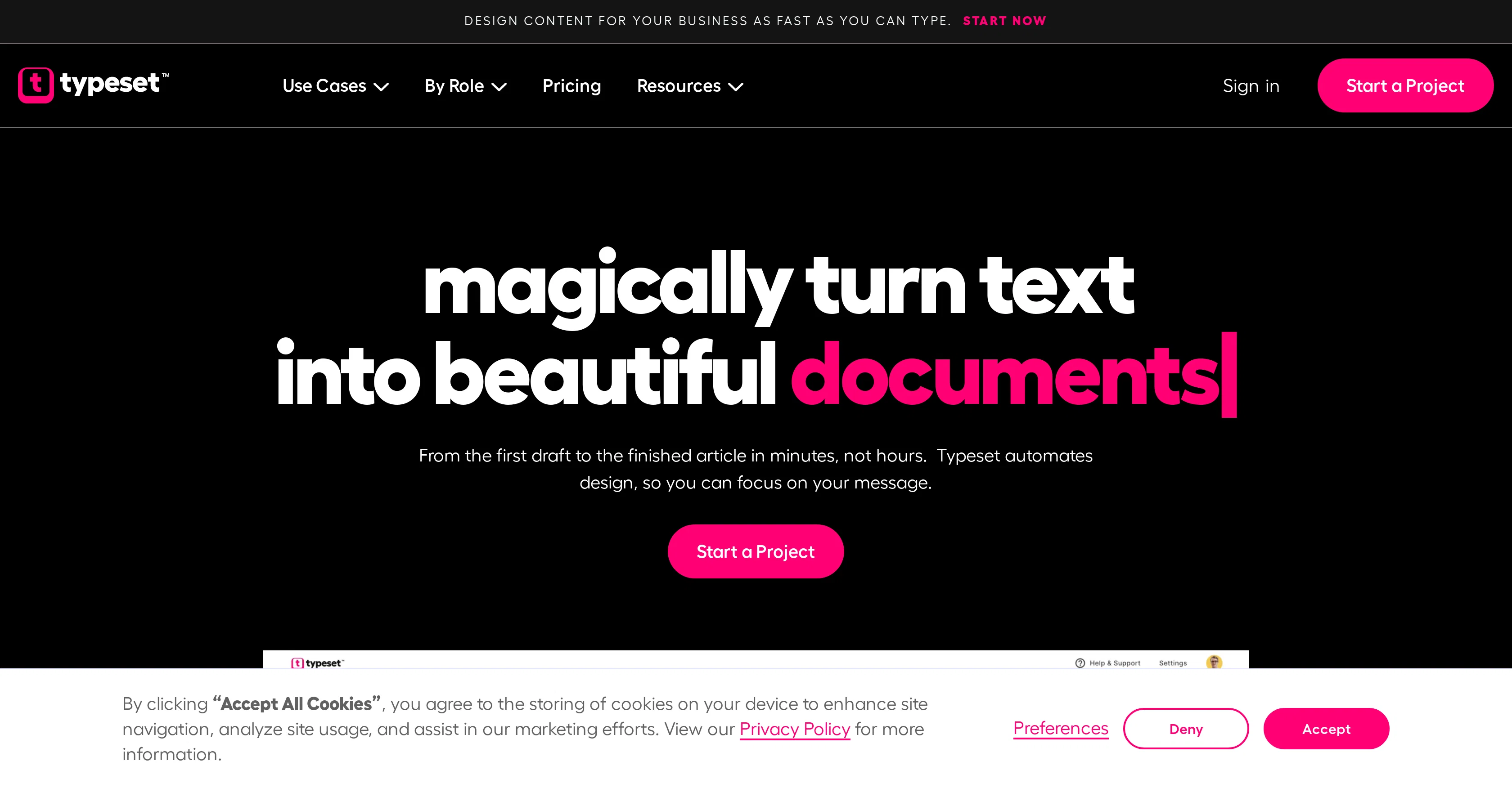
Typeset is an AI-powered visual content designer that avails automated design capabilities for creating stunning presentations, ebooks, social media graphics, and magazine-style documents.
The tool uses a combination of AI and design principles to generate elegant visual content from texts. Typeset finds its application in a range of tasks such as creating ad images, modifying document layouts, and developing visuals for various social media platforms, including Facebook, Instagram, LinkedIn, and others.
It allows users to efficiently manage their content creation from the first draft to the finished article.One of Typeset's distinguishing features is its ability to create multiple types of content out of a single idea or a piece of content within minutes.
Additionally, it provides a platform for clear communication of ideas in a way that the design doesn't distract from the core message. Notable capabilities also include finding images that match your content, layering a global theme to all your fonts, backgrounds, and charts to maintain consistency, and adding brand logos to any content with perfection in layout and spacing.
Data visualization is another unique feature, providing a wide range of charts, including line charts, pie charts, flow charts, and tables. Moreover, it is also capable of turning slide decks into social media posts, embedding clickable links in presentations or digital assets, and reformatting content to fit different platforms.
It also features unique sharing capabilities, allowing users to download, export, invite collaborators, and share content directly to social media. The AI integrated into Typeset assists in content creation by providing suggestive content based on your ideas.
Access & connections
Where you can use Typeset, and what it plugs into.
Platforms
Capabilities
What this tool accepts, produces, and is strongest at.
Input
- Text
Output
- Text
- Image
Pros & cons
Pros
- Automated design capabilities
- Fast content creation
- Creates various content types
- Identifies matching images
- Global theme application
- Brand logo integration
- Offers data visualization
- Turns slide decks into posts
Show 33 more
- Embeds clickable links
- Reformats content for platforms
- Sharing capabilities
- Suggestive content assistance
- Content creation for multiple platforms
- Perfect layout and spacing
- Consistent content look
- Formats presentations and documents
- Quick content creation
- Instantly sizes and themes visuals
- Advanced text editing
- Manages access permissions
- Download, export, invite features
- Social media direct export
- Content repurposing
- Image, video, GIF integration
- Automatic content formatting
- Click-to-action embedding
- Collaborator addition feature
- Automatically adjusts design
- Automatically sizes paragraphs
- Flexible pricing plans
- Unlimited slides, documents plan
- Community access
- Content adaptation for various uses
- Securing project features
- Animated content integration
- Storytelling focus support
- Beginners friendly
- Time-efficient
- User-friendly interface
- Suitable for all businesses
- Integrates design principles
Cons
- No offline access
- Limited customization options
- No free plan available
- Possibly overwhelming for beginners
- No apparent mobile app
- Potential format restrictions
- No multi-language support
- Potentially high learning curve
Show 1 more
- No noted integration with popular tools
Compare alternatives
Similar tools in the catalog — with a clear reason to open each one.


EasyAI – AI Flow - No Code Content (Video/Image) Ge... ✓
Free TrialChain AI tasks with no-code into workflows for chatbots, video, documents, and
Why look Offers a public API
Full comparison
RightBlogger ✓
FreemiumAutomate blogging, SEO, and publishing in one simple platform
Why look Freemium alternative
Full comparison
myAIninja ✓
Free TrialAI-powered content creation for social media, 10x faster
Why look Typically cheaper
Full comparison
Easy-Peasy.AI ✓
FreemiumAccelerates content creation.
Why look Freemium alternative
Full comparison
Releases 1
Imported reviews 1
Tried it and I love the designs it does!
FAQ 12
What is Typeset?
How can Typeset benefit content creators?
What kind of content can Typeset generate?
Can Typeset integrate with social media platforms?
How does Typeset use AI to enhance content creation?
Can Typeset turn a simple idea into various types of content?
How does Typeset ensure consistency in content design?
Can Typeset turn slide decks into social media posts?
How does Typeset support data visualization?
Does Typeset allow adding clickable links in digital content?
Can Typeset adapt content to fit different platforms?
Does Typeset support real-time collaboration between teammates?
Related tools
Recommended

Blend AI ✓
FreemiumYou favorite AI, all in one place (-20% with TAAFT at checkout)

Dreamwriter ✓
FreemiumDesign premium, on-brand content in minutes with AI.

Coachit AI ✓
FreemiumYour all-in-one AI assistant for content creation.

VelvetYuzu ✓
FreemiumAccess all AI models in one platform.

Somi ✓
FreemiumAI-powered writing assistant for higher education and beyond.

AIgentor ✓
FreeUnleash AI creativity with free generators and characters.