Writing assistant

TypeBoost

Personal AI writing toolkit that works inside any macOS app via custom prompt actions.

Source rating 5.0 (56) 2.8k views 2.8k/mo traffic 0 saves Freemium
More categories (6)

Verdict

A quick read before you dig into the full page.

Best if
Personal AI writing toolkit that works inside any macOS app via custom prompt actions
Skip if
You need enterprise SLAs or a fully managed team plan right away
Pick this when
Freemium · Free + from $8 / month

Overview

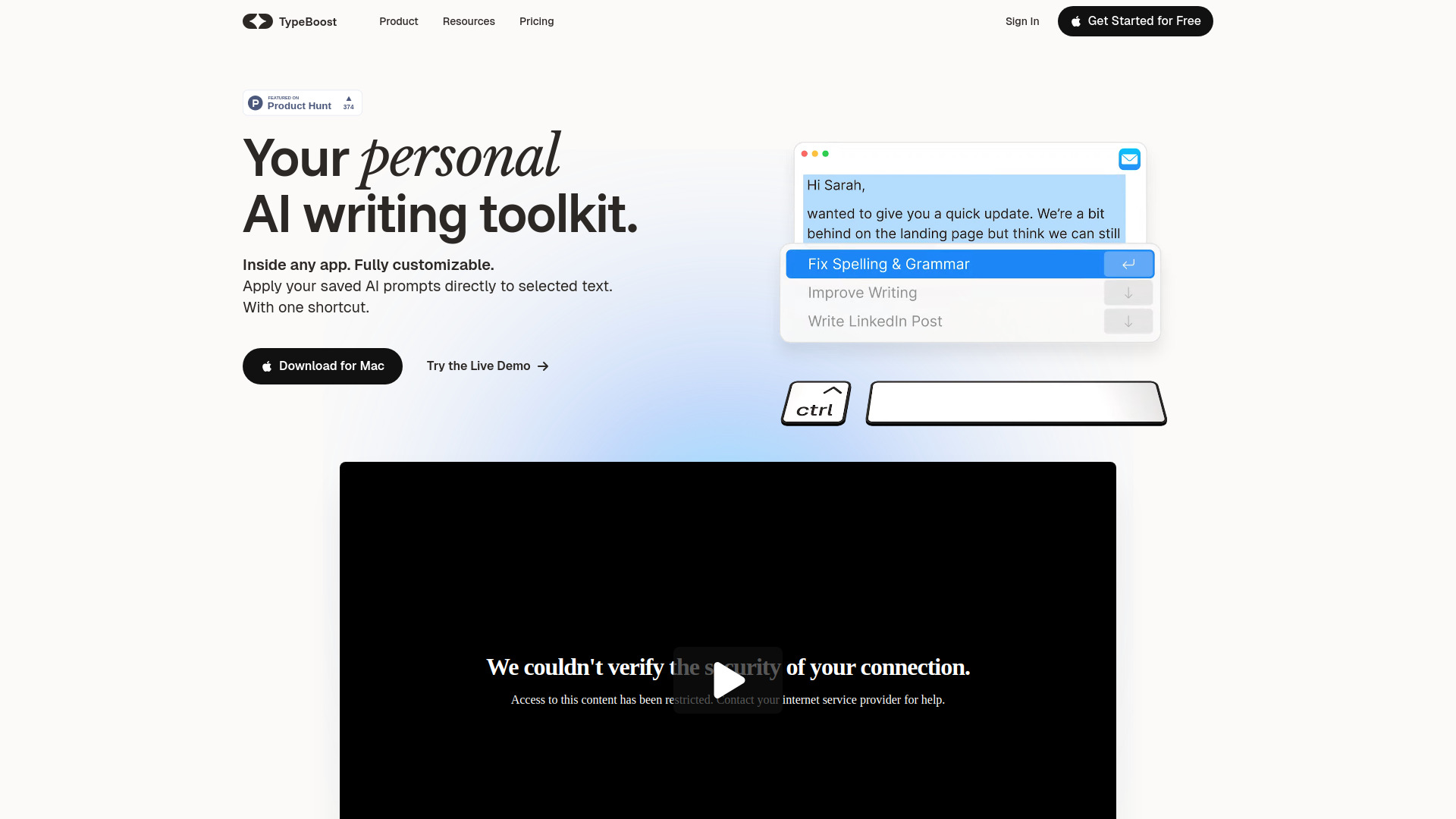
TypeBoost is a personal AI writing toolkit designed specifically for macOS that integrates directly into any application. It eliminates the need for copying and pasting text into external AI tools by allowing users to apply custom AI actions directly to selected text using a keyboard shortcut. Users can save their favorite prompts as actions, choose between various AI models like GPT-4o, Anthropic, and Google, and use Voice Mode to turn spoken ideas into written content. It is built to help freelancers, founders, and professionals write faster while maintaining their personal voice and style.

TypeBoost screenshot

Access & connections

Where you can use TypeBoost.

Platforms

macOS

Capabilities

What this tool accepts, produces, and is strongest at.

Highlights

  • System-wide integration on macOS
  • Customizable AI prompt actions
  • One-shortcut workflow (Control + Space)
  • Voice Mode for brain-to-text conversion
  • Supports 95+ languages
  • Access to multiple AI models (GPT-4o, Anthropic, Google)

FAQ 5

What is TypeBoost?
TypeBoost is a personal AI writing toolkit designed specifically for macOS that integrates directly into any application. It eliminates the need for copying and pasting text into external AI tools by allowing users to apply custom AI actions directly to selected text using a keyboard shortcut. Users can save their favorite prompts as actions, choose between various AI models like GPT-4o, Anthropic, and Google, and use Voice Mode to turn spoken ideas into written content. It is built to help freelancers, founders, and professionals write faster while maintaining their personal voice and style.
How to use TypeBoost?
After downloading the macOS app, select any text in any application (like an email, document, or browser). Press 'Control + Space' to trigger TypeBoost, then choose a saved prompt or custom action. The AI will process the text and apply the changes directly in place.
Does TypeBoost work in every app?
Yes, TypeBoost is designed to work everywhere on macOS. As long as you can select text, you can trigger TypeBoost actions.
Can I use different AI models?
Yes, the Pro plan allows you to choose from various providers including OpenAI, Anthropic, and Google.
Is there a free version?
Yes, TypeBoost offers a free plan that includes 50,000 one-time credits and 10 minutes of Voice Mode to get you started.
TypeBoost Free + from $8 / month
