

Tweeter ✓
Tweeting made easy with personalized and engaging content.
Verdict
A quick read before you dig into the full page.
- Best if
- You are content creators and need: Content creators can use the AI writer, paraphraser, grammar checker, and AI image generator
- Skip if
- Limited to Twitter content
- Pick this when
- Generates personalized tweets
Considering TweetFast instead? Compare side by side
Overview
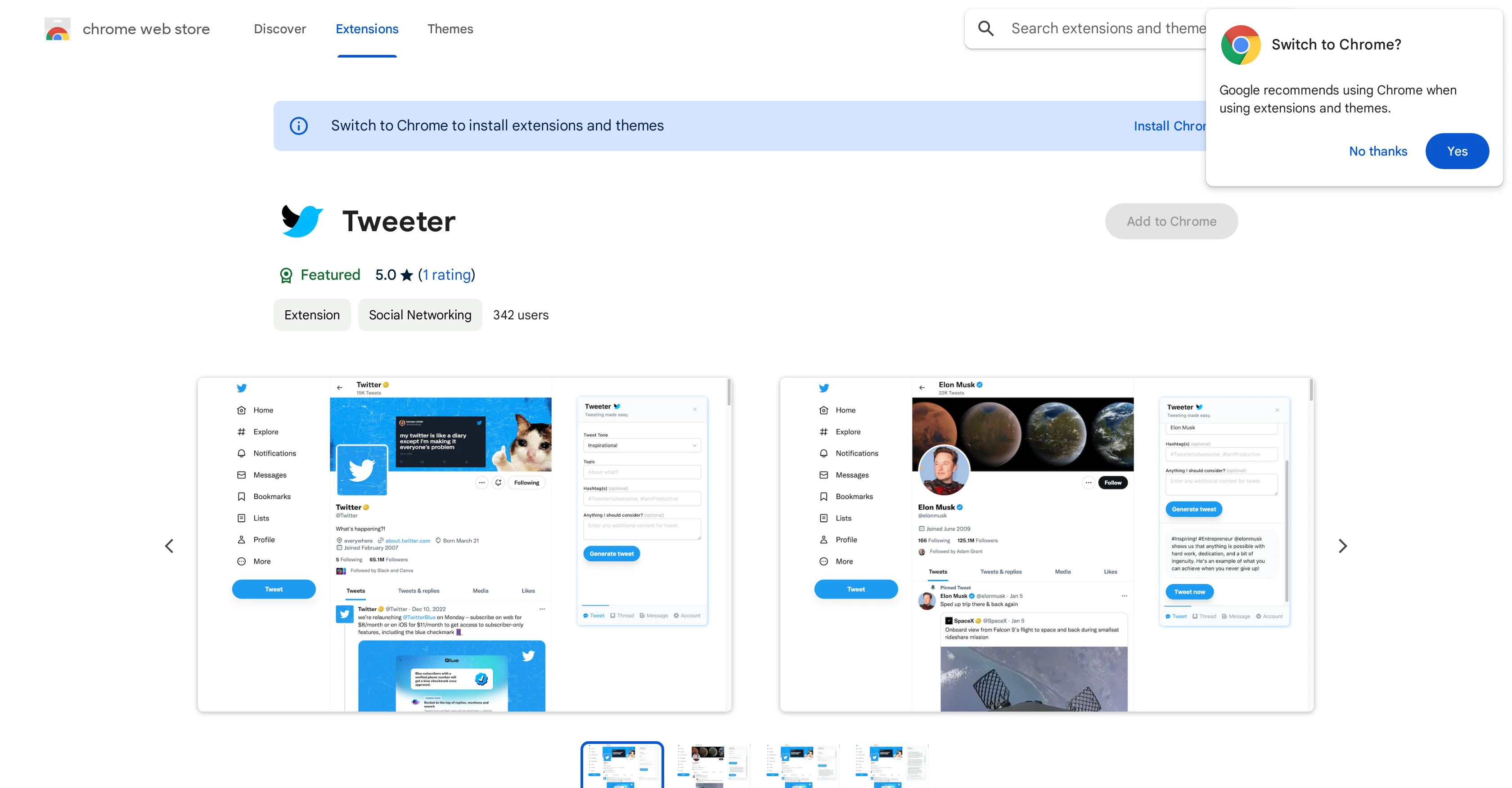
Tweeter is a convenient Chrome extension aimed at improving the experience of Twitter users. Users can rapidly generate personalized tweets, threads, and direct messages with this tool.
The content can be prepared based on a selected tone and topic, promoting enhanced interaction with the user's audience. The Tweeter extension is easy to install and can be accessed directly from Twitter or TweetDeck's website.
By clicking on the Tweeter extension logo, users have the option to create professional, engaging content for their followers. This tool goes a step further by helping create relevant hashtags, proving its utility in enhancing Twitter experiences.
The use of the tool is not bound by location as it accommodates users all over the world. Lastly, concerning privacy, the Tweeter extension ensures that user's data is not sold to third parties, nor used for unrelated purposes, thus prioritizing its users' privacy.
Best for
Short scenarios where Tweeter tends to shine.
-
Content creators can use the AI writer, paraphraser, grammar checker, and AI image generator.
Best for Content creators
-
Researchers can summarize web articles, check grammar in academic writing, paraphrase sentences, and summarize PDF files and Youtube videos.
Best for Researchers
-
Students can get help with homework, essay writing, grammar checking, and summarizing content.
Best for Students
-
Software engineers can ask ChatGPT to write code snippets and explain code.
Best for Software engineers
-
Professionals can summarize web pages and PDF files, enhance workplace communication, check grammar, and extract data from pages.
Best for Professionals
Example outputs 1
Sample generations and before/after results for Tweeter.
Access & connections
Where you can use Tweeter, and what it plugs into.
Platforms
Integrations
Capabilities
What this tool accepts, produces, and is strongest at.
Input
- Text
Output
- Text
Pros & cons
Pros
- Generates personalized tweets
- Creates engaging threads
- Crafts compelling direct messages
- Accessible from twitter.com
- Available on tweetdeck.twitter.com
- Easy to use
- Boosts Twitter presence
- Chrome extension
Show 7 more
- Available for download on Chrome Web Store
- Respects user privacy
- Doesn't sell user data
- User data used for core functionality only
- Improves tweeting process
- Helps standout in crowd
- Creates professional content
Cons
- Only available for Chrome
- Lack of personalization options
- Visible privacy concerns
- No mobile version
- Limited to Twitter content
- No API integration
- No multi-platform support
- Collected data might be misused
Show 2 more
- Low customer base
- Insufficiently detailed privacy practices
Compare alternatives
Similar tools in the catalog — with a clear reason to open each one.

Typefully ✓
FreemiumWrite, schedule, and publish on X/Twitter, LinkedIn and Threads.
Why look Better for writing
Full comparison
TweetStorm.ai ✓
FreemiumAI-powered tweet generator for maximum impact
Free + from $12/mo
Full comparison
Tweet Assist App ✓
PaidEffortless tweeting with AI assistance
Why look Higher community rating
Full comparisonPeople also view
Tools that often show up alongside Tweeter in collections and comparisons.
Typefully ✓
FreemiumWrite, schedule, and publish on X/Twitter, LinkedIn and Threads.
TweetStorm.ai ✓
FreemiumAI-powered tweet generator for maximum impact

Tweetfox ✓
FreemiumScale Twitter with smart automation

TweetFast ✓
PaidCraft viral tweets in seconds with AI.
Tweet Assist App ✓
PaidEffortless tweeting with AI assistance

Postwise ✓
PaidGo viral on Twitter using AI

Spira ✓
PaidAI influencers that grow your brand 24/7.

SheetAI App - AI For Sheets ✓
FreemiumAI with brain power inside Google Sheets
Releases 1
FAQ 12
What is Tweeter?
How can I download Tweeter?
Does Tweeter work with Tweetdeck?
What are the main features of Tweeter?
Can I personalize the tone of my tweets using Tweeter?
What kind of tweets can I generate with Tweeter?
How does Tweeter help to improve Twitter engagement?
How do I use Tweeter after installing it?
How does Tweeter handle my personal data?
What privacy practices does Tweeter adhere to?
What is the core functionality of Tweeter?
Who is the provider of Tweeter?
Related tools
Recommended

AI Tweet Generator ✓
Free TrialClone any Twitter creator's style with AI-generated tweets.

LearningStudioAI ✓
Free TrialAI-powered authoring tool for effortless online course creation.

VenturusAI ✓
FreemiumBusiness idea analysis and reporting.

Photo AI ✓
PaidCreate beautiful AI photos and videos of real people

PostPerfect ✓
FreemiumAutomated social media posts.

Stunning ✓
PaidBuild AI-powered websites in seconds