

TweetCheck ✓
AI grammar assistant for Twitter posts and messages
Verdict
A quick read before you dig into the full page.
- Best if
- AI grammar assistant for Twitter posts and messages
- Skip if
- Limited NLP model options
- Pick this when
- Personalized correction experience
Considering ScribeGlow instead? Compare side by side
Overview
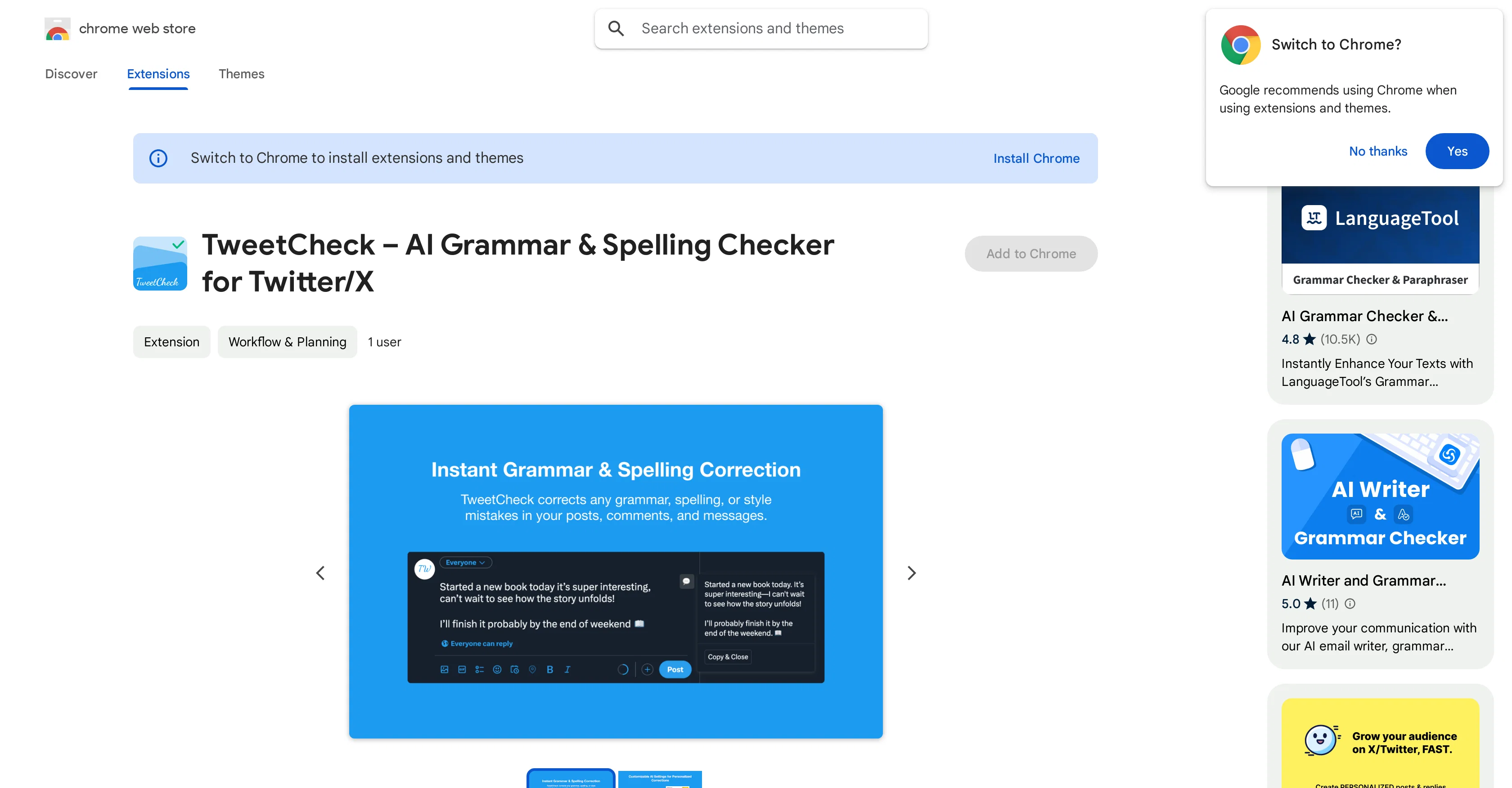
TweetCheck is an Artificial Intelligence (AI) powered tool designed to monitor and correct grammar and spelling errors within Twitter and X posts, comments, and messages.
Targeted at enhancing the clarity and professionalism of Twitter and X communications, this tool is capable of checking both short tweets and detailed posts.
A notable attribute of TweetCheck is the personalized correction experience it offers. The user can tailor the AI's correction style to align with their tone and preferences via customizable prompts.
Additionally, TweetCheck employs several ChatGPT models for text correction, providing the user with a range of options suitable for diverse needs. Commencing usage involves a simple setup process, where the user provides their OpenAI API key.
To ensure personalized corrections, the user can customize the prompt and select the AI model of their choice. Regarding data safety, TweetCheck does not collect or store personal data; settings and API keys remain local to the user's device.
It stresses a strong commitment to user privacy and security.
Access & connections
Where you can use TweetCheck, and what it plugs into.
Platforms
Integrations
Capabilities
What this tool accepts, produces, and is strongest at.
Input
- Tabular
- Text
Output
- API
- Text
Pros & cons
Pros
- Personalized correction experience
- Customizable correction prompts
- Multiple ChatGPT models
- Simple setup process
- Local data storage
- Strong privacy commitment
- Strong security commitment
- Flexible for short tweets
Show 9 more
- Flexible for detailed posts
- No collection of personal data
- Off-device API key storage
- Multiple correction options
- Grammar and spelling checks
- Social media post enhancement
- Message error correction
- Tool customization options
- Commits to user privacy
Cons
- Limited to Twitter/X usage
- No automatic corrections
- Challenging for non-tech users
- Dependent on personal API
- Significant initial setup
- Limited NLP model options
- Only local data storage
- Exclusively Chrome extension
Show 1 more
- No built-in language support
Compare alternatives
Similar tools in the catalog.


Acade ✓
FreemiumYour all-in-one AI research assistant for academics.
Free + from $14.99/mo
Full comparison

Editoria ✓
Free TrialAI workspace that turns manuscripts into publishable work.
Free + from $19.8/mo
Full comparison
ProofWrite ✓
FreemiumHumanize AI text and verify it in one click.
Free + from $19.99/mo
Full comparison
Releases 1
FAQ 12
What is TweetCheck?
How does TweetCheck work to correct spelling and grammar errors in Twitter and X posts?
Can TweetCheck also review detailed posts or only short tweets?
How can I customize TweetCheck's correction style to match my tone and preferences?
What are the different ChatGPT models available in TweetCheck for text correction?
How can I start using TweetCheck?
What is the role of an OpenAI API key in setting up TweetCheck?
Is my personal data safe with TweetCheck?
Where does TweetCheck store my settings and API keys?
Is TweetCheck committed to user privacy?
Does TweetCheck improve the clarity and professionalism of my Twitter and X communications?
How does TweetCheck offer a personalized correction experience?
Related tools
Recommended

Imagetocaption.ai ✓
Free TrialGenerated captions for social media images

LearningStudioAI ✓
Free TrialAI-powered authoring tool for effortless online course creation.

VenturusAI ✓
FreemiumBusiness idea analysis and reporting.

MagicSlides.app AI PPT Maker ✓
FreemiumCreate Stunning PPTs in Seconds with the AI PPT Maker

Photo AI ✓
PaidCreate beautiful AI photos and videos of real people

PostPerfect ✓
FreemiumAutomated social media posts.