Automation

Trunk

AI DevOps platform for CI reliability, flaky test management, and intelligent merge queue.

Source rating 5.0 (62) 36k views 36k/mo traffic 0 saves Freemium
More categories (13)

Free + from $18 / committer / month

Verdict

A quick read before you dig into the full page.

Best if
You are engineering teams and need: Improving CI reliability and performance by eliminating flaky tests
Skip if
You need enterprise SLAs or a fully managed team plan right away
Pick this when
Freemium · Free + from $18 / committer / month

Overview

Trunk is a CI Reliability Platform designed to eliminate the hidden tax of an unreliable pipeline. It automates flaky test management and provides an intelligent merge queue, helping engineering teams at companies like Zillow, Faire, and Brex save thousands of hours and ship code with confidence. Positioned as an AI DevOps Assistant, Trunk brings industry-leading best practices to every repository, from hobby projects to large engineering organizations. It's an AI DevOps platform for reliable testing and CI, utilizing AI to manage and eliminate CI slowdowns, detect, quarantine, and eliminate flaky tests, and find the root cause behind failing tests and CI jobs. Trunk serves as an AI DevOps Agent for DevEx, DevOps, and Dev teams, ensuring CI remains green and incidents are responded to immediately. It also features an advanced merge queue for mainline branch protection and offers seamless integrations with existing development tools.

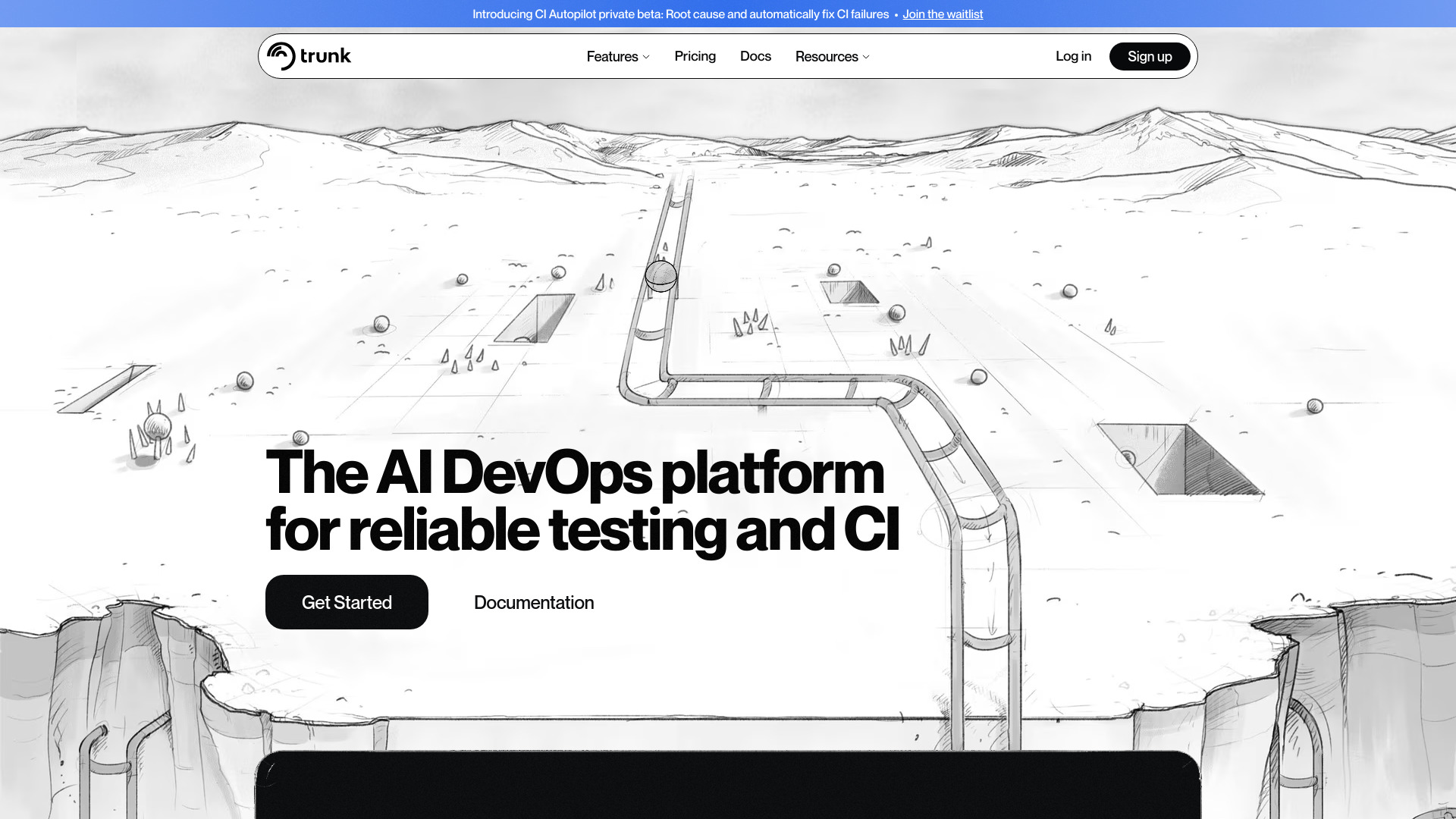
Trunk screenshot

Best for

Short scenarios where Trunk tends to shine.

  • Improving CI reliability and performance by eliminating flaky tests.

    Best for Engineering teams

  • Automating the detection and fixing of CI failures to reduce debugging time.

    Best for DevEx teams

  • Streamlining code merging with an intelligent merge queue to protect mainline branches.

    Best for DevOps teams

  • Saving engineering hours by reducing manual test management and incident response time.

    Best for Dev teams

  • Bringing industry-leading DevOps best practices to engineering teams of all sizes.

    Best for Software Engineers

Example outputs 1

Sample generations and before/after results for Trunk.

Access & connections

Where you can use Trunk, and what it plugs into.

Platforms

Web

Integrations

Capabilities

What this tool accepts, produces, and is strongest at.

Highlights

  • Automated Flaky Test Management (Detect, quarantine, eliminate)
  • Intelligent Merge Queue (Protect mainline branch, hyper-efficient)
  • AI-powered CI Failure Analysis & Debugging (Root cause, inline annotations, Slack notifications)
  • CI Autopilot (Automatically fix CI failures, stacked PRs)

People also view

Tools that often show up alongside Trunk in collections and comparisons.

In the news

Launch coverage and community mentions for Trunk.

FAQ 7

What is Trunk?
Trunk is a CI Reliability Platform designed to eliminate the hidden tax of an unreliable pipeline. It automates flaky test management and provides an intelligent merge queue, helping engineering teams at companies like Zillow, Faire, and Brex save thousands of hours and ship code with confidence. Positioned as an AI DevOps Assistant, Trunk brings industry-leading best practices to every repository, from hobby projects to large engineering organizations. It's an AI DevOps platform for reliable testing and CI, utilizing AI to manage and eliminate CI slowdowns, detect, quarantine, and eliminate flaky tests, and find the root cause behind failing tests and CI jobs. Trunk serves as an AI DevOps Agent for DevEx, DevOps, and Dev teams, ensuring CI remains green and incidents are responded to immediately. It also features an advanced merge queue for mainline branch protection and offers seamless integrations with existing development tools.
How to use Trunk?
To use Trunk, users typically integrate it with their existing CI/CD pipelines and development tools such as GitHub, Slack, Linear, and Jira. Once integrated, Trunk automatically begins to detect, quarantine, and manage flaky tests, analyze CI failures, and can be configured to use its intelligent merge queue. Users interact with Trunk through PR comments, Slack notifications, and dedicated dashboards to monitor CI health and address issues, leveraging AI for root cause analysis and automated fixes.
How does Trunk count users?
Trunk defines users as non-bot users who have made a commit to a private repo with Trunk enabled in the last 30 days. Contributor counts are displayed on the Settings page under Billing.
What happens if I exceed the free tier limits?
Trunk uses soft limits, meaning you won't be stopped from using it at any scale. However, you will see a banner asking you to upgrade if you exceed the free tier limits. If you're using vastly more resources than your plan allows, Trunk will get in touch about upgrading to a plan suited to your needs.
Can I try Trunk without a credit card?
Yes! Trunk does not ask for a credit card to start using the platform. You can use it up to the free tier limits.
Does Trunk offer a free trial?
You can try Trunk for free up to the Free tier usage limits. For a trial of the Team or Enterprise tiers, Trunk's team can set that up and provide real-time technical support and guidance. You can reach out to [email protected] to inquire about a trial.
What are my payment options?
Trunk accepts credit card payments as a monthly subscription billed in USD. For custom billing and terms, you must be on the Enterprise plan.
Trunk Free + from $18 / committer / month


