
Train A Model (Stable diffusion)
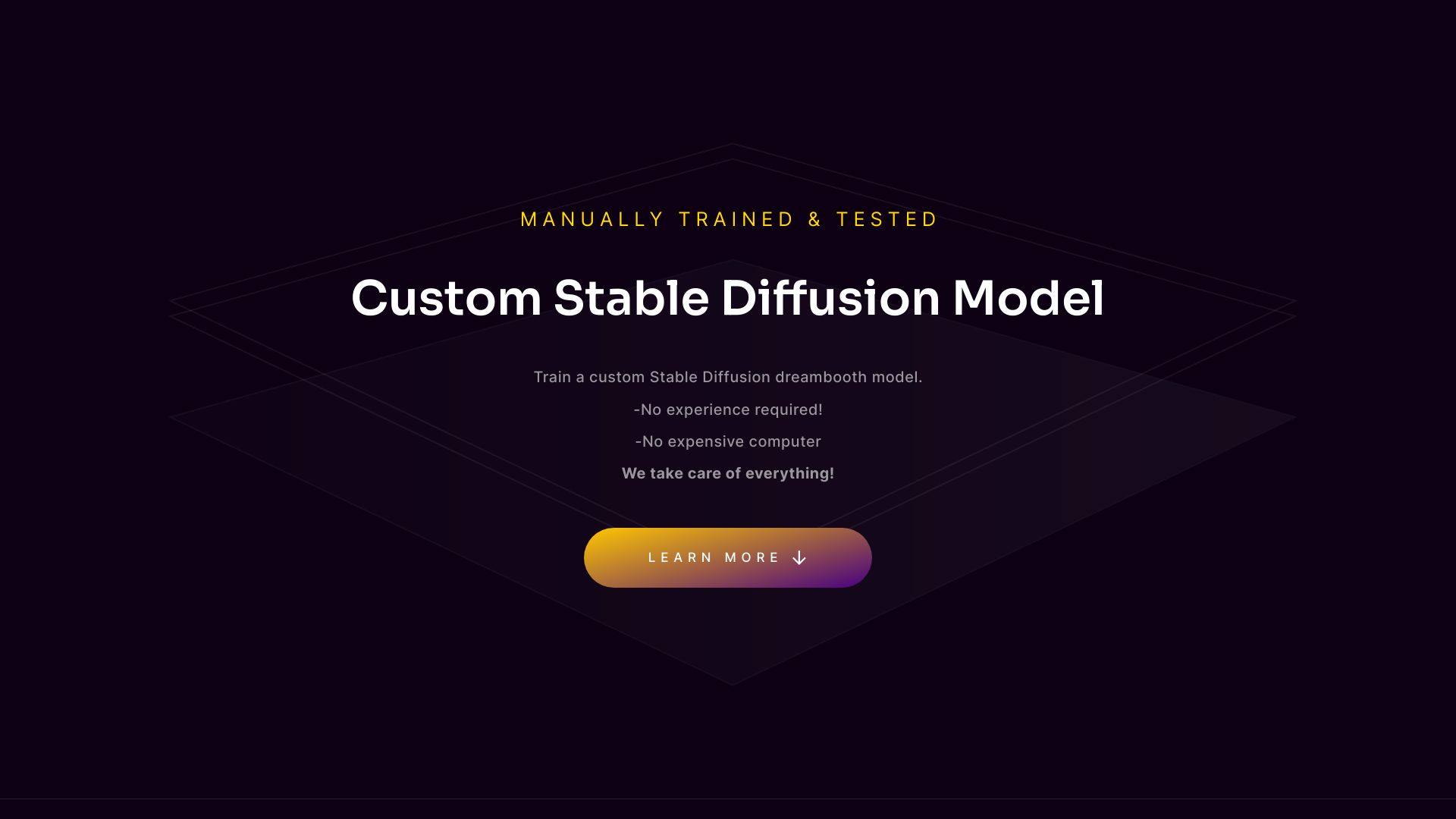
Platform for training custom Stable Diffusion models with user-uploaded images.
From $9.99
Verdict
A quick read before you dig into the full page.
- Best if
- Platform for training custom Stable Diffusion models with user-uploaded images
- Skip if
- You need a free plan with no credit card
- Pick this when
- Paid · From $9.99
Overview
TrainAModel.com is a platform that allows users to train custom Stable Diffusion models and LoRAs using their own images. It simplifies the process of creating AI-powered models by handling all the technical aspects, including GPU usage and expertise requirements. Users can upload images, and the platform trains a model that can be used with Stable Diffusion to generate custom images.
Access & connections
Where you can use Train A Model (Stable diffusion).
Platforms
Capabilities
What this tool accepts, produces, and is strongest at.
Highlights
- Easy Stable Diffusion model training
- No GPU or experience required
- Custom DreamBooth model creation
- Automatic image deletion after 48 hours
- Prompt ideas for generating images with the trained model
FAQ 7
What is TrainAModel?
How to use TrainAModel?
How many images do I need to train a model?
What image size should I use?
How long does it take to train a model?
What happens to my images and trained models after training?
What kind of images are allowed?
Related tools
Recommended

SJolt ✓
PaidOne API for all the best AI generation models.
EverMemOS
FreemiumInfinite memory. Persistent identity. Evolving intelligence. EverMemOS, powered by EverMind, is entering beta…

Chatbot App
PaidMulti-Model AI Chat Platform that lets you switch between 30+ leading AI models instantly or run them side by…

PoYo.AI ✓
FreemiumHigh concurrency. Stable AI API. Better pricing.