Code assistant

Trae

AI-powered IDE for enhanced developer collaboration and efficiency.

Source rating 5.0 (78) 1.5M views 1.5M/mo traffic 0 saves Unknown
More categories (6)

Verdict

A quick read before you dig into the full page.

Best if
You are software Developers and need: Automating coding tasks with AI agents
Pick this when
AI-powered IDE for enhanced developer collaboration and efficiency

Overview

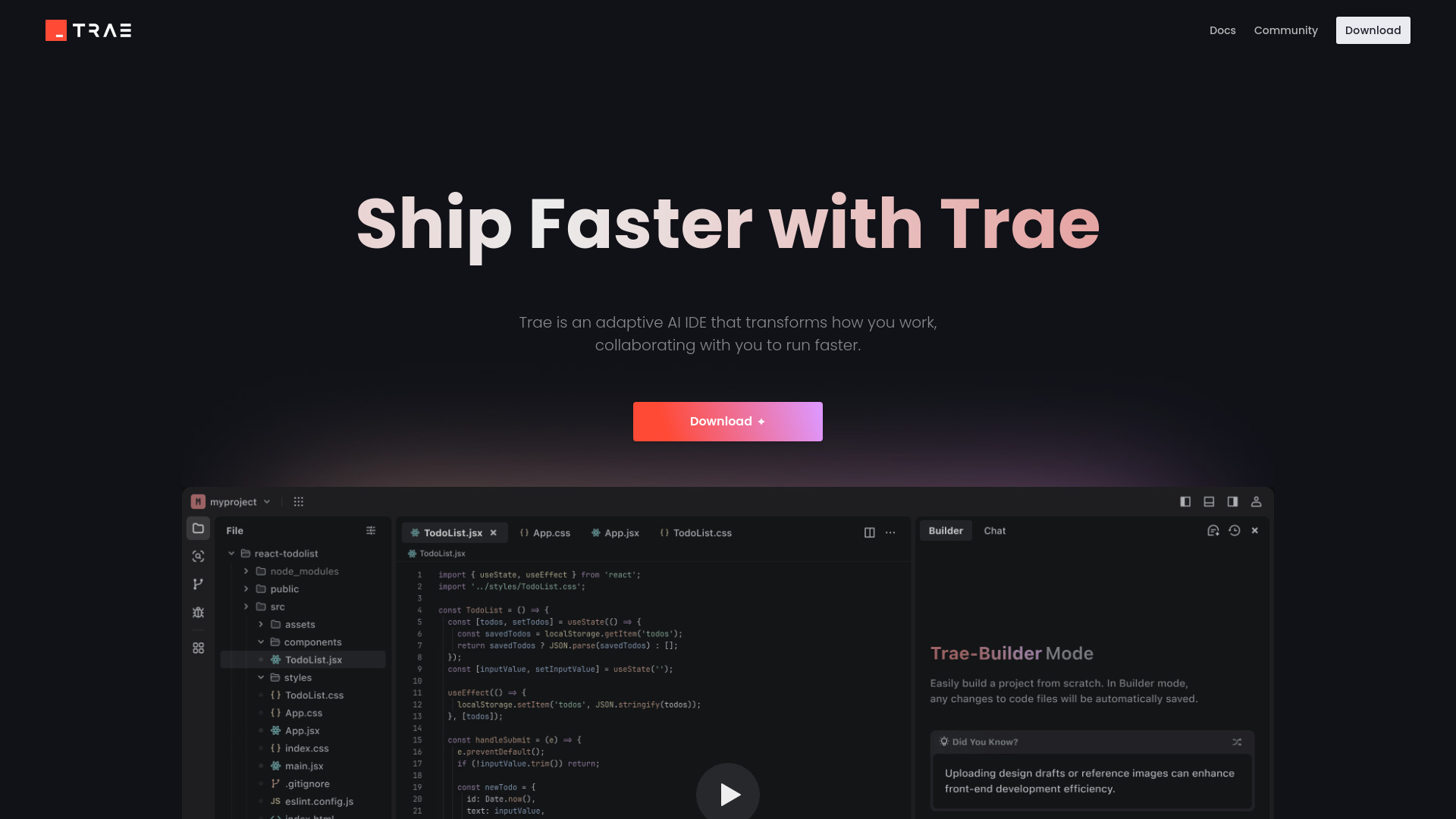
Trae is an AI-powered IDE designed to enhance developer collaboration and efficiency. It integrates seamlessly into existing workflows, offering features like AI agents, tool integration, context awareness, and smart autocompletion. Trae prioritizes user privacy and data security with local data storage and secure data access.

Trae screenshot

Best for

Short scenarios where Trae tends to shine.

  • Automating coding tasks with AI agents

    Best for Software Developers

  • Integrating external tools for enhanced functionality

    Best for AI Engineers

  • Improving code accuracy with context-aware suggestions

    Best for Data Scientists

  • Boosting coding speed with smart autocompletion

    Best for Web Developers

  • Building RAG apps without writing code

    Best for Mobile App Developers

How it works

Use Trae by downloading the IDE and integrating it into your workflow. Utilize features like @Agent for AI assistance, customize AI agents with Builder, integrate external tools, and leverage smart autocompletion for efficient coding.

Example outputs 1

Sample generations and before/after results for Trae.

Access & connections

Where you can use Trae.

Platforms

Web

Capabilities

What this tool accepts, produces, and is strongest at.

Highlights

  • AI Agents
  • Tool Integration
  • Context Awareness
  • Smart Autocompletion
  • Local Data Storage
  • Secure Data Access

People also view

Tools that often show up alongside Trae in collections and comparisons.

In the news

Launch coverage and community mentions for Trae.

FAQ 5

What is Trae?
Trae is an AI-powered IDE designed to enhance developer collaboration and efficiency. It integrates seamlessly into existing workflows, offering features like AI agents, tool integration, context awareness, and smart autocompletion. Trae prioritizes user privacy and data security with local data storage and secure data access.
How to use Trae?
Use Trae by downloading the IDE and integrating it into your workflow. Utilize features like @Agent for AI assistance, customize AI agents with Builder, integrate external tools, and leverage smart autocompletion for efficient coding.
Where is user data stored?
User data and infrastructure are deployed based on account location, stored in the United States, Singapore, and Malaysia, with isolation in place to meet local data regulations.
How does Trae ensure data security?
Strict access control and encrypted transmission are enforced to prevent unauthorized access and reduce exposure to security risks. Codebase files are stored locally on your devices.
What is Builder in Trae?
Builder is a built-in agent within Trae that can quickly complete tasks. It's part of Trae's configurable agent system designed for openness.

