
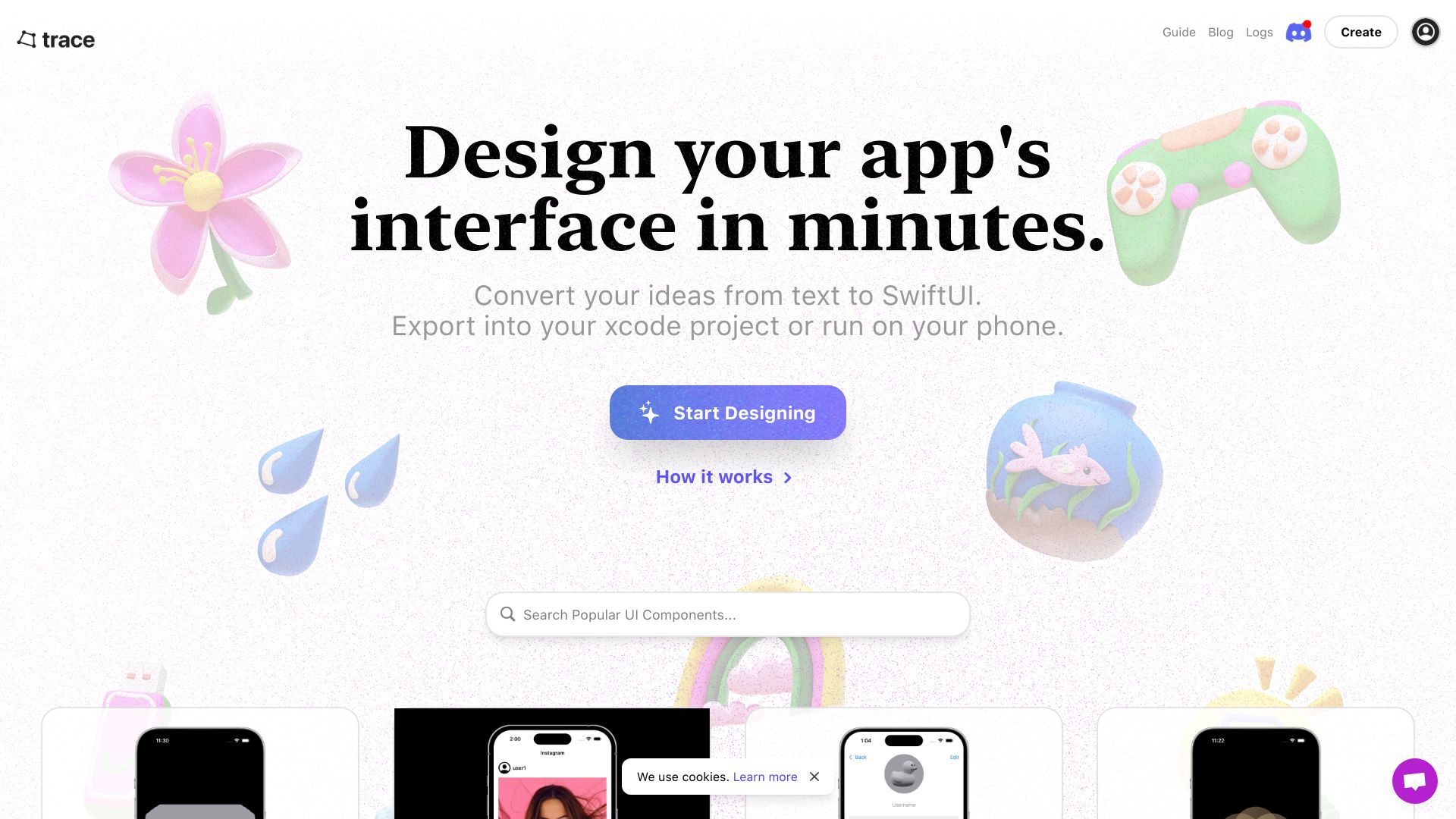
Trace AI
SwiftUI component platform for building iOS app UIs in the browser.
Source rating 5.0
(50)
0 views
0 saves
Freemium
Free + from $10 for 100 credits
Verdict
A quick read before you dig into the full page.
- Best if
- SwiftUI component platform for building iOS app UIs in the browser
- Skip if
- You need enterprise SLAs or a fully managed team plan right away
- Pick this when
- Freemium · Free + from $10 for 100 credits
Overview
Trace helps you build your iOS app's UI directly in SwiftUI. Trace runs on your browser so you can build iPhone apps from anywhere. You can also export your finished project as an Xcode project, Swift file, or run it directly on your device. It allows you to discover, share, remix, and create SwiftUI components. However, the project is no longer being maintained by the team.
Access & connections
Where you can use Trace AI.
Platforms
Capabilities
What this tool accepts, produces, and is strongest at.
Highlights
- SwiftUI component library
- In-browser UI building
- Xcode project export
- Swift file export
- On-device execution
FAQ 4
What is Trace?
Trace helps you build your iOS app's UI directly in SwiftUI. Trace runs on your browser so you can build iPhone apps from anywhere. You can also export your finished project as an Xcode project, Swift file, or run it directly on your device. It allows you to discover, share, remix, and create SwiftUI components. However, the project is no longer being maintained by the team.
How to use Trace?
Use Trace to find, remix, and create SwiftUI components directly in your browser. Export your finished project as an Xcode project or Swift file, or run it directly on your device.
Is Trace still being maintained?
No, this project is no longer being maintained by the team. Use it at your own risk.
What can I do with Trace?
You can find, remix, and create SwiftUI components. You can also export your finished project as an Xcode project, Swift file, or run it directly on your device.
Related tools
Recommended



Trace AI
Free + from $10 for 100 credits