
ThunderAIChat
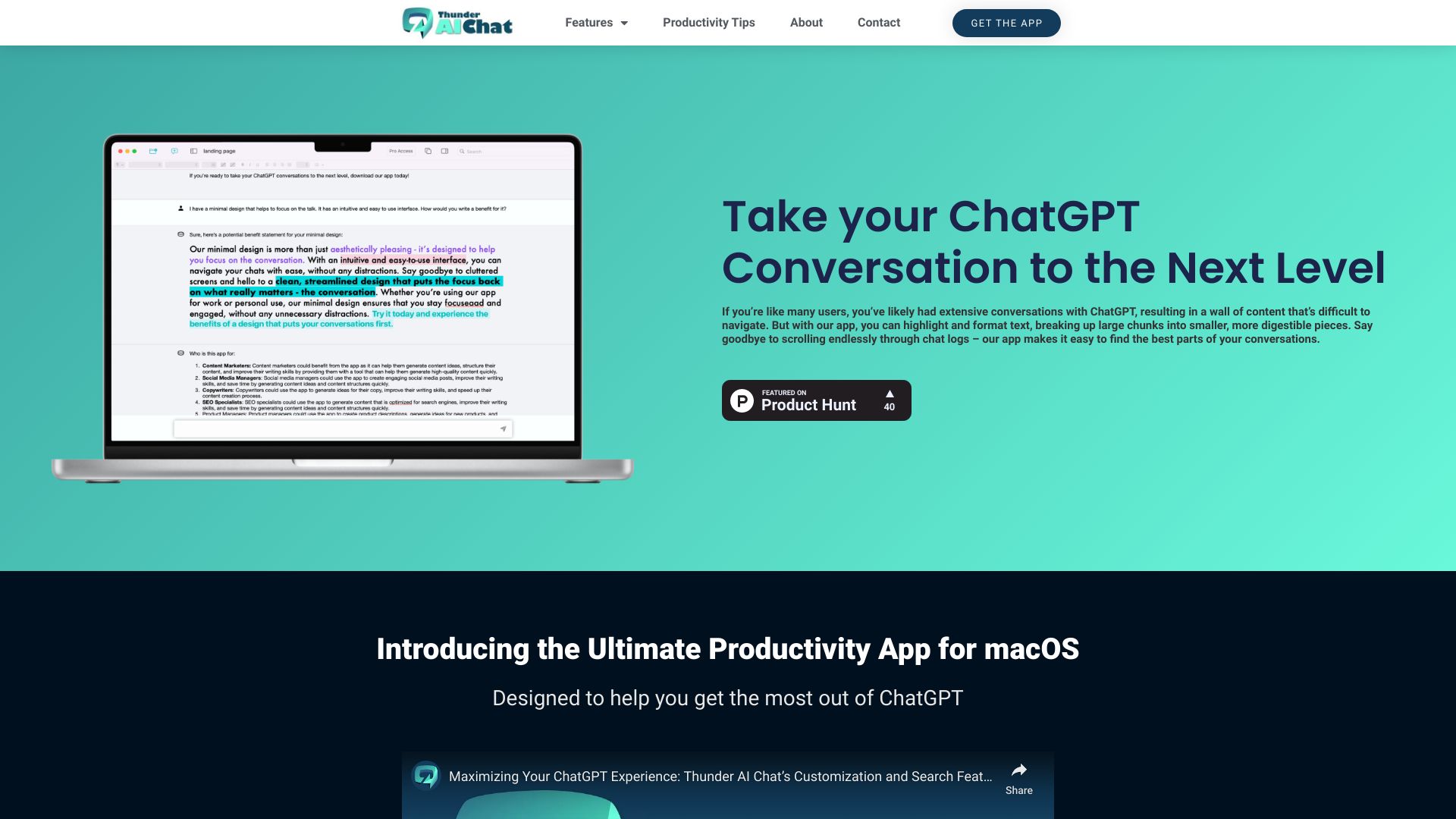
AI-powered macOS app to enhance ChatGPT conversations and boost productivity.
Source rating 5.0
(72)
0 views
0 saves
Paid
From $10 Per Week
Verdict
A quick read before you dig into the full page.
- Best if
- AI-powered macOS app to enhance ChatGPT conversations and boost productivity
- Skip if
- You need a free plan with no credit card
- Pick this when
- Paid · From $10 Per Week
Overview
THUNDER AI CHAT is an AI-powered productivity app for macOS that helps users create compelling content, brainstorm ideas, and boost productivity using ChatGPT. It allows users to take their ChatGPT conversations to the next level by providing features to structure conversations with folders, search messages, edit text, duplicate and split chats, share and mind map, and access a prompt library. It also helps overcome the 4000 token limit of ChatGPT, allowing for more in-depth conversations.
Access & connections
Where you can use ThunderAIChat.
Platforms
macOS
Capabilities
What this tool accepts, produces, and is strongest at.
Highlights
- Structure with Folders
- Search For Messages
- Edit The Text of Your Chat Messages
- Duplicate and Split Chats
- Sharing and Mind Mapping
- Quick Access with Menu Bar
- Extra Prompt Library
- ChatGPT Model Settings
Show 1 more
- Overcome 4000 token limit
FAQ 10
What is THUNDER AI CHAT?
THUNDER AI CHAT is an AI-powered productivity app for macOS that helps users create compelling content, brainstorm ideas, and boost productivity using ChatGPT. It allows users to take their ChatGPT conversations to the next level by providing features to structure conversations with folders, search messages, edit text, duplicate and split chats, share and mind map, and access a prompt library. It also helps overcome the 4000 token limit of ChatGPT, allowing for more in-depth conversations.
How to use THUNDER AI CHAT?
Use the app to engage in conversations with ChatGPT. Highlight and format text, organize chats into folders, search for specific messages, edit chat text, and customize ChatGPT settings to tailor the output. Toggle messages to control what is visible to ChatGPT, overcoming token limits.
How does the app use ChatGPT to create content?
Our app integrates with OpenAI’s powerful language model, ChatGPT, to generate AI content and brainstorm new ideas. OpenAI is leading the research in AI and has the best models for text completion.
What kind of content can I create with the app?
You can use the app to write various types of content, such as sales copy, business emails, landing pages, and blog posts.
How does the app help me organize my ChatGPT conversations?
Our app offers features like text highlighting and formatting, which help break up large walls of text into smaller, more digestible parts. Additionally, advanced search filters make it easy to find specific pieces of content within your conversations.
Can I customize ChatGPT’s settings?
Yes, our app allows you to adjust ChatGPT’s settings, such as temperature, to fine-tune the output and tailor it to your specific needs.
What happens if ChatGPT loses context during a conversation?
If ChatGPT loses context, our app offers advanced features to help you guide and correct the conversation, ensuring that it stays on track and produces the desired output.
How does the app help me generate new ideas?
Our app uses ChatGPT’s powerful language model to brainstorm new ideas and help you explore different directions for your content.
Is the app easy to use?
Yes, our app features an intuitive and minimal design that makes it easy to focus on the conversation and get things done.
Is the app available on other platforms?
Currently, our app is only available for macOS, but we are working on expanding to other platforms in the future.
Related tools
Recommended


ThunderAIChat
From $10 Per Week