What is Photo to video ai?
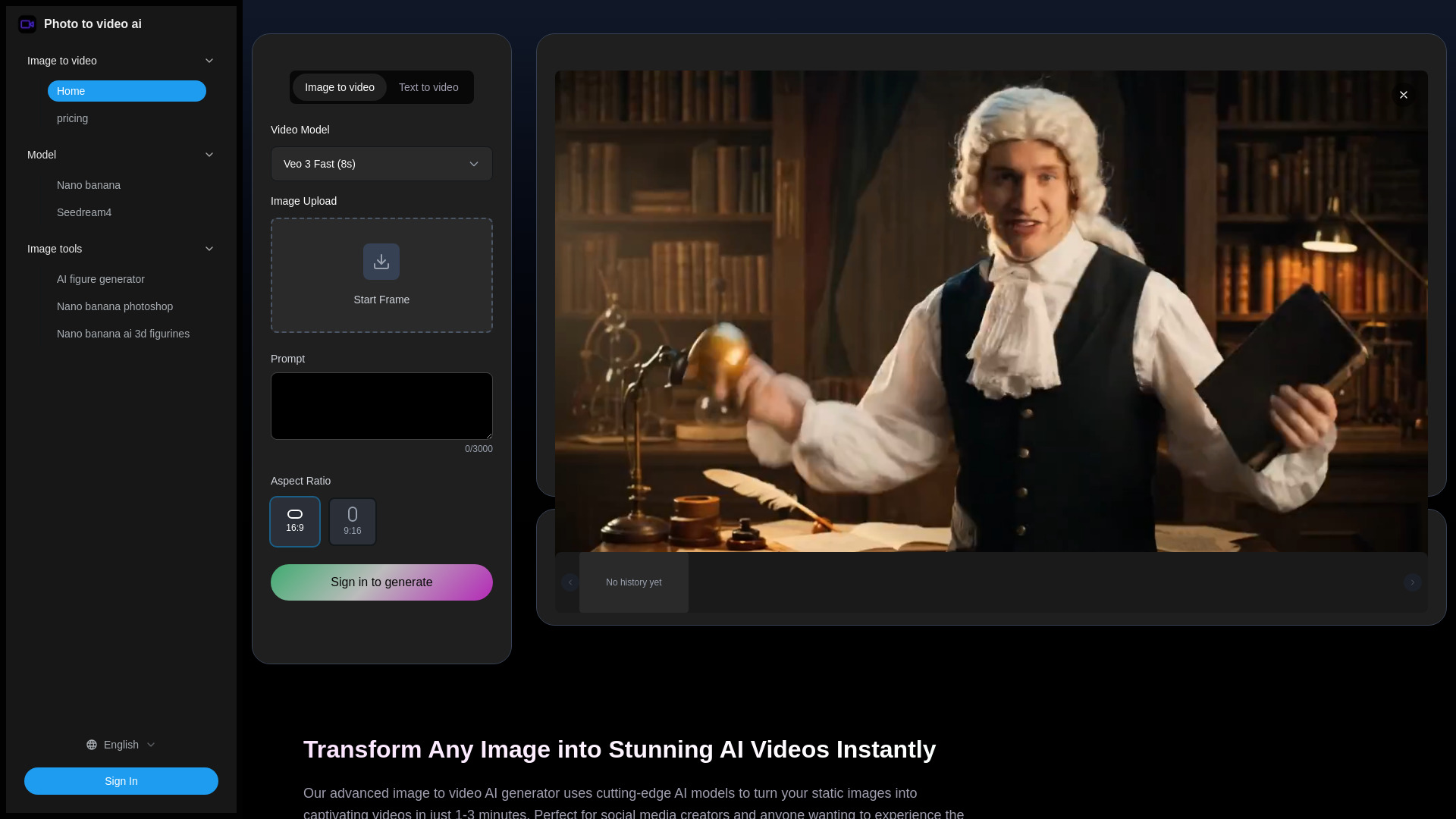
Photo to Video AI is an advanced AI video generator that transforms static images into stunning, captivating, and dynamic AI videos instantly. Utilizing cutting-edge AI models like Veo 3, Seedance, Hailuo, and Video STD, it generates professional-quality videos in just 1-3 minutes. It's designed for social media creators and anyone looking to create engaging visual content without technical skills, offering one-click generation, HD quality, and optimization for various social platforms. The tool aims to enhance creative expression, drive higher engagement, and simplify video creation from images.
How to use Photo to video ai?
To use Photo to Video AI, first upload your image (JPG or PNG) by clicking the upload button. Next, choose an AI model and animation style that matches your creative vision, or let the AI automatically suggest the best option. Finally, click 'generate' and wait 1-3 minutes for the video to process, then preview your AI video result and download the high-quality MP4 file ready for sharing.
What video formats does the AI generator support?
We output standard MP4 format videos compatible with all major platforms and devices. Resolution options include 720p and 1080p.
How long does it take to generate a video from a photo?
Our AI typically generates videos in 1-3 minutes using Google's Veo 3 model. Processing time may vary based on complexity and current server load.
Is my uploaded photo data secure and private?
Yes, we prioritize user privacy. All uploaded photos are automatically deleted within 24 hours and are never used for any other purposes. Our servers use SSL encryption for secure transmission.
Can I use the generated videos commercially?
Yes, videos generated from your own photos can be used for commercial purposes including social media marketing, advertising, and content creation. Check our terms for specific usage rights.
What photo types work best with the AI?
High-quality images with clear subjects work best. Portrait images, landscapes, and images with distinct foreground/background separation typically produce the most impressive AI video results.
What AI models power the image to video AI generator?
Our image to video AI generator is powered by multiple advanced models including Google Veo 3, Seedance, Hailuo, and Video STD. Each model offers unique strengths for different creative styles.
Can I control the camera movement in my image to video AI creations?
Yes! Our AI automatically analyzes your image and prompts to generate appropriate camera movements like smooth pans, zooms, and rotations. You can influence the movement style through descriptive prompts.
What's the difference between Fast Mode and Quality Mode in image to video AI?
Fast Mode generates videos in 2-3 minutes using 80 credits, perfect for quick previews. Quality Mode takes 5-8 minutes using 400 credits but produces higher resolution videos with more detailed animations and smoother motion.
Does the image to video AI generator work with animated GIFs or only static image?
Currently, our image to video AI generator works best with static images in JPG, PNG, and WEBP formats. The AI analyzes static images to create natural motion.
How does the image to video AI handle lighting and shadows in the generated videos?
Our advanced AI models automatically analyze the lighting conditions in your original image and maintain consistent illumination throughout the video. The system generates realistic shadows, adjusts brightness naturally, and ensures the lighting remains coherent as objects move.