Automation

openclaw

Self-hosted, open-source AI assistant for device automation and workflow management.

Source rating 5.0 (81) 0 views 0 saves Unknown
More categories (6)

Verdict

A quick read before you dig into the full page.

Best if
Self-hosted, open-source AI assistant for device automation and workflow management
Pick this when
Self-hosted, open-source AI assistant for device automation and workflow management

Overview

openclaw is a self-hosted, open-source AI assistant designed to perform genuine automation tasks directly on the user's local device, moving beyond basic chat functionality. It prioritizes privacy and data ownership by operating locally, allowing it to handle complex tasks such as organizing inboxes, managing smart home systems, scheduling appointments, and integrating with over 50 services. It offers flexibility in AI models, supporting services like Claude, GPT, and self-hosted models via Ollama, and operates across numerous communication channels like WhatsApp, Telegram, and Discord.

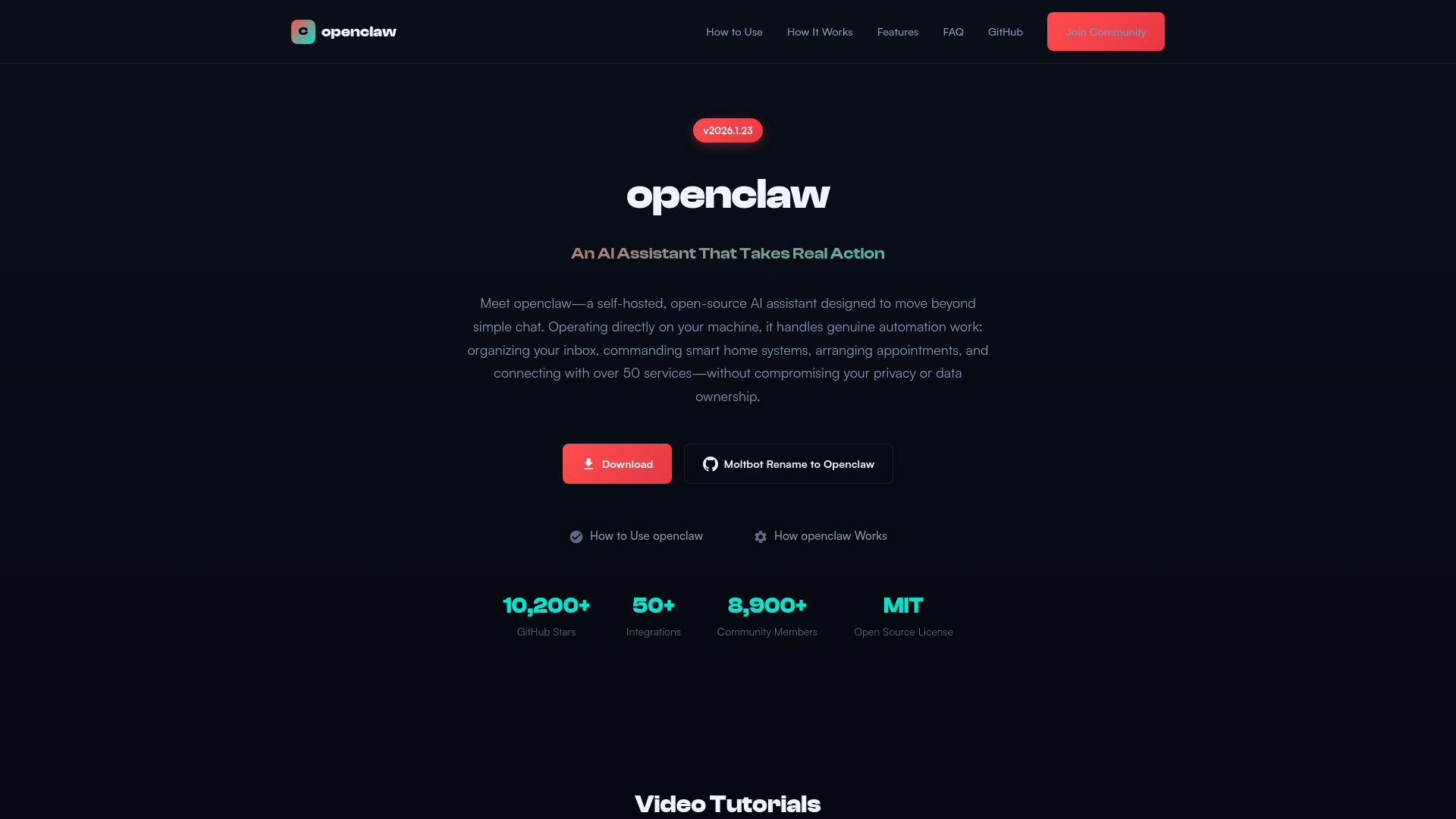
openclaw screenshot

Access & connections

Where you can use openclaw, and what it plugs into.

Platforms

Discord Bot

Capabilities

What this tool accepts, produces, and is strongest at.

Highlights

  • Privacy-First Architecture (All processing happens locally)
  • Real Automation Power (Run terminal commands, operate browsers, manipulate local files)
  • Multi-Platform Integration (50+ integrations including WhatsApp, Telegram, Discord, Slack, iMessage)
  • Extensible Skill System (ClawdHub marketplace for custom and community-built skills)
  • Model Flexibility (Supports Claude, GPT-4, and self-hosted models via Ollama)

FAQ 7

What is openclaw?
openclaw is a self-hosted, open-source AI assistant designed to perform genuine automation tasks directly on the user's local device, moving beyond basic chat functionality. It prioritizes privacy and data ownership by operating locally, allowing it to handle complex tasks such as organizing inboxes, managing smart home systems, scheduling appointments, and integrating with over 50 services. It offers flexibility in AI models, supporting services like Claude, GPT, and self-hosted models via Ollama, and operates across numerous communication channels like WhatsApp, Telegram, and Discord.
How to use openclaw?
Users must download and install the openclaw package (native installer for macOS or Docker for Linux/Windows), complete the guided configuration, input credentials for their chosen AI model (Claude, GPT, or Ollama), and link their preferred messaging platforms (WhatsApp, Telegram, etc.) to start communicating with and commanding the assistant.
What is openclaw?
openclaw is a self-hosted, open-source AI assistant that extends well beyond basic chat functionality. It performs genuine automation tasks for you—handling email workflows, operating smart home equipment, booking appointments, and linking with 50+ services—entirely from your local machine for optimal privacy.
Is openclaw free to use?
Absolutely. openclaw is fully free and released under the MIT License, allowing you to download, utilize, adapt, and share it at no charge. Note that AI model API fees (such as Claude or GPT-4) may apply separately, unless you opt for self-hosted models through Ollama.
How does openclaw protect my privacy?
openclaw operates completely on your local hardware—information stays on your device unless you specifically configure external connections. Core functionality involves no cloud infrastructure or external servers.
What platforms and operating systems are supported?
macOS serves as the primary supported platform, while Linux and Windows users can deploy via Docker containers. The native macOS installer offers the most streamlined setup experience.
Can I extend openclaw with custom skills?
Certainly. openclaw includes a modular skill framework. Browse and install community skills via the ClawdHub marketplace, or build your own integrations specific to your workflow requirements.
openclaw

