
Midjourney Video
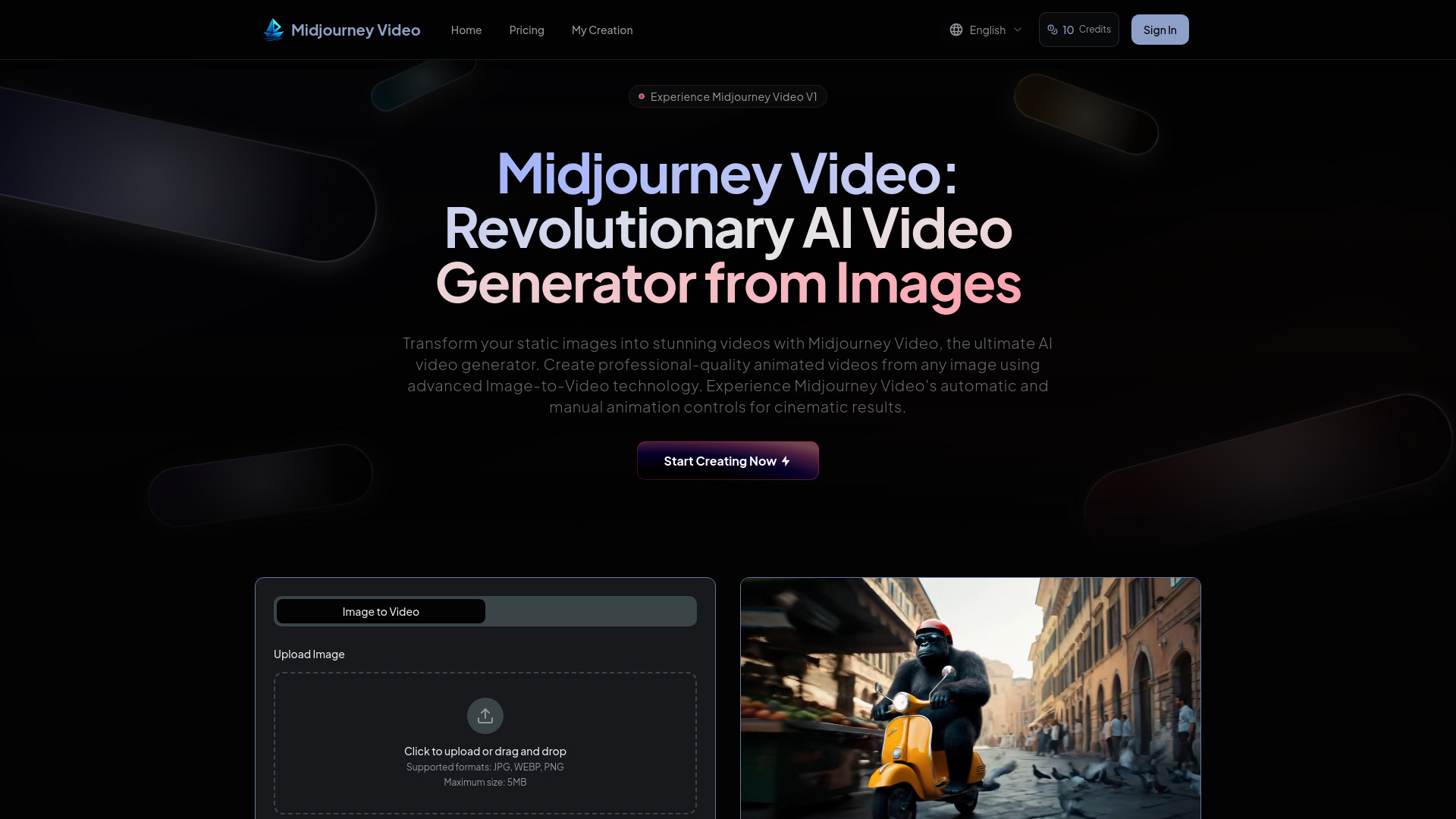
AI video generator transforming images into 5-second videos with advanced Image-to-Video technology.
Source rating 5.0
(64)
0 views
0 saves
Paid
From $16.9 / month
Verdict
A quick read before you dig into the full page.
- Best if
- AI video generator transforming images into 5-second videos with advanced Image-to-Video technology
- Skip if
- You need a free plan with no credit card
- Pick this when
- Paid · From $16.9 / month
Overview
Midjourney Video is a revolutionary AI video generator that transforms static images into dynamic 5-second videos using advanced Image-to-Video technology. It offers both automatic and manual animation controls for cinematic results. The platform is designed to be highly affordable, making professional video animation accessible to creators worldwide, and is considered a stepping stone toward real-time open-world simulations.
Access & connections
Where you can use Midjourney Video.
Platforms
Capabilities
What this tool accepts, produces, and is strongest at.
Highlights
- Image-to-Video Workflow
- Automatic Animation
- Manual Motion Control
- Adaptive Motion Settings (Low and High Motion)
- Fast Video Generation
- External Image Import
- Professional Video Output (5-second videos)
FAQ 8
What is Midjourney Video?
Midjourney Video is a revolutionary AI video generator that transforms static images into dynamic 5-second videos using advanced Image-to-Video technology. It offers both automatic and manual animation controls for cinematic results. The platform is designed to be highly affordable, making professional video animation accessible to creators worldwide, and is considered a stepping stone toward real-time open-world simulations.
How to use Midjourney Video?
Creating videos with Midjourney Video is simple and intuitive. First, upload your image (JPG, WEBP, PNG, max 5MB) or create new ones within Midjourney Video. Second, select your animation style: choose automatic animation for instant generation, or use manual controls with custom motion prompts. You can also select low motion for ambient scenes or high motion for dynamic action. Third, click 'Generate Video' (or 'Animate') to create your professional video content instantly.
What is Midjourney Video and how does it work?
Midjourney Video is a revolutionary AI video generator that transforms static images into dynamic 5-second videos using advanced Image-to-Video technology. It's designed as a stepping stone toward real-time open-world simulations, featuring both automatic and manual animation controls.
How does Midjourney Video's Image-to-Video workflow function?
Simply create or upload images to Midjourney Video, then press 'Animate' to bring them to life. You can upload external images, mark them as start frames, and describe how you want them to move using motion prompts for complete creative control.
What's the difference between low motion and high motion in Midjourney Video?
Low motion in Midjourney Video is ideal for ambient scenes where the camera stays mostly still and subjects move deliberately. High motion is perfect when you want dynamic movement - both subject and camera - for action-packed sequences.
What video formats does Midjourney Video support?
Midjourney Video generates high-quality 5-second videos in standard formats compatible with all major platforms and devices.
How affordable is Midjourney Video compared to other AI video generators?
Midjourney Video is over 25 times more affordable than existing AI video generation solutions. Each video job costs about one image worth of cost per second of video content.
Can I upload external images to Midjourney Video for animation?
Yes! Midjourney Video supports external image uploads. Simply drag any image to the prompt bar, mark it as a 'start frame', then type a motion prompt to describe how you want it to move. This opens unlimited creative possibilities for your video content.
Related tools
Recommended


Midjourney Video
From $16.9 / month