
Leadde AI
Magically create engaging training, explainer, tutorial, onboarding, launch, and process videos with AI.
Free + from $15 / month
Verdict
A quick read before you dig into the full page.
- Best if
- You are learning & Development Specialists and need: Learning and Development
- Skip if
- You need enterprise SLAs or a fully managed team plan right away
- Pick this when
- Freemium · Free + from $15 / month
Overview
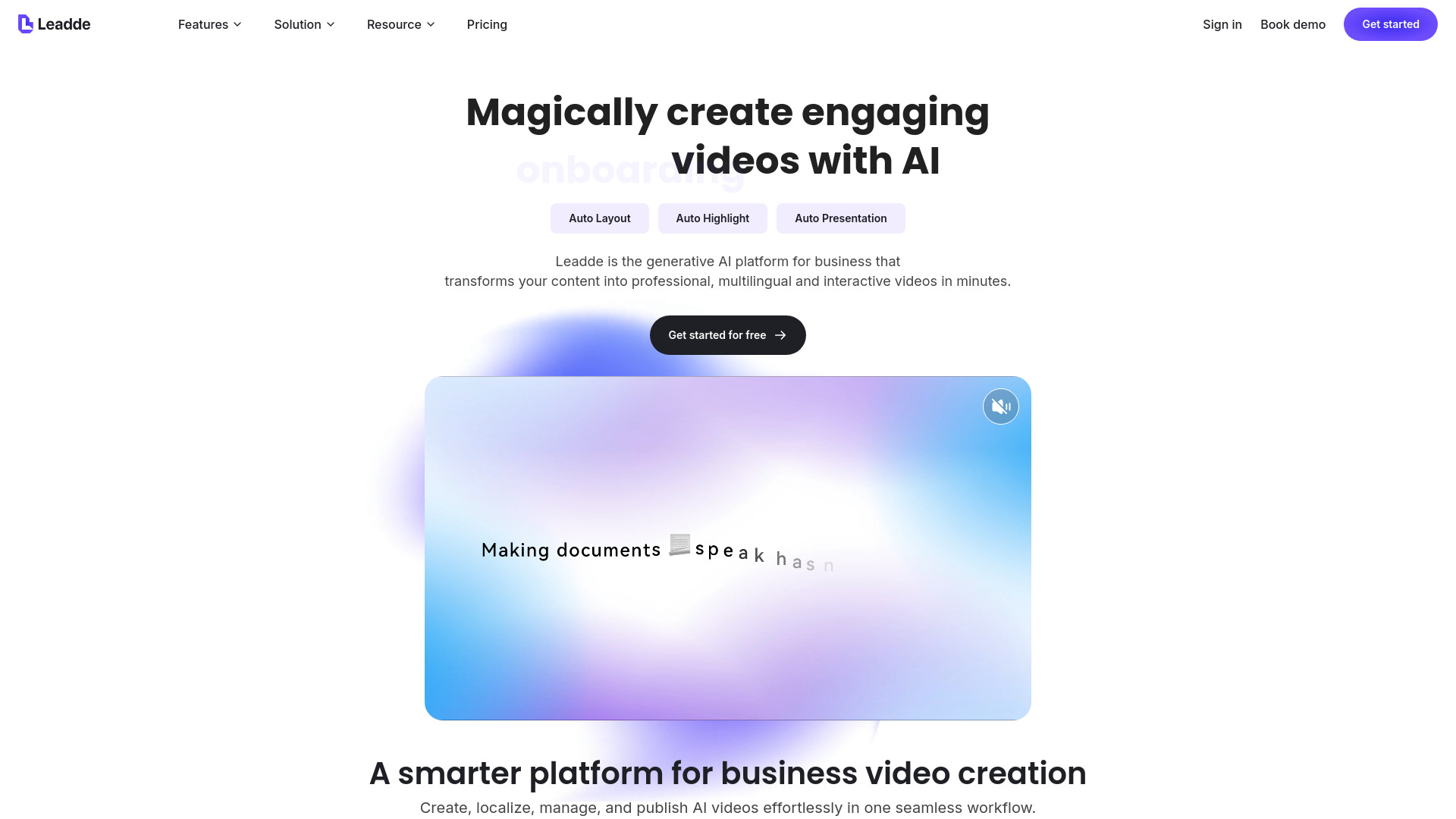
Leadde AI is an AI video platform for business. Upload documents (text, slides, PDFs) and instantly generate a structured video outline, scene-by-scene script, and visuals. Customize output language, level of detail, and tone, then pick a template and digital avatar to produce multilingual training, explainer, tutorial, onboarding, launch, or process videos—fast and at scale.
Best for
Short scenarios where Leadde AI tends to shine.
-
Learning and Development
Best for Learning & Development Specialists
-
Sales Enablement
Best for Marketing Professionals
-
Marketing
Best for Sales Enablement Teams
-
IT and Cybersecurity
Best for Corporate Trainers
Example outputs 1
Sample generations and before/after results for Leadde AI.
Access & connections
Where you can use Leadde AI.
Platforms
Capabilities
What this tool accepts, produces, and is strongest at.
Highlights
- Document to Video Creation
- Text, PDF, and PPT Friendly Input
- AI Generated Outline and Scene Structure
- Business Ready Video Templates
- Lifelike AI Presenters (Avatars)
- One Click Avatar Replacement Across Scenes
- Multilingual Video Generation
- Scene Level Script Editing
Show 8 more
- AI Regenerate and Length Control
- Built In Canvas Editing Tools
- Background Customization with Apply to All Scenes
- Media Upload and Visual Enrichment
- Element Timing and Animation Controls
- Narration Polish Tools
- Preview Then Render
- Easy Updates Without Reshoots
People also view
Tools that often show up alongside Leadde AI in collections and comparisons.



FAQ 8
What is Leadde AI?
How to use Leadde AI?
💡 Get started in five steps
1. Sign in to Leadde AI
- Open Leadde AI and log in to access the video creator.
2. Create a new video
- Click AI Video Creator (or Create New Video).
- Upload or paste your content (document/text).
3. Set video preferences
- Choose the output Language.
- Set Level of detail and Tone (and any other preferences).
4. Generate outline and build the video
- Click Create Outline to generate a structured outline.
- Pick a Template and an Avatar, then click Create Video.
5. Edit, preview, and generate
- Edit the script per scene (you can Regenerate / Expand / Shorten if needed).
- Adjust visuals (background, media, element timing/animations), and optionally add Pauses or fix Pronunciation.
- Click Preview Video, then Generate Video to render the final output.