Inventory management

Genie

Inventory management tool for Shopify brands to track stock and create purchase orders.

Source rating 5.0 (74) 9k views 9k/mo traffic 0 saves Unknown
More categories (7)

Verdict

A quick read before you dig into the full page.

Best if
You are shopify store owners and need: Tracking stock levels in real-time
Pick this when
Inventory management tool for Shopify brands to track stock and create purchase orders

Overview

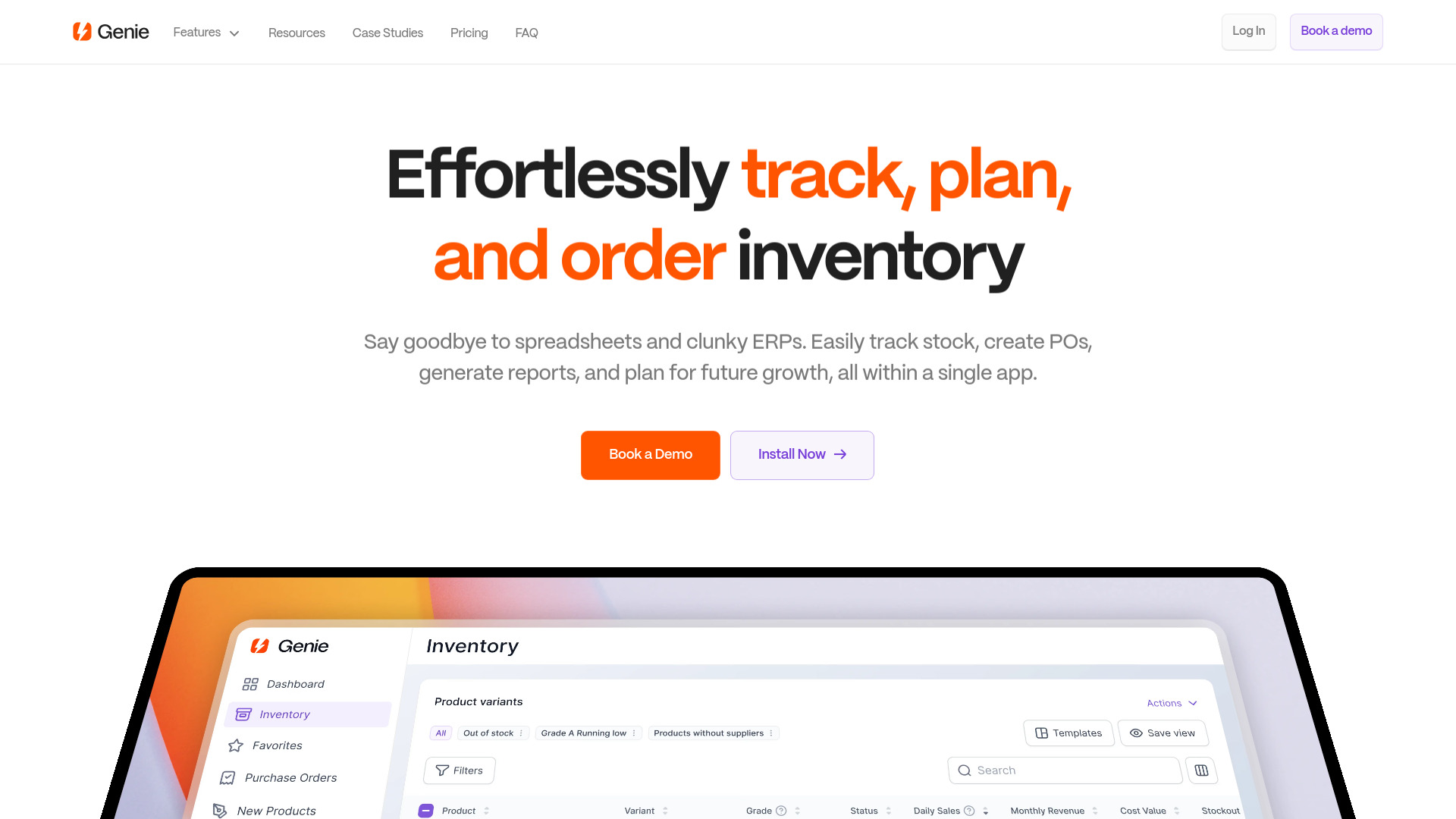
Genie is an inventory management tool designed for Shopify brands. It helps track stock, create purchase orders, split shipments, and update inventory, aiming to simplify inventory management and reduce reliance on spreadsheets and complex ERP systems. Genie provides a single app for tracking stock, generating reports, and planning for future growth, offering an intuitive interface and real-time data insights.

Genie screenshot

Best for

Short scenarios where Genie tends to shine.

  • Tracking stock levels in real-time.

    Best for Shopify store owners

  • Creating and managing purchase orders.

    Best for E-commerce businesses

  • Generating inventory reports to identify trends and optimize stock.

    Best for Operations managers

  • Planning for future demand based on sales velocity and lead times.

    Best for Inventory managers

  • Managing supplier information and lead times.

    Best for Supply chain professionals

  • Analyzing inventory data to prevent revenue leakage.

    Best for Shopify store owners

Example outputs 1

Sample generations and before/after results for Genie.

Access & connections

Where you can use Genie, and what it plugs into.

Platforms

Web

Integrations

Capabilities

What this tool accepts, produces, and is strongest at.

Highlights

  • Inventory Tracking
  • Purchase Order Management
  • Supplier Management
  • Demand Planning
  • Reporting
  • Inventory Table
  • Dashboard

People also view

Tools that often show up alongside Genie in collections and comparisons.

FAQ 9

What is Genie?
Genie is an inventory management tool designed for Shopify brands. It helps track stock, create purchase orders, split shipments, and update inventory, aiming to simplify inventory management and reduce reliance on spreadsheets and complex ERP systems. Genie provides a single app for tracking stock, generating reports, and planning for future growth, offering an intuitive interface and real-time data insights.
How to use Genie?
Install the Genie app from the Shopify app store. Go through the onboarding process to import your data. Then, use the dashboard to track inventory, create purchase orders, and generate reports.
Do I get a trial? How long does it last?
Genie offers a 21-day trial with access to the support team and an onboarding session.
How long does it take to get started?
Getting started with Genie only takes a few minutes. After installing the app, you'll go through a 5-part onboarding process.
Can I add more than one store to my account?
Currently, you can only manage one store within Genie. However, if you have multiple locations attached to your Shopify store, you’ll be able to track them within your Genie account. If you have multiple stores and want to use Genie, we are open to providing custom pricing.
Is there a limit on the number of SKUs a store can have?
There are no limits to the number of SKUs a store can have. If you have more than 20k SKU's, they prefer to set up a demo with you first.
Are you multi-channel and integrated with Amazon?
Genie currently only supports brands that sell on Shopify. They do have partners who can help sync data between Shopify and Amazon FBA.
How do I log in?
You can either click on the Login Button at the top right of our website, or go directly to https://app.getgenie.io/login where you can enter your email and receive a magic link in your email.
Do you sell my data?
Genie does not sell data to any third-party companies. The only way they use your data is to provide insights into your inventory.
