
Gemini Code Assist
AI coding assistant for code completion, generation, and review in IDEs and GitHub.
From $19/user/month ( commitment) or $22.80/user/month (no commitment)
Verdict
A quick read before you dig into the full page.
- Best if
- You are individual developers and need: Accelerate code development with AI-powered suggestions
- Skip if
- You need a free plan with no credit card
- Pick this when
- Paid · From $19/user/month ( commitment) or $22.80/user/month (no commitment)
Overview
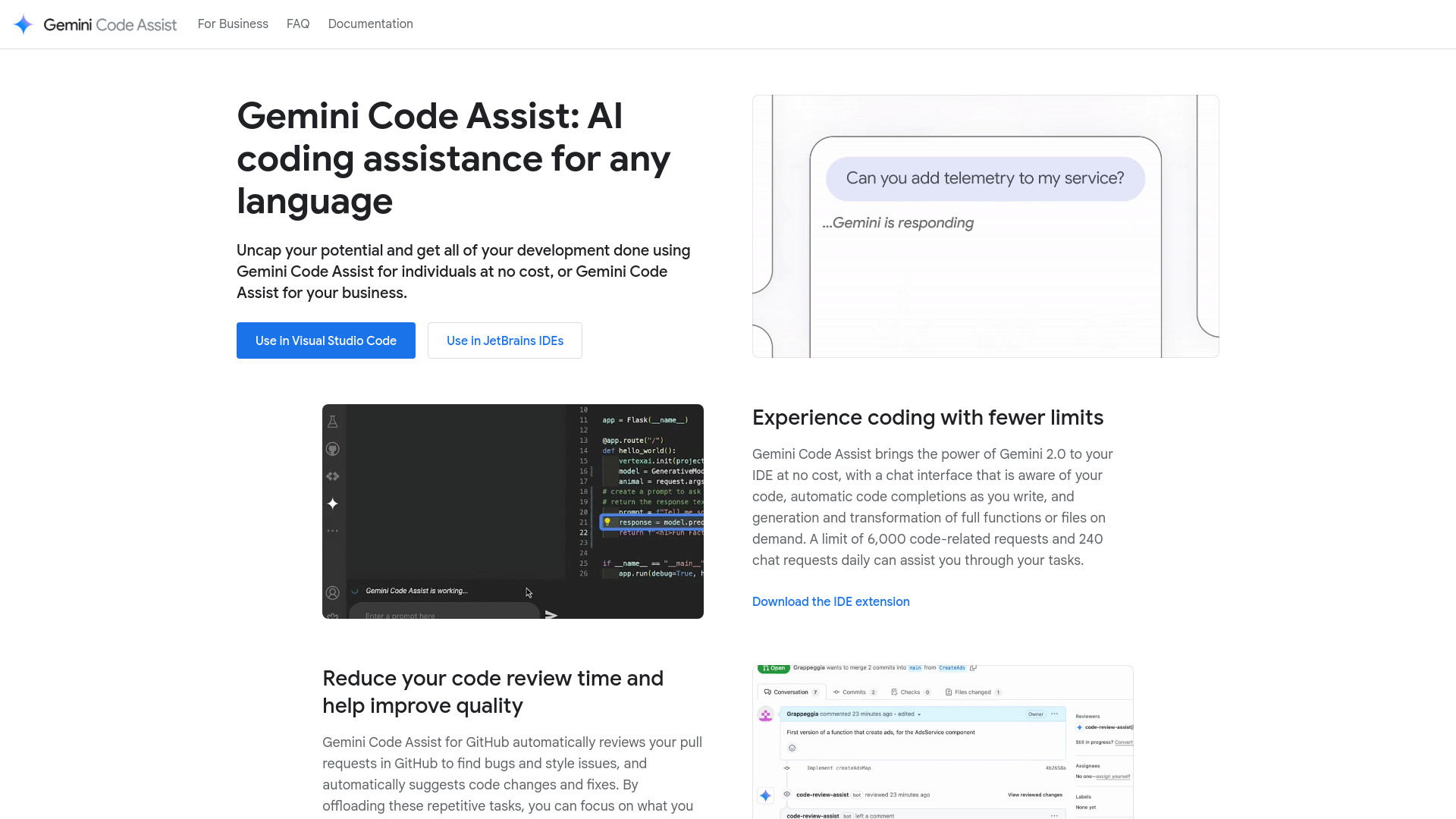
Gemini Code Assist provides AI-powered coding assistance directly in VS Code or JetBrains IDEs. It offers code completion, generation, and transformation, along with a chat interface aware of your code. It also reviews pull requests in GitHub, suggesting code changes and fixes. Gemini Code Assist is available in different editions: Individuals (free), Standard, and Enterprise, each tailored to different user needs and offering varying levels of features and support.
Best for
Short scenarios where Gemini Code Assist tends to shine.
-
Accelerate code development with AI-powered suggestions
Best for Individual developers
-
Reduce code review time and improve code quality
Best for IT administrators
-
Build integrations with AI assistance in various Google Cloud services
Best for Business developers
-
Generate SQL statements from natural language in Databases
Best for Freelance developers
How it works
Example outputs 1
Sample generations and before/after results for Gemini Code Assist.
Access & connections
Where you can use Gemini Code Assist, and what it plugs into.
Platforms
Capabilities
What this tool accepts, produces, and is strongest at.
Highlights
- AI-powered code completion and generation
- Conversational assistant in IDEs
- Automated code reviews in GitHub
- Integration with Firebase, BigQuery, Apigee, and Application Integration
- Customizable code suggestions based on private source code repositories (Enterprise edition)
People also view
Tools that often show up alongside Gemini Code Assist in collections and comparisons.


