
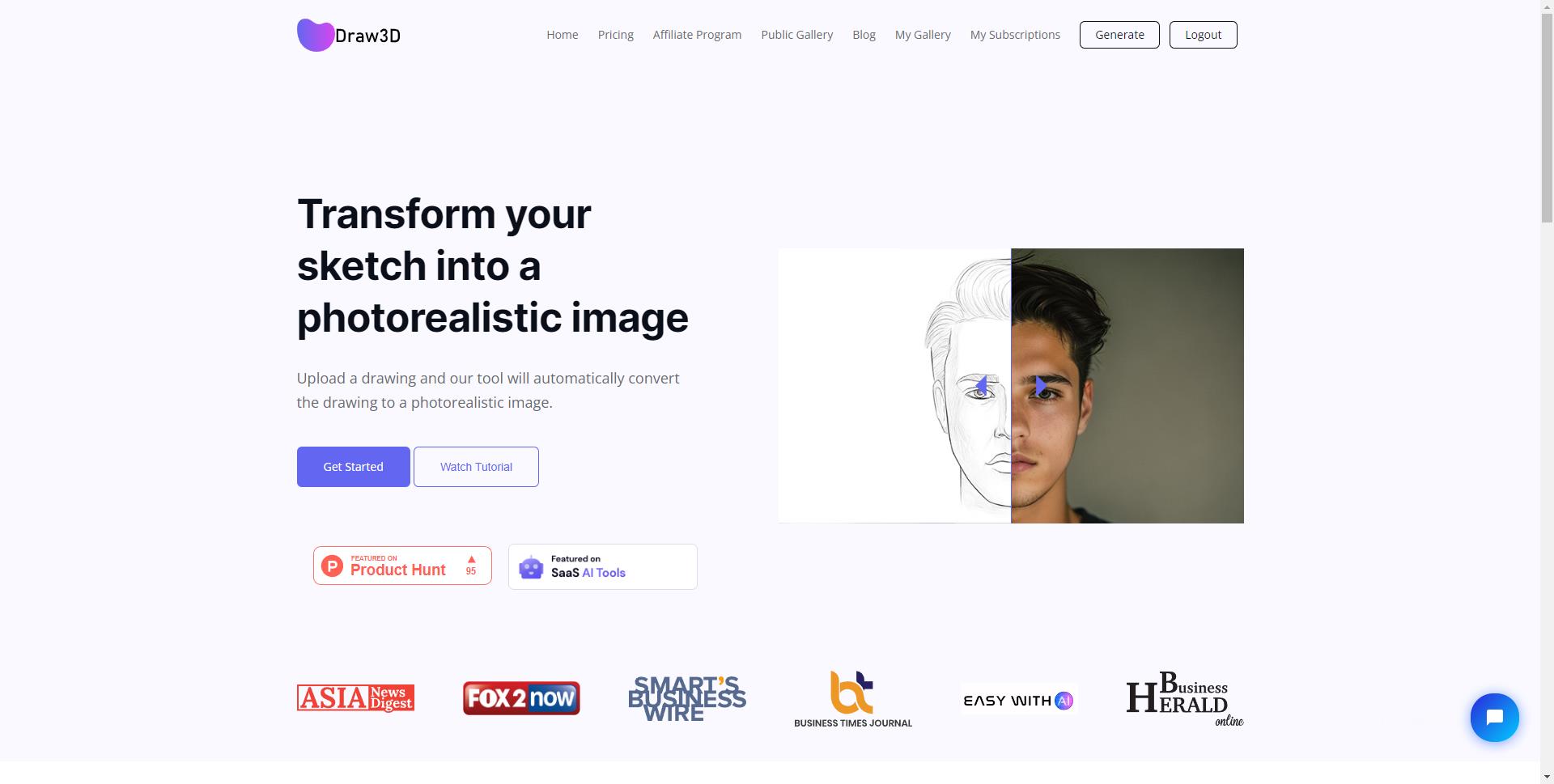
Draw3D
AI tool that converts sketches into photorealistic images.
$9 per month
Verdict
A quick read before you dig into the full page.
- Best if
- AI tool that converts sketches into photorealistic images
- Skip if
- You need a free plan with no credit card
- Pick this when
- Paid · $9 per month
Overview
Draw3D is an AI-powered software program that transforms sketches into photorealistic images. It caters to artists, designers, and creators, offering features like 3D modeling, rendering, visualization, graphic design, digital art, animation, CAD, augmented reality, virtual reality, and more. It allows users to upload a drawing and automatically convert it into a photorealistic image, handling detailed sketches of various subjects, including nature, landscapes, and animals.
Access & connections
Where you can use Draw3D.
Platforms
Capabilities
What this tool accepts, produces, and is strongest at.
Highlights
- Sketch to photorealistic image conversion
- Image upscaling up to 4x (with 8x coming soon)
- Built-in image editor with filters and resizing
- Handles detailed sketches of various subjects
- Sculpture to photo transformation
FAQ 6
What is Draw3D?
How to use Draw3D?
What can Draw3D do?
How do I use Draw3D?
What features are included in Draw3D?
Can I use the generated images commercially?
Related tools
Recommended

Meshy ✓
FreemiumTurn text and images into production-ready 3D models with AI in seconds.

PoYo.AI ✓
FreemiumHigh concurrency. Stable AI API. Better pricing.

Wondershare Filmora ✓
PaidEdit smarter, faster and easier with Filmora’s powerful AI video tools.

Qoder ✓
FreemiumAgentic Coding Platform for Real Software