
Textalyz
AI writing assistant for clear, confident communication in Chrome and Slack.
Source rating 5.0
(79)
0 views
0 saves
Freemium
Free + from $5 / per month
Verdict
A quick read before you dig into the full page.
- Best if
- AI writing assistant for clear, confident communication in Chrome and Slack
- Skip if
- You need enterprise SLAs or a fully managed team plan right away
- Pick this when
- Freemium · Free + from $5 / per month
Overview
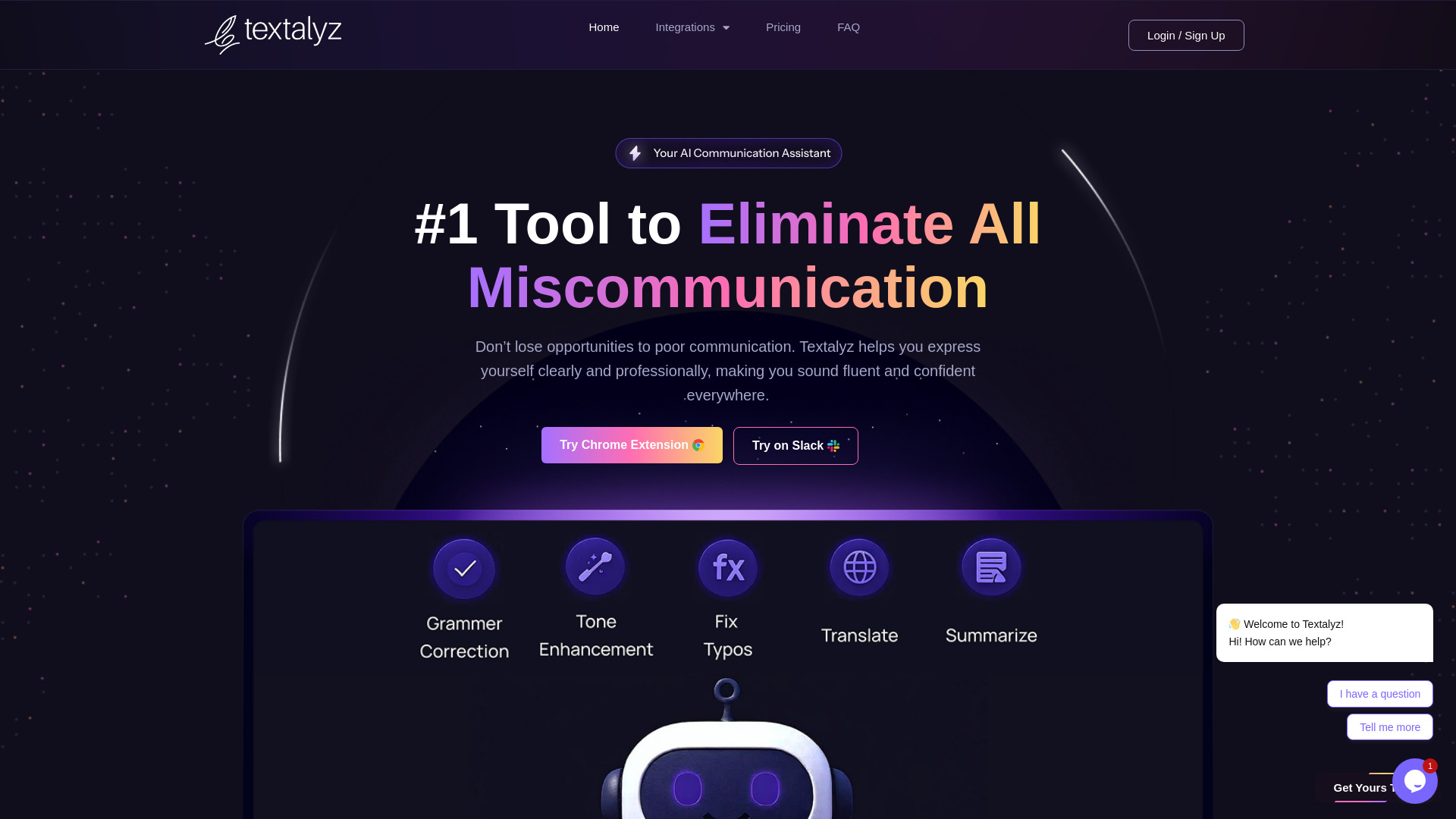
Textalyz is an AI-powered writing assistant designed to help users rewrite, fix grammar, and translate messages directly within Chrome and Slack. It aims to help non-native speakers, remote teams, and anyone needing to express themselves clearly, professionally, and confidently. It handles communication tasks from emails to chats and documents, allowing users to focus on the message rather than the wording.
Access & connections
Where you can use Textalyz, and what it plugs into.
Platforms
Capabilities
What this tool accepts, produces, and is strongest at.
Highlights
- Rewrite messages
- Fix grammar
- Translate messages
- Summarize text
- Paraphrase text
- Custom Prompts
- Fix tone
- Format messages
FAQ 8
What is Textalyz?
Textalyz is an AI-powered writing assistant designed to help users rewrite, fix grammar, and translate messages directly within Chrome and Slack. It aims to help non-native speakers, remote teams, and anyone needing to express themselves clearly, professionally, and confidently. It handles communication tasks from emails to chats and documents, allowing users to focus on the message rather than the wording.
How to use Textalyz?
For Chrome Extension: Install it, then highlight any text, right-click, and choose from tools like Summarize, Paraphrase, Translate, Fix Grammar, or use a Custom Prompt. It works directly in your current tab on any website where you can type or select text. For Slack App: Install it and use the command /send before your message. Textalyz will offer options to paraphrase, fix grammar, format, or translate the message before you post it.
How does Textalyz work in Chrome?
Once installed, the extension works wherever you type – Gmail, Notion, LinkedIn, Twitter, and more. Just highlight any text, right-click, and choose from tools like Summarize, Paraphrase, Translate, Fix Grammar, or use a Custom Prompt.
Do I need to open a separate tab or dashboard?
No. It works right inside your current tab; no switching, no distractions. It’s like having your writing assistant baked into your browser.
What websites are supported?
Any site where you can type or select text, including Google Docs, messaging platforms, social media, CMS dashboards, and email platforms.
Will it slow down my browser?
Not at all. Textalyz is lightweight and optimized for fast, seamless performance.
How do I use Textalyz in Slack?
Just install it and use the command /send before your message. Textalyz will offer options to paraphrase, fix grammar, format, or translate the message before you post it.
Is Textalyz really free to use?
Yes, both the Chrome Extension and Slack bot are free to start with. You get access to core features without needing a credit card. Premium plans (coming soon) will unlock advanced usage limits and team features, but you’ll always have access to essential tools for free.
Related tools
Recommended


Textalyz
Free + from $5 / per month