
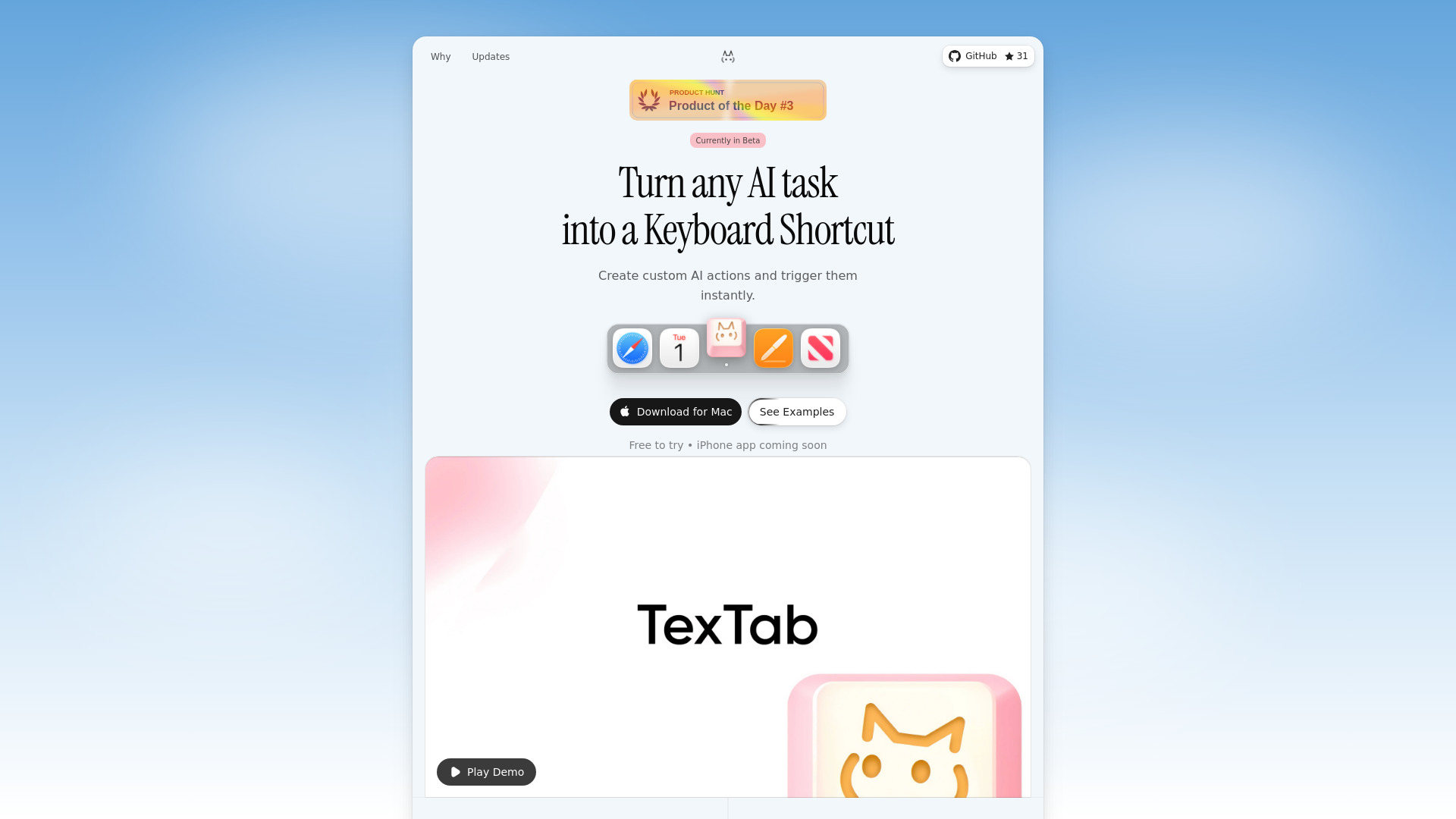
TexTab
macOS tool for creating custom AI keyboard shortcuts to process text in any app.
Verdict
A quick read before you dig into the full page.
- Best if
- macOS tool for creating custom AI keyboard shortcuts to process text in any app
- Pick this when
- macOS tool for creating custom AI keyboard shortcuts to process text in any app
Overview
TexTab is a personal library and quick capture tool for macOS that allows users to create custom AI actions and trigger them instantly using keyboard shortcuts. It enables users to select text in any application—such as browsers, emails, or IDEs—and perform AI-driven tasks like translating, summarizing, rewriting, and fixing grammar. The tool supports multiple AI providers including OpenAI, Anthropic, and Perplexity, following a 'Bring Your Own API Key' model to ensure privacy and eliminate recurring software subscriptions. It also features prompt enhancement, native plugins like a QR code generator, and a local-first architecture where data stays on the user's device.
Access & connections
Where you can use TexTab.
Platforms
Capabilities
What this tool accepts, produces, and is strongest at.
Highlights
- Custom AI Keyboard Shortcuts
- System-wide integration (works in any app)
- Support for multiple AI providers (OpenAI, Anthropic, Groq, etc.)
- Bring Your Own API Key (BYOK) model
- AI-powered Prompt Enhancement
- Native Plugins (Chat with AI, QR Generator, Color Picker)
- Private & Local-first data storage
FAQ 5
What is TexTab?
How to use TexTab?
Does TexTab require a monthly subscription?
Is my data private?
What applications does TexTab work with?
Related tools
Recommended

Raccoon AI ✓
FreemiumThe AI Coworker for Apps, Research, Docs & Everything Else

Velo ✓
FreemiumAI video infrastructure to explain, train, and sell faster.

ChatHawk ✓
PaidChat with all flagship AI models simultaneously.

Nextbrowser ✓
FreemiumAI Browser Agent that automates professional tasks through chat.