
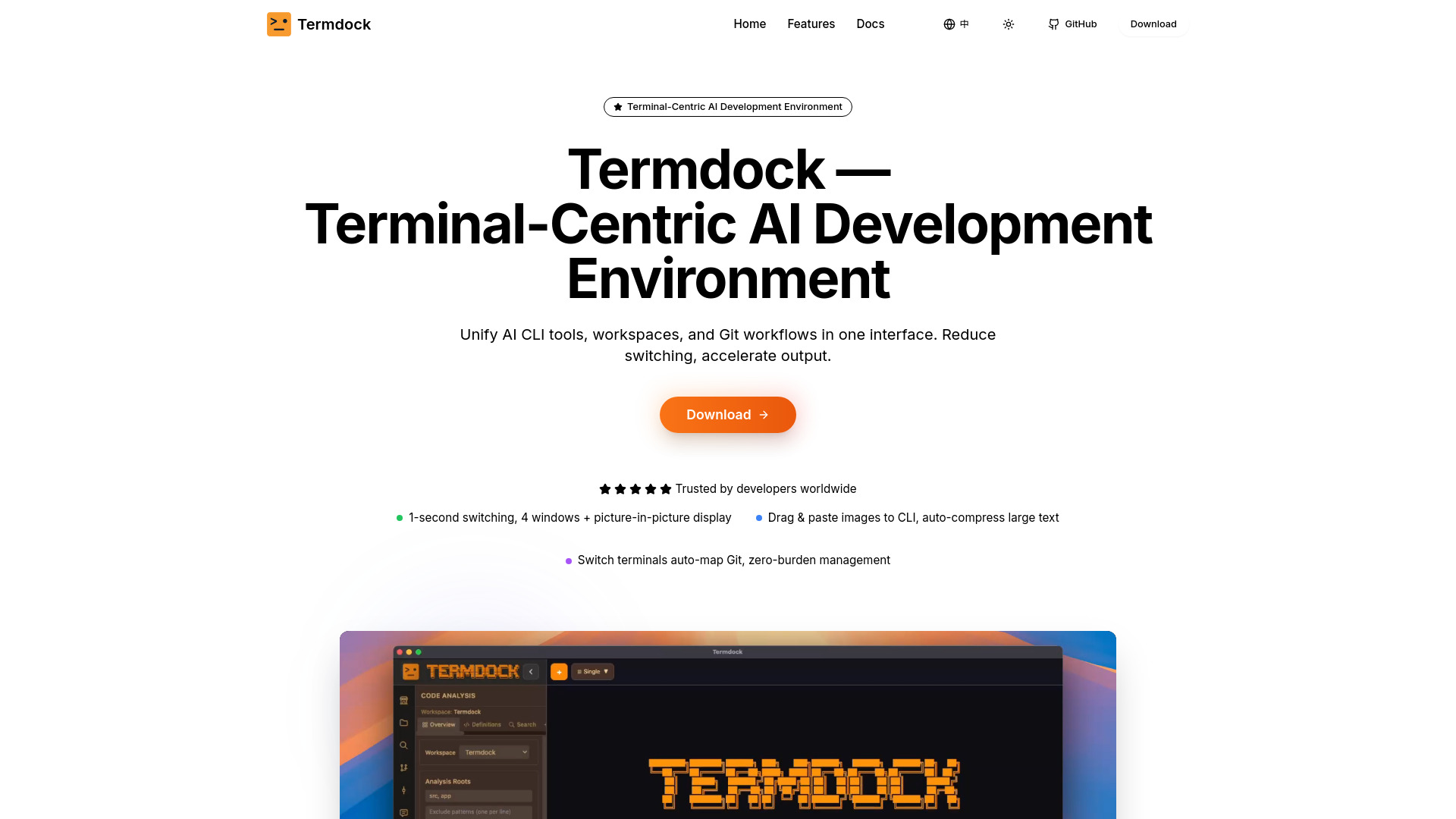
Termdock
Terminal-centric AI dev environment unifying workspaces, terminals, and Git.
Verdict
A quick read before you dig into the full page.
- Best if
- You are developers and need: Managing multiple projects and terminal environments simultaneously
- Pick this when
- Terminal-centric AI dev environment unifying workspaces, terminals, and Git
Overview
Termdock is a terminal-centric AI development environment that unifies multi-workspace management, multi-terminal layouts, and Git visualization in one interface. It leverages AST search (Tree-sitter) for instant jumps to symbols and dependencies, supports up to 4 windows plus Picture-in-Picture (PiP) for side-by-side operations of tools like Docker, Redis, logs, tests, and AI tools. Termdock also features drag-and-paste images to CLI with auto-compression, built-in file trees, and prompt libraries to ensure fast, consistent, and scalable workflows. It aims to unify AI CLI tools, workspaces, and Git workflows to reduce switching and accelerate output for developers managing multiple projects and terminal environments simultaneously.
Best for
Short scenarios where Termdock tends to shine.
-
Managing multiple projects and terminal environments simultaneously.
Best for Developers
-
Pinpointing K8s configuration issues using AST search.
Best for DevOps Engineer
-
Efficient file search and navigation in large projects.
Best for Open Source Contributor
-
Monitoring Docker, Redis, logs, and tests simultaneously with Picture-in-Picture.
Best for Full-stack Developer
-
Standardizing code review feedback and team workflows with prompt management.
Best for Backend Engineer
-
Seamless cross-repository task switching.
Best for SRE
Example outputs 1
Sample generations and before/after results for Termdock.
Access & connections
Where you can use Termdock, and what it plugs into.
Platforms
Integrations
Capabilities
What this tool accepts, produces, and is strongest at.
Highlights
- Multi-workspace management
- Multi-terminal layouts (up to 4 windows + PiP)
- AST search (Tree-sitter) for symbols and dependencies
- Drag-and-paste images to CLI with auto-compression
- Built-in file tree
- Prompt libraries/management
- Git visualization and auxiliary integration
- AI CLI Tools Seamless Integration
Show 1 more
- Theme Customization
People also view
Tools that often show up alongside Termdock in collections and comparisons.


