
Tempo new
AI-powered tool for collaborative React app development.
Free + from $30 / month
Verdict
A quick read before you dig into the full page.
- Best if
- You are react developers and need: Building React applications 10x faster
- Skip if
- You need enterprise SLAs or a fully managed team plan right away
- Pick this when
- Freemium · Free + from $30 / month
Overview
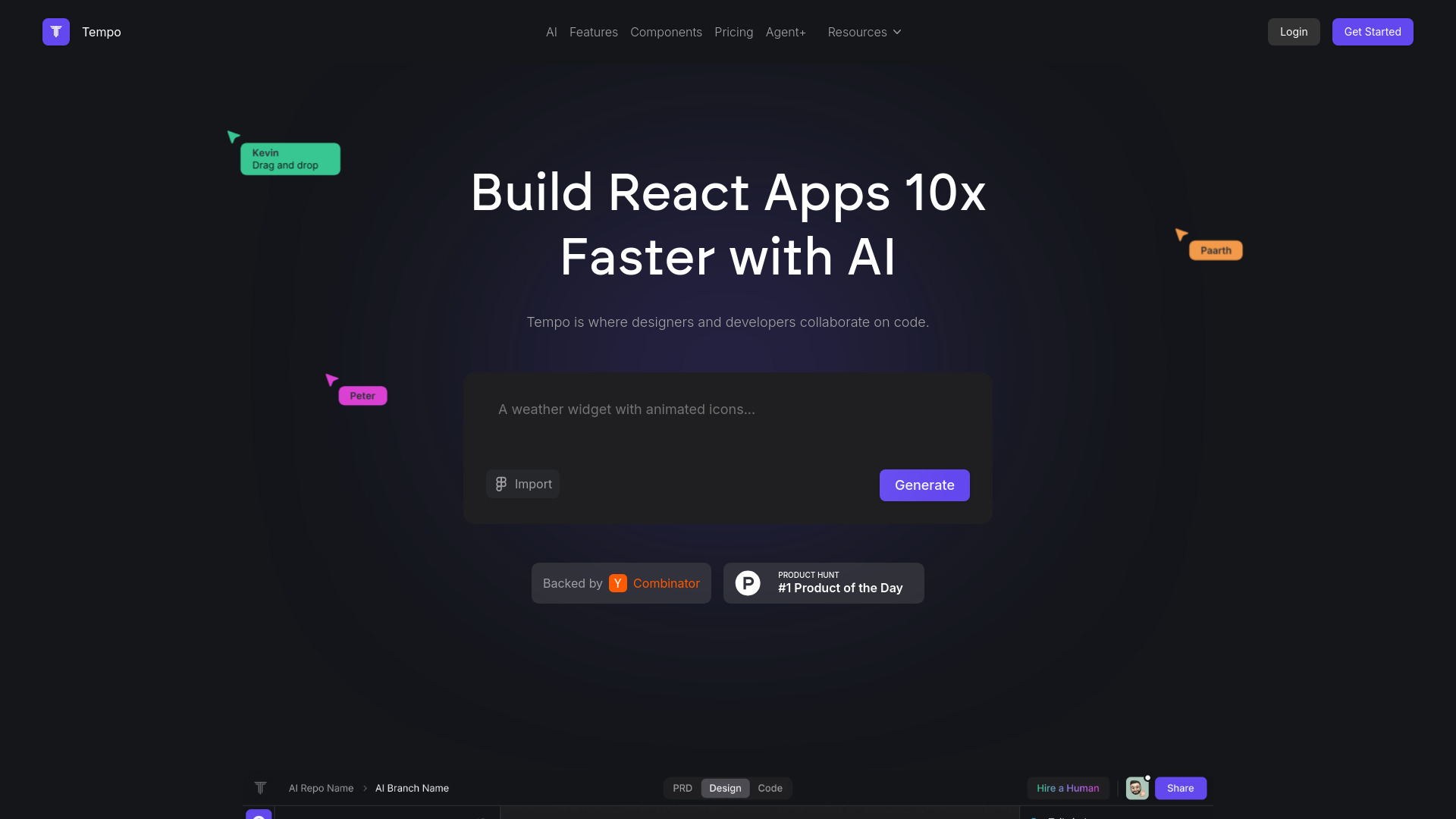
Tempo is an AI-powered tool designed to help designers and developers collaborate on code, specifically for React applications. It offers features to prompt, develop, and design code effortlessly, allowing for faster and smarter web development. Tempo allows users to design visually, import components, and work with existing React codebases, providing a comprehensive solution for building UIs.
Best for
Short scenarios where Tempo new tends to shine.
-
Building React applications 10x faster
Best for React developers
-
Creating and maintaining design systems
Best for UI/UX designers
-
Generating full-stack apps from text or image prompts
Best for Front-end development teams
-
Building interactive prototypes quickly
Best for Product managers
Example outputs 1
Sample generations and before/after results for Tempo new.
Access & connections
Where you can use Tempo new, and what it plugs into.
Platforms
Capabilities
What this tool accepts, produces, and is strongest at.
Highlights
- AI-powered code generation
- Visual drag-and-drop editor for React code
- Component import from Storybook
- Integration with VSCode and GitHub
People also view
Tools that often show up alongside Tempo new in collections and comparisons.



