

Explainer videos 2026 Rank: #990
TapVid ✓
Turn anything into motion videos instantly.
Verdict
A quick read before you dig into the full page.
- Best if
- Turn anything into motion videos instantly
- Skip if
- High learning curve
- Pick this when
- Creates explainer videos
Considering Explainium instead? Compare side by side
Overview





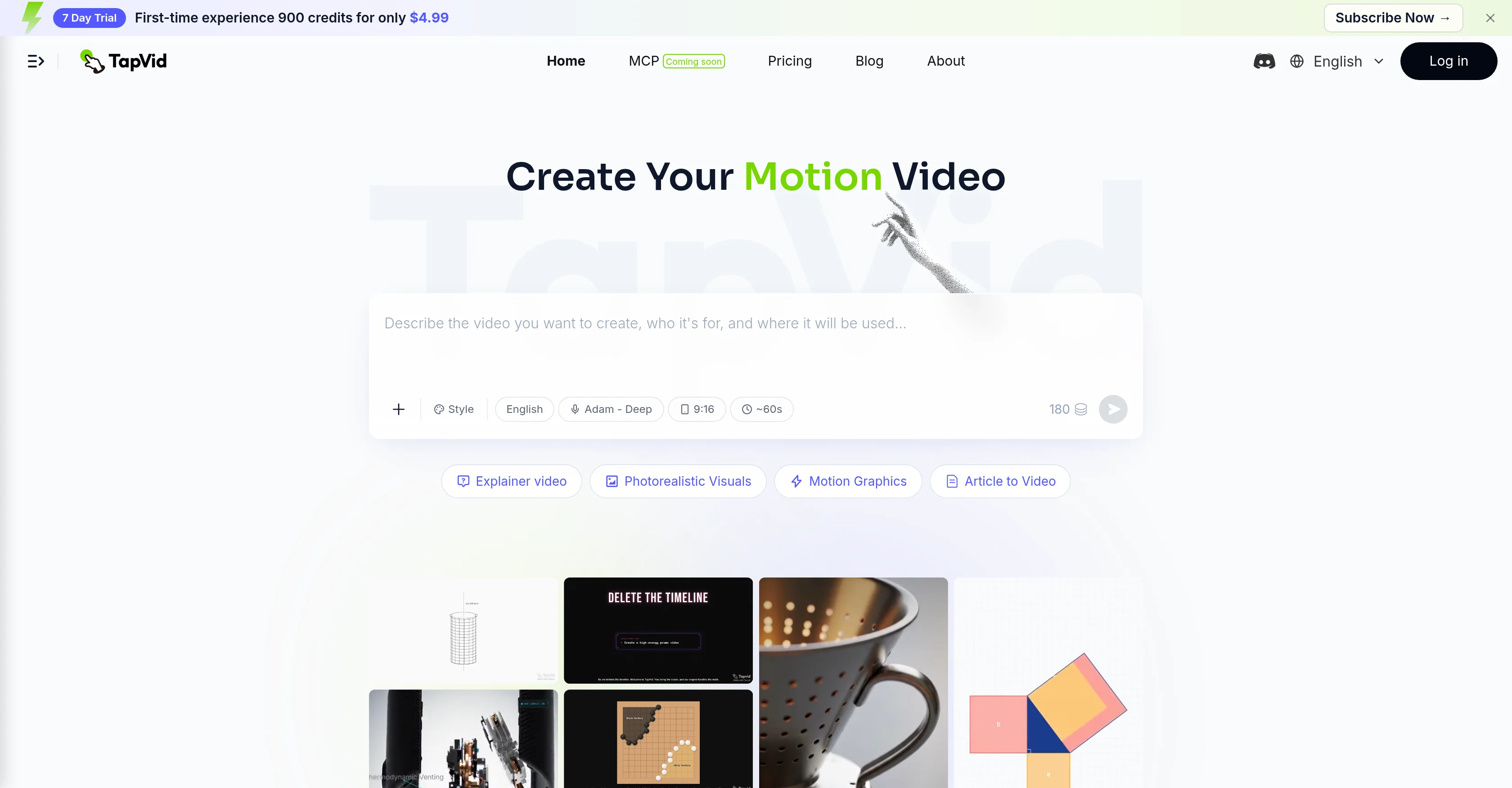
TapVid is not another AI video generator or a text-to-video tool for diffusion-style realistic footage. It focuses on code-generated visuals, motion logic, and clear explanation. It helps creators explain ideas, products, trends, news, brand stories, and educational concepts without starting from a blank timeline or relying on After Effects-style workflows.
Features of TapVid
Code-Generated Explainer Videos: Turn existing content into visualized explainer videos using code-driven motion and visual logic, rather than random diffusion-style footage.
Content-to-Video Workflow: Start with paragraphs, articles, PDFs, scripts, product copy, PRDs, or voiceover scripts and create a structured explainer video in minutes.
Agent-Based Creation: Break content into a script, storyboard, and motion to produce a clear, well-paced explainer video.
No After Effects Required: Create videos without starting from a blank timeline or needing motion design skills.
Creator-Friendly Remix Workflow: Reuse a video’s structure and pacing while keeping the content your own.
Use Cases of TapVid
Launch Video: Turn product copy or a PRD into a launch video quickly, without a design team or After Effects skills.
Deep-Dive Explainer: Break complex ideas and abstract concepts into step-by-step visuals and motion graphics.
Article-to-Video: Convert an article or headline into a visualized video while the topic is still relevant.
Talking Head to Explainer: Transform your script or talking-head idea into a paced, motion-supported explainer video.
Animated Story / Logo Animation: Turn brand copy into a narrative animated short or create a logo animation using code-driven motion logic.
Trending Clone / Template Remix: Reuse the structure and pacing of a proven video format while keeping the content your own.
Access & connections
Where you can use TapVid.
Platforms
Capabilities
What this tool accepts, produces, and is strongest at.
Input
- Tabular
- Text
Output
- Video
Pros & cons
Pros
- Creates explainer videos
- Translates documents to videos
- Interactive motion graphics
- No need for extensive editing
- One Shot video creation
- Intelligent Edit functionality
- Non-tech user friendly
- Customizable output
Show 18 more
- Education content creation
- Product demo videos
- Interprets various source materials
- Includes voiceovers
- Content transformation capabilities
- Automatic video creation
- Can parse PDFs
- Transforms prompts into video
- Refinement and customization options
- Casual language for editing
- Enhances non-tech accessibility
- Focus on instructional content
- Ease of upload content
- Generation of insightful explanations
- Facilitates interactive content
- Automated design features
- Turn prompts into videos
- Creates structured motion videos
Cons
- Limited video length
- No offline capabilities
- Dependent on source quality
- Render time variability
- No explicit multi-language support
- Limited customization options
- High learning curve
- No collaboration features
Show 2 more
- Potential voiceover limitations
- Complex pricing plans
Compare alternatives
Similar tools in the catalog — with a clear reason to open each one.

Explainium ✓
FreemiumTurn Your Content Into Videos Effortlessly
Why look Freemium alternative
Full comparison
Imagine Explainers ✓
PaidCreate AI-powered explainer videos in minutes.
from $10/mo
Full comparison

Knowcast ✓
FreemiumTurn any topic into a visual explainer video.
Why look Freemium alternative
Full comparison
Knowlify ✓
Free TrialTurn documents into professional animated videos instantly.
Free + from $5
Full comparison
EduViz ✓
Free TrialTurn one math idea into a reusable animation clip.
Why look Higher community rating
Full comparisonReleases 1
FAQ 12
What is TapVid?
How does TapVid convert text to motion videos?
What type of source materials can TapVid handle?
Can TapVid create videos from PDFs?
What are the 'One Shot' and 'Intelligent Edit' features in TapVid?
What's the process to use the 'One Shot' functionality?
How can I utilize the 'Intelligent Edit' functionality?
Does TapVid require specialized technical or design skills?
Can I use TapVid for educational content creation?
What's the purpose of the voiceover feature in TapVid?
Is TapVid also suitable for creating product demo videos?
How user-friendly is TapVid for non-technical users?
Related tools
Recommended

ChatGPT ✓
FreemiumAsk anything, create anything, and move from idea to action.

HeyGen ✓
FreemiumCreate AI spokesperson videos from text

remio: Your Personal ChatGPT ✓
FreemiumGet Tailored Answer with Your Personal ChatGPT

Github Copilot ✓
FreemiumAI-powered coding assistant for faster development

Singify ✓
PaidSingify Your World – Create, Cover, Inspire

Picsart ✓
FreemiumGenerate images, video, and audio across 150+ AI models from one account.