
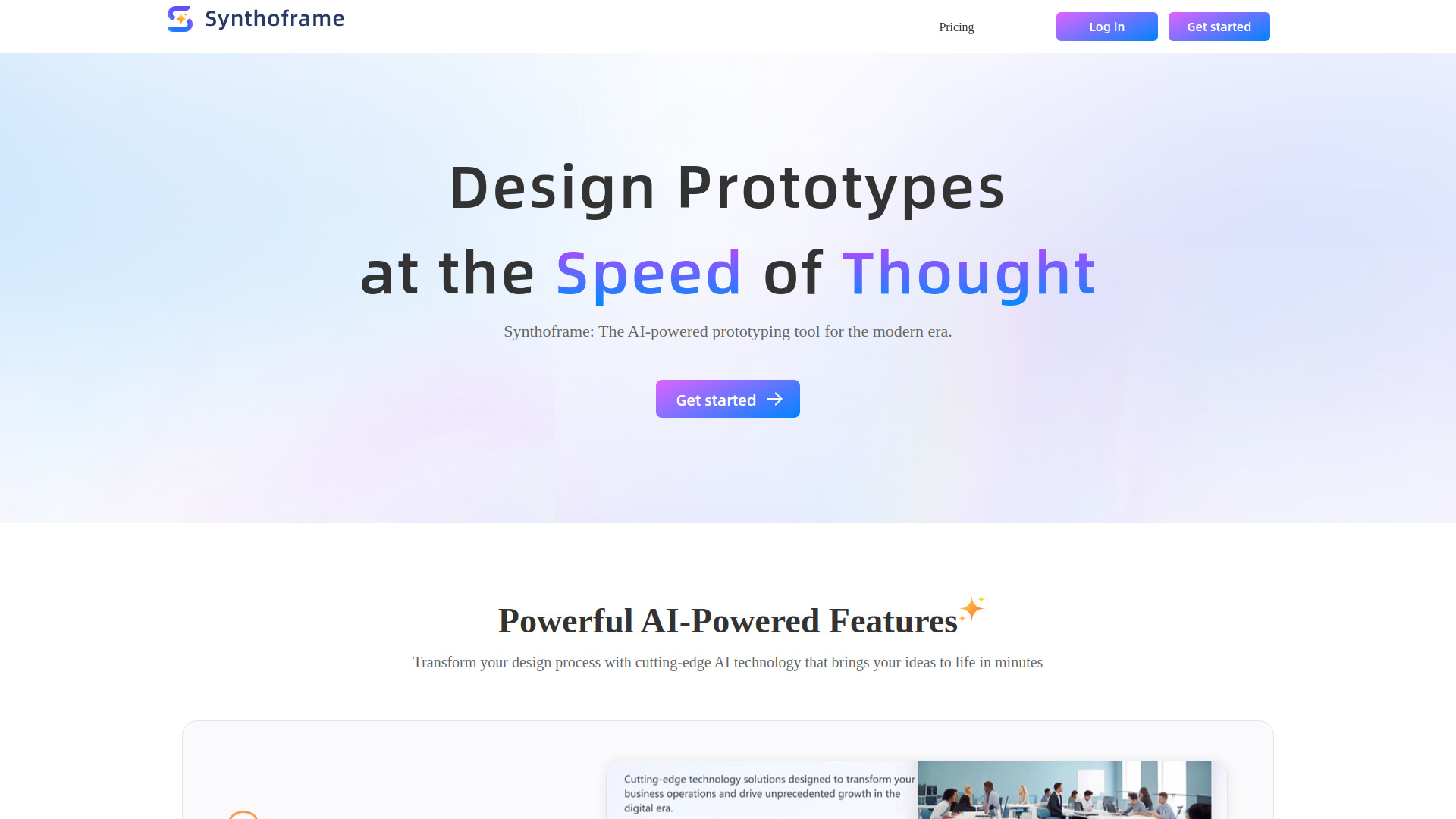
SynthoFrame
AI-powered prototyping tool for high-fidelity, interactive UI design.
Source rating 5.0
(62)
0 views
0 saves
Freemium
Free + from $20 / month
Verdict
A quick read before you dig into the full page.
- Best if
- AI-powered prototyping tool for high-fidelity, interactive UI design
- Skip if
- You need enterprise SLAs or a fully managed team plan right away
- Pick this when
- Freemium · Free + from $20 / month
Overview
Synthoframe is an AI-powered, high-fidelity prototyping tool designed for product managers, project managers, and independent developers. It leverages AI to quickly transform natural language or image requirements into interactive prototypes. The tool offers comprehensive editing and export functionalities, supports the creation of professional design drafts, and generates executable front-end code. It aims to streamline the design process, allowing users to create beautiful interfaces rapidly.
Access & connections
Where you can use SynthoFrame.
Platforms
Capabilities
What this tool accepts, produces, and is strongest at.
Highlights
- Generate UIs from Text
- Generate UIs from Images
- Interactive Prototypes
- Flexible Editing
- Consistent Style
- Front-End Code Generation
FAQ 6
What is SynthoFrame?
Synthoframe is an AI-powered, high-fidelity prototyping tool designed for product managers, project managers, and independent developers. It leverages AI to quickly transform natural language or image requirements into interactive prototypes. The tool offers comprehensive editing and export functionalities, supports the creation of professional design drafts, and generates executable front-end code. It aims to streamline the design process, allowing users to create beautiful interfaces rapidly.
How to use SynthoFrame?
Users can generate UIs by describing their ideas with text or by uploading a sketch or reference image. Synthoframe intelligently analyzes the input and converts it into a polished UI. Static designs can be instantly transformed into interactive, high-fidelity prototypes. Users can also fine-tune designs manually in edit mode or let Synthoframe optimize them, and maintain consistent style by referencing pages or reusing content blocks.
What are credits and how do they work?
You need to spend a certain number of credits to design or edit on the platform. Typically, a single design action or one edit costs 25 credits. Synthoframe provides a certain amount of free credits each month, and you can also get more credits through a paid subscription.
What happens when I run out of credits?
You will no longer be able to perform actions that consume credits, such as designing pages. You can upgrade your subscription plan to get more credits, or wait for your credits to be reset.
Can I upgrade or downgrade my plan?
Yes, of course. You can upgrade or downgrade your subscription plan at any time. Plan upgrades are effective immediately, while downgrades will take effect at the start of your next billing cycle.
Can I get a refund for my subscription?
No. As stated in Synthoframe's Subscription Terms and Terms of Service, payments for subscription plans are non-refundable. They do not offer refunds or credits for partially used periods. This policy allows them to maintain fairness for all users and ensures the sustainability of their service.
Related tools
Recommended



SynthoFrame
Free + from $20 / month