

Syncia ✓
Enabling ChatGPT on any website.
Verdict
A quick read before you dig into the full page.
- Best if
- Enabling ChatGPT on any website
- Skip if
- Limited customization options
- Pick this when
- Free and open-source
Considering ChatGPT instead? Compare side by side
Overview
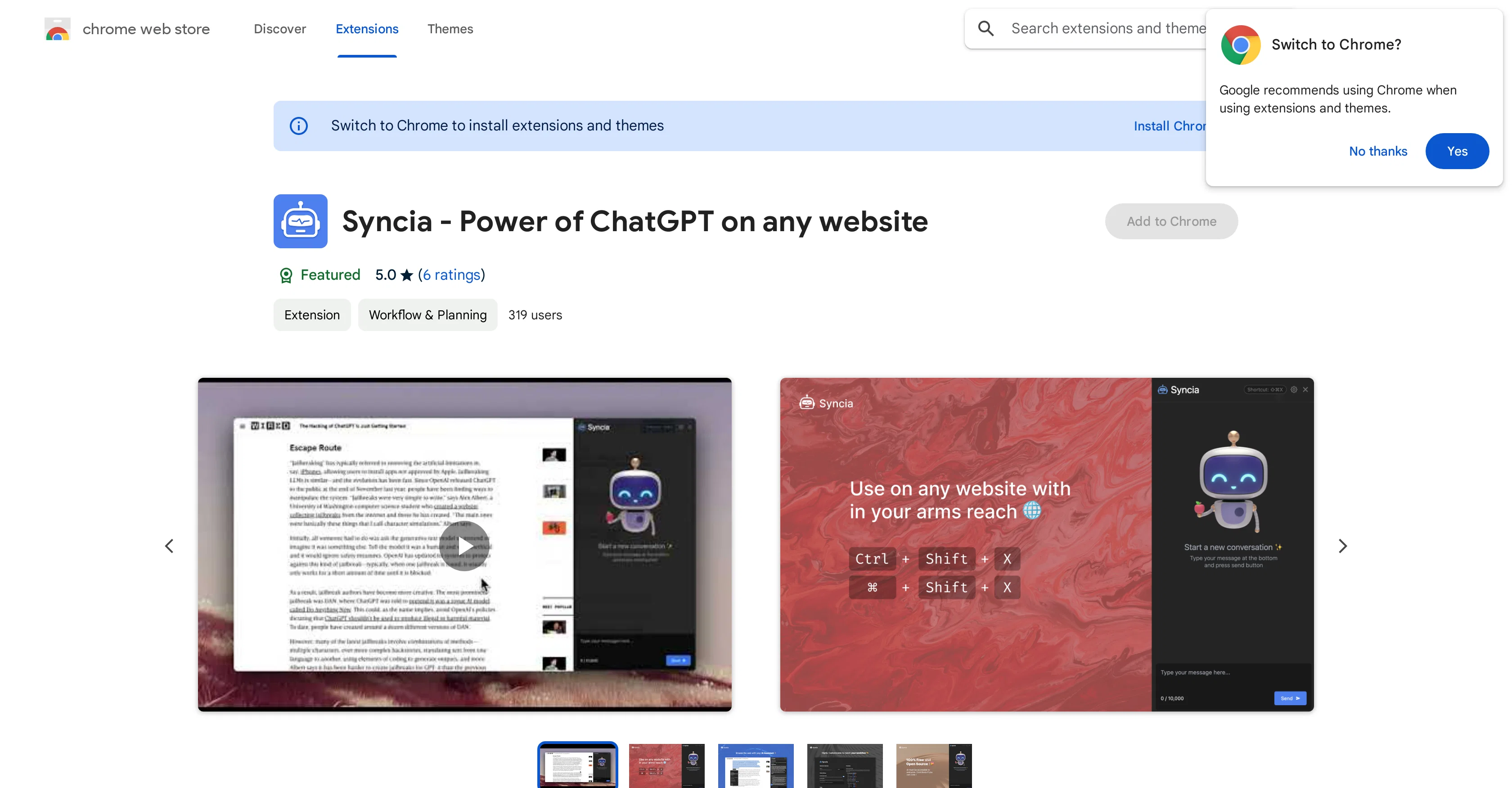
Syncia is a browser extension designed to enable the utilization of Open AI's GPT in any website. It is an AI-powered tool that enhances textual interactions on webpages through a sidebar chat with ChatGPT.
The sidebar can be initiated using the ctrl+shift+x shortcut. The extension comes with a quick floating menu feature that emerges beneath any selected text on a webpage.
This quick menu houses several features including text summarization, simplification, translation, and grammar checks. The menu also offers customization for text length.
Syncia allows users to store custom prompts and use them promptly from the quick menu. Moreover, user settings within the extension are fully customizable.
The extension is designed with high security standards and is offered as a free and open-source tool. Users are obliged to provide their Open AI API key to enjoy the functionalities of Syncia.
The extension is widely recognized for its efficient output and user-friendly interface.
Access & connections
Where you can use Syncia, and what it plugs into.
Platforms
Integrations
Capabilities
What this tool accepts, produces, and is strongest at.
Input
- API
- Tabular
- Text
Output
- API
- Text
Pros & cons
Pros
- Free and open-source
- Browser extension
- Sidebar chat feature
- Shortcut access
- Text summarization
- Grammar check feature
- Text customization
- Stores custom prompts
Show 13 more
- Fully customizable settings
- Text translation
- Security
- Lightweight design
- User-friendly
- Community ownership
- Cross-website use
- Usage in research
- Useful for language learners
- Enhances browsing experience
- Does not collect user data
- Plug and play extension
- Developer-supported
Cons
- Only a browser extension
- Limited to text-based interactions
- No version update information
- Only English language support
- Inefficient for large text
- No mobile application version
- Limited customization options
- No integrated voice support
Show 1 more
- Requires manual shortcut setup
Compare alternatives
Similar tools in the catalog — with a clear reason to open each one.

ChatGPT ✓
FreemiumAsk anything, create anything, and move from idea to action.
Free + from $20/mo
Full comparison
Smarter ChatGPT by Athena AI ✓
FreemiumAI assistant that gets your tasks done. Smarter than ChatGPT.
Free + from $5.99/mo
Full comparison
Free AI Chatbot & Image Generator ✓
FreeFree AI chat and image creation, no signup required
Why look Stronger for image work
Full comparison
KoalaChat ✓
FreemiumThe best AI writer and chatbot for your needs
Free + from $9/mo
Full comparison

Releases 1
FAQ 12
How do I install Syncia browser extension?
What websites can I use Syncia on?
How does Syncia use ChatGPT?
What kind of texts can Syncia summarize?
How does Syncia help with grammar check?
How do I control the customized text length with Syncia?
How can I use my own Open AI API key with Syncia?
What are the custom prompts in Syncia?
Can Syncia be used for translation of website content?
How is Syncia useful for research purposes?
How lightweight is the Syncia extension?
What does it mean that Syncia is open-source?
Related tools
Recommended

GPT-3 AI Avatar ✓
FreeCreate AI avatars that remember, respond, and automate tasks.

Typing Mind ✓
PaidChatGPT with superpowers

Opera AI Prompts ✓
FreeYour faster, smarter, safer web companion

ChatSuggest ✓
Free TrialAI-powered conversation assistant for interviews and pitches.

QuickGPT ✓
FreeChatGPT at your fingertips.

Chatbase ✓
FreemiumBuild custom AI chatbots for your website