
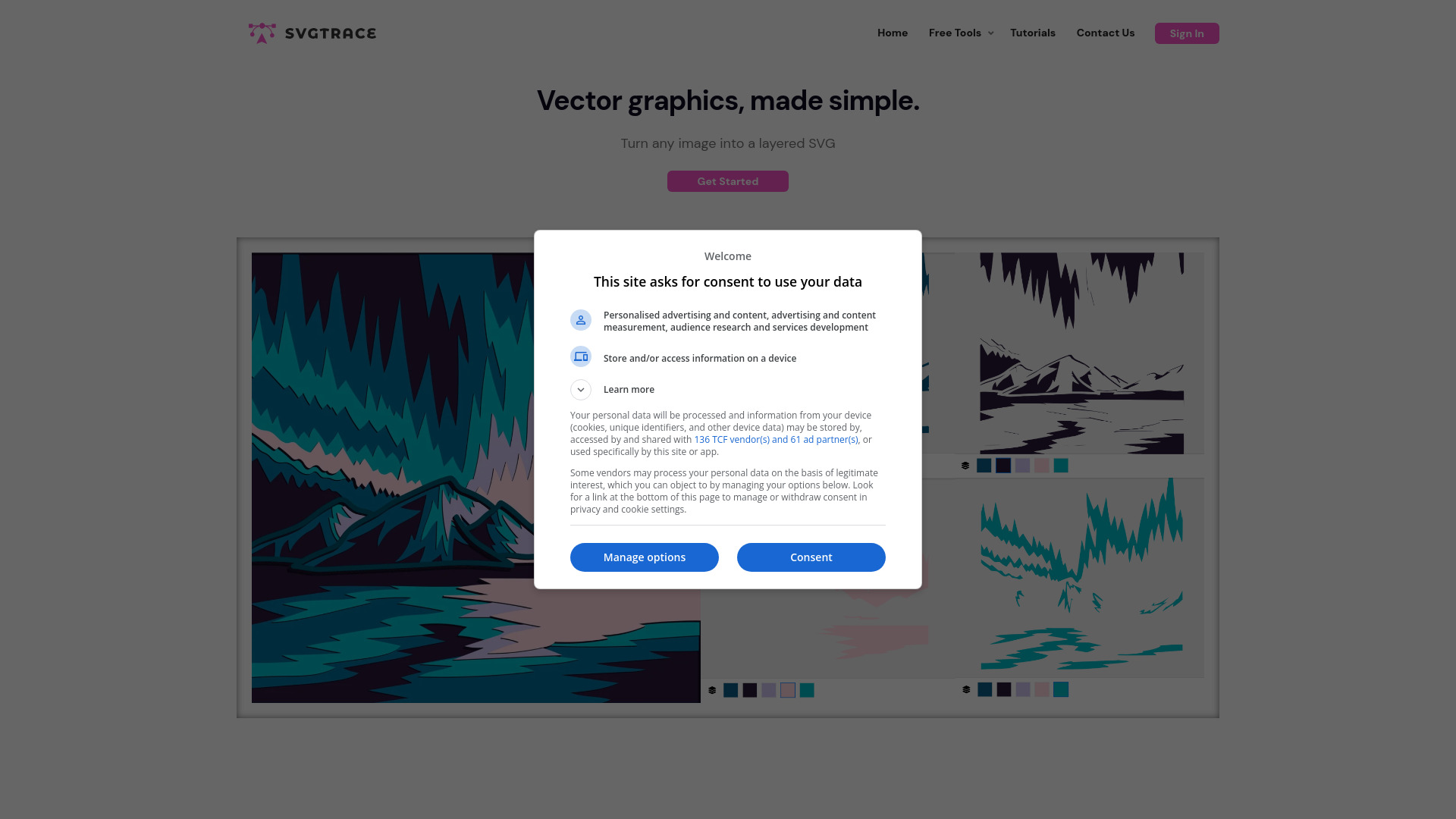
svgtrace.com
SvgTrace converts images to SVG, offering both free and pro versions with editing capabilities.
Verdict
A quick read before you dig into the full page.
- Best if
- You are designers and need: Creating multilayer SVGs for crafts
- Skip if
- You need enterprise SLAs or a fully managed team plan right away
- Pick this when
- Freemium · Free
Overview
SvgTrace is a website that offers free and pro tools for converting images into SVG (Scalable Vector Graphics) files. It allows users to convert JPG and PNG images to SVG with unlimited colors. The Pro version includes a built-in editor and the ability to export to more file types. It caters to designers, crafters, and creators of all levels.
Best for
Short scenarios where svgtrace.com tends to shine.
-
Creating multilayer SVGs for crafts
Best for Designers
-
Generating cut files for cutting machines
Best for Crafters
-
Designing 3D layers for projects
Best for Creators
-
Preparing files for plywood and paper cutting
Best for Hobbyists
-
Creating 3D mandala plywood projects
Best for Creative Professionals
Example outputs 1
Sample generations and before/after results for svgtrace.com.
Access & connections
Where you can use svgtrace.com.
Platforms
Capabilities
What this tool accepts, produces, and is strongest at.
Highlights
- AI-powered image upscaling and conversion to SVG
- Creation of color-layered SVG files
- Manual SVG editing with cutting, erasing, and copying options
- JPG to SVG conversion
- PNG to SVG conversion
People also view
Tools that often show up alongside svgtrace.com in collections and comparisons.

NewsBang
UnknownAI-powered news platform providing summaries, insights, and interactive podcasts.

Articos ✓
PaidRun synthetic user interviews and validate messaging, landing pages, and product ideas

ace.me
UnknownYour new website, email address & cloud storage. Simple. Fast. Secure.